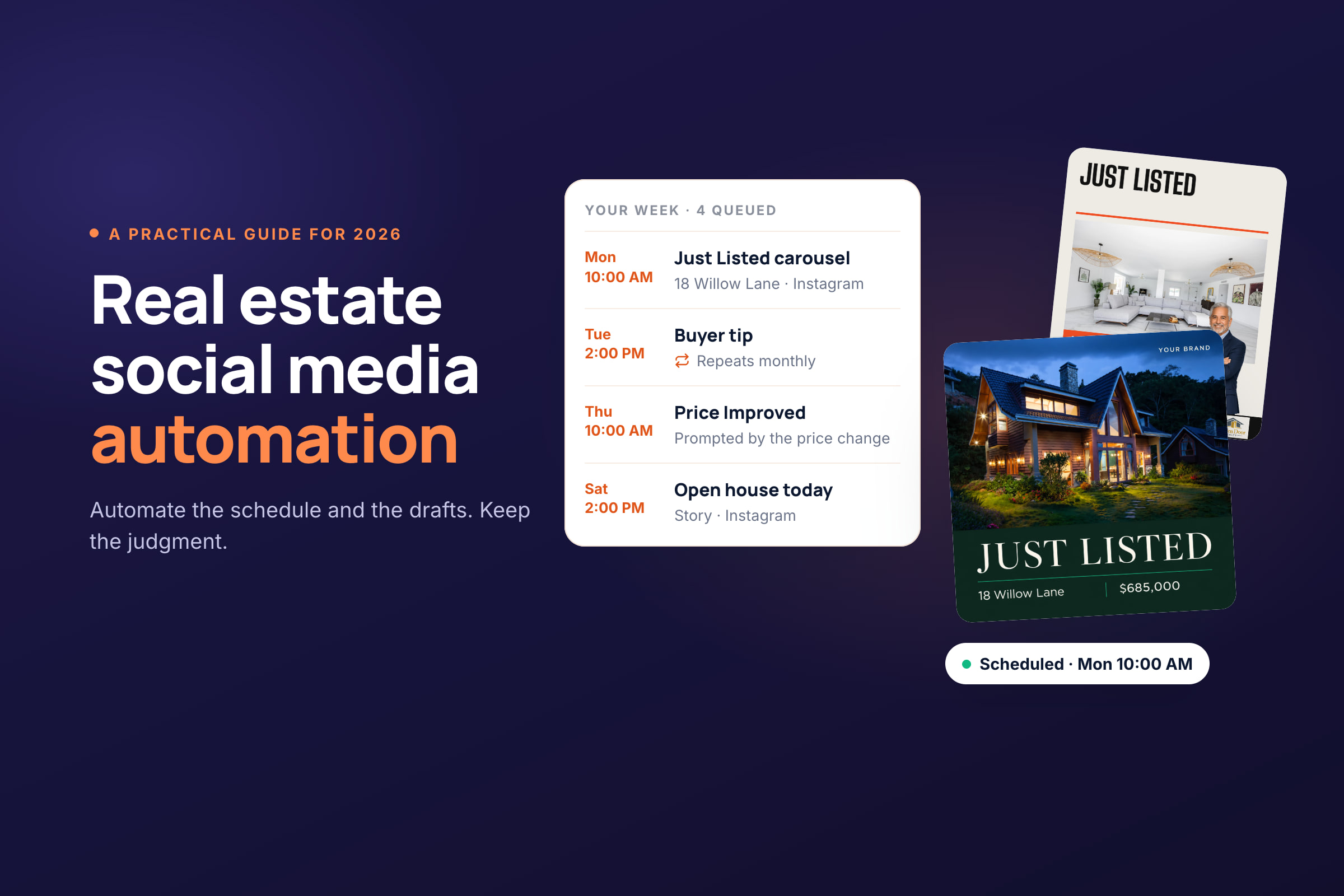
Real estate social media automation means letting software handle the repeatable parts of posting (cross-posting to every channel, when posts go out, posts that recur, content that starts from a listing, and the first draft) while you review everything that goes out. Automate the repetition. Keep judgment, replies and anything sensitive for yourself.
Time is the reason to do it. In NAR's 2026 REALTORS® Technology Report, 81% of agents said saving time is their main reason for adopting new technology, up from 66% a year earlier, and 56% of agents who use AI already use it for social media posts. This guide shows where your social media time actually goes, what to hand over and what to keep, how to set it up in a week, and the listing rules automation can quietly break.
Where your social media time actually goes
Most of the time agents spend on social media isn't creative. It's repetition: rebuilding the same post for each platform, retyping the price and address, resizing photos, logging in to four apps and remembering to post on time. Those are exactly the tasks automation is good at.
| Task | By hand | Automated |
|---|---|---|
| Getting a post onto four channels | Make it four times, in four apps | Make it once and cross-post it, with a caption tailored to each channel |
| Listing details | Retype the price, beds and address for every post | Enter the listing once; every post pulls from it |
| Sizes and formats | Crop and export a version for each platform | Let the tool format each channel's version; check the previews |
| Posting on time | Be on your phone at 9 a.m. | Queue it in a weekday slot |
| Remembering what's due | Notice the listing sold and decide to post | Get prompted when the status changes |
| Deciding what to post this week | Start from a blank page | Review a drafted week |
| Evergreen posts | Remake them every few months | Set them to repeat |
| Links and hashtags | Add a comment after the post goes live | Schedule a first comment with the post |
Cross-posting shows the saving most clearly. Take one listing through five stages (Coming Soon, Just Listed, Open House, Under Contract, Just Sold) on Instagram, Facebook, TikTok and Threads. By hand, that's 5 × 4 = 20 posts to build and publish one at a time. Cross-posted, it's 5 posts to create, each tailored per channel and published at once. The same maths applies to every buyer tip, market update and neighborhood post you make.
What automation doesn't save is the thinking: choosing what's worth saying, checking the facts, and answering the people who reply. The rest of this guide keeps that line.
What real estate social media automation actually covers
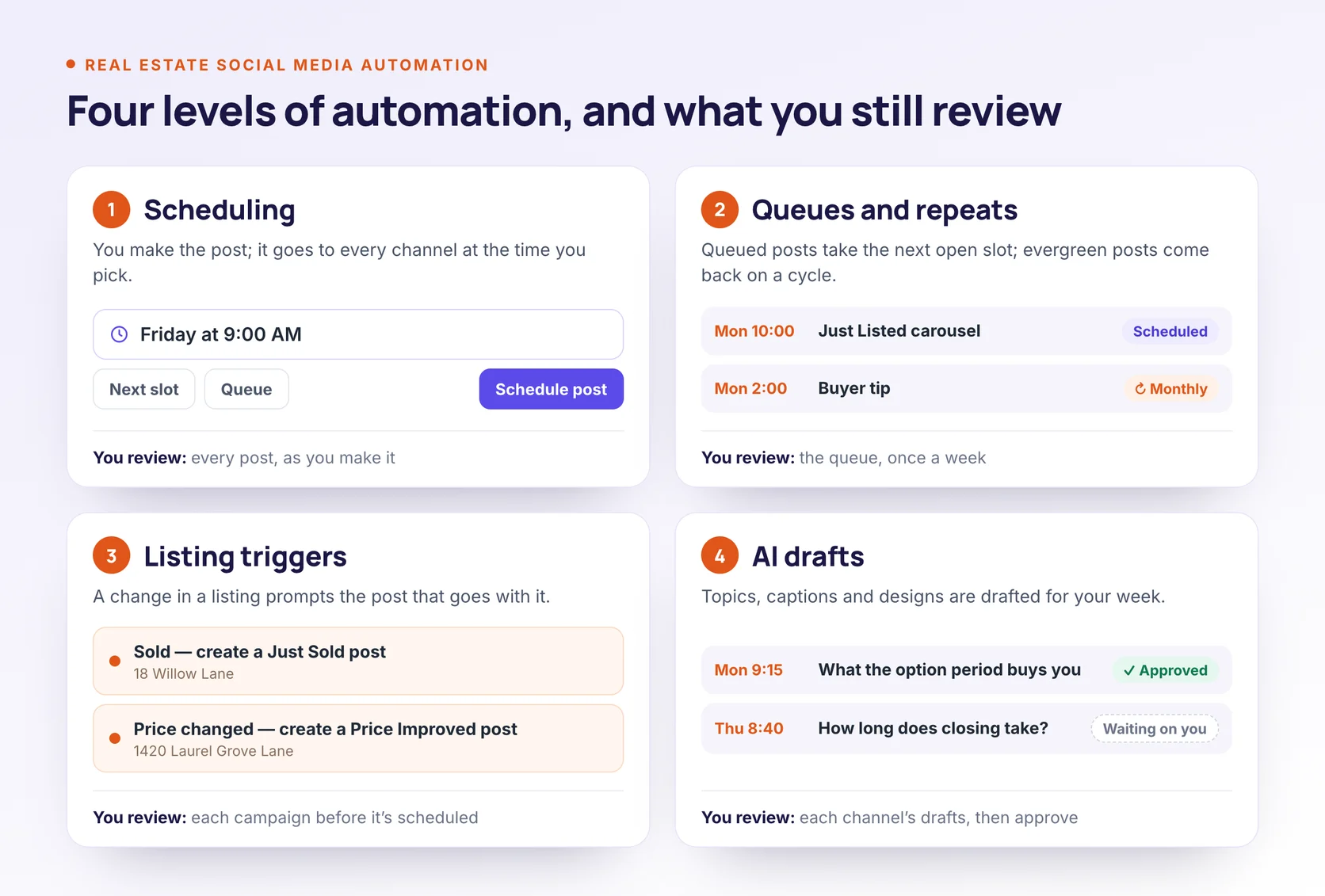
"Automation" gets used for everything from a scheduling calendar to software that writes your week for you. It's more useful to think of it as four levels. Each level takes more work off your plate, and each one still leaves you something to review.
| Level | What the tool does | What you still do | Example |
|---|---|---|---|
| 1. Scheduling | Publishes a post at the time you pick, to one channel or all of them | Make every post | A Just Listed post set for Tuesday at 9 a.m. |
| 2. Queues and repeats | Drops queued posts into your weekday slots and brings evergreen posts back on a cycle | Check the queue once a week | A buyer tip that comes back every month |
| 3. Listing triggers | Starts content from a listing or a change in its status | Review each campaign before it's scheduled | A price drop prompts a Price Improved post |
| 4. AI drafting | Drafts topics, captions and designs for your week | Edit and approve each draft | Five everyday posts drafted from your market |
Some people argue that scheduling doesn't count as automation at all. For an agent, it does: it's the level that stops you posting from the car between showings. But it's only the first level. Levels 3 and 4 are where the tool starts the work instead of waiting for you to finish it.
What to automate, what to assist, and what to keep manual
Not every post should be automated to the same degree. Use this grid as a starting point.
| Content | Automate | AI-assisted, you review | Keep manual | Why |
|---|---|---|---|---|
| Just Listed, open house, price drop, Just Sold | Timing | Caption, design, Reel | Facts must match the listing | |
| Market updates | Timing | Draft and design | Every number needs checking | |
| The same post on several channels | Cross-posting | A caption for each channel | Each platform has its own length, link and hashtag habits | |
| Evergreen tips and FAQs | Repeats | First draft | Useful for months with light edits | |
| Neighborhood posts | Timing | Draft | Add one detail only a local knows | |
| Client testimonials | Yes | You need the client's permission and exact words | ||
| Replies, DMs and comments | Yes | Conversations are where leads happen | ||
| First comments (link, hashtags) | Yes | Low risk and repetitive | ||
| Breaking local news or a tragedy | Yes | Pause the queue and post by hand, if at all | ||
| Paid ads and boosted posts | Yes | Housing ads have their own rules |
The pattern: automate timing and repetition, let AI start the draft, and keep anything involving a real person's words, a live conversation or money in your own hands.
How to automate real estate social media posts in 7 steps
This setup works with any tool that schedules and drafts real estate content. You can do it over a week, an hour or so at a time.
1. Connect the accounts you'll cross-post to
Automated publishing only works on accounts that allow it. Instagram needs a professional account (Business or Creator). Facebook allows third-party publishing to Pages, not personal profiles. TikTok lets tools publish directly or send a post to your TikTok inbox to finish in the app. Check which formats your tool can publish without a phone notification, especially Instagram Stories and carousels.
Connections also expire. A changed password or a lost admin role can disconnect an account without much warning, so check your connections as part of the weekly review in step 7.
Once your accounts are connected, one post can go to all of them at once. Cross-post, but don't copy and paste: start from one shared caption, then adjust each channel's version. Instagram doesn't make links in captions clickable, so point people to your bio there. Facebook keeps links clickable and suits a longer caption. TikTok wants vertical video, and Threads suits a short, conversational line. Check each channel's preview before you schedule, especially the crop.
2. Set your brand and voice once
Upload your logo and colors, and add your brokerage name and license number where your state requires them. Our real estate social media compliance guide lists the state rules. Then give the tool something to write from: your tone, a few captions you've written yourself, and the phrases you never use. On a team, set this up once per agent so each post sounds like the person it's from.
3. Get listings in once, not per post
Retyping the price, beds and address for every post is where most time goes, and where most errors start. Add each listing once, by hand, by spreadsheet import, from its property page or through a website sync, and let every post pull from that record.
4. Set your posting times
Pick two slots a day on your main channel, say mid-morning and early afternoon, and let queued posts fill them. After a few weeks, move the slots to the times your own posts do best. Our guide to the best time to post on social media for real estate has starting slots for each platform and a four-week test.
5. Turn listing changes into content
Each listing stage deserves its own post: Coming Soon, Just Listed, Open House, Price Drop, Under Contract, Just Sold. The useful kind of automation here is a nudge. When you mark a listing sold or reduce its price, the tool should prompt you to create the matching post while it's still news, with the listing's photos and details already filled in.
6. Plan the weeks between listings
Listings come in bursts. Your posting shouldn't. Plan a week of everyday content at a time (a buyer tip, a neighborhood post, a market update, something personal) and approve it in one sitting. Our real estate social media calendar has a five-slot weekly framework to plan around.
7. Put evergreen posts on repeat and add a first comment
Some posts stay useful for months: how closing costs work, what an option period buys you, a guide to your farm area. Set them to repeat every few weeks. If your tool can rewrite the caption for each repeat, look at the calendar before those go out, because the wording will be new.
Use a first comment for the link or the hashtags, and delay it if you like. Then block ten minutes a week to look over the coming week's calendar, check your connections, and move or delete anything that no longer fits.
The review checklist before anything goes live
Automation makes posting faster. It doesn't make a wrong post right. Run these checks on anything drafted or scheduled for you:
- The facts: price, beds, baths, square footage, address, and open house date and time all match the listing.
- Nothing invented: AI drafts sometimes add features the listing doesn't have. Delete anything you can't point to.
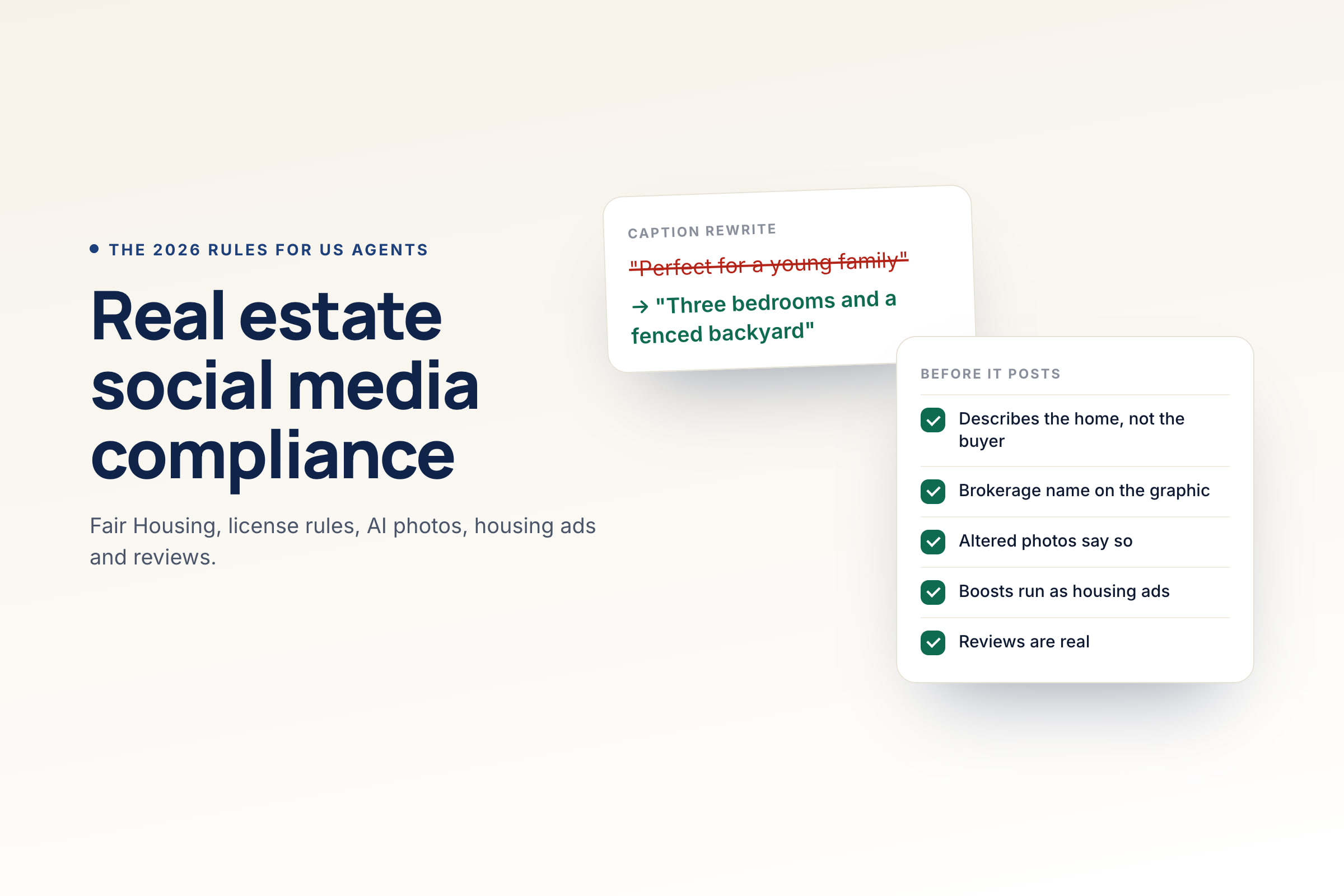
- Fair Housing wording: the caption and images describe the property, not the ideal buyer. "Perfect for families" and "quiet, safe neighborhood" are the classic problems.
- Your disclosures: your brokerage name, and your license number where your state requires it.
- Photo rights: you have the right to use every photo and video in the post.
- Other brokers' listings: you have the listing broker's consent (see the next section).
- The listing's status: it hasn't gone under contract or sold since the post was drafted.
- Each channel's version: the caption, crop and link suit the platform it's going to.
- The link and the account: the link works, and the post is going to the right account under the right agent's name.
The compliance guide explains the Fair Housing, license and AI rules behind each check.
Listing rules automation can break
Automated listing posts follow the same rules as posts you make by hand. Automation just makes it easier to break them at scale. This is general information, not legal advice. Your MLS and your broker have the final word.
- Another broker's listing needs consent. NAR's Model MLS Rule 2.7 says a listing "shall not be advertised by any Participant other than the listing broker without the prior consent of the listing broker." IDX permission covers your website, not your social media, as the IDX policy makes clear. Don't set up automation that posts listings you don't represent.
- Keep posts in step with the listing. When a listing goes under contract, sells or changes price, update or remove the posts still scheduled for it. A "Just Listed" post that goes out after the sale is misleading, even if it was scheduled in good faith.
- Boosting a listing is advertising. When you boost a listing post or run it as an ad on Facebook or Instagram, Meta requires its housing Special Ad Category, which limits targeting. Keep paid promotion out of your automated workflow and set it up by hand.
- Label AI where the platform asks. Meta and TikTok require labels on realistic AI-generated or heavily edited video. Some states also regulate altered listing photos; the compliance guide covers California's rule and Wisconsin's, which starts in 2027.
When automation goes wrong, and how to pause it
The risk with a full calendar is that it keeps going when it shouldn't. Plan for these:
- A local tragedy or major news event. Unschedule or move the next few days, including repeating posts. A cheerful market update the morning after a disaster does real damage.
- Duplicate posts on a team. Two agents scheduling the same listing to the same brokerage account is common. Agree who posts listings to shared accounts, and check the shared calendar.
- A disconnected account. If a post fails, reconnect the account and reschedule. Don't just trust that it went out.
- A post that's no longer true. Price changes and pending sales are the usual culprits. Search the calendar for the address when a listing changes.
The weekly ten-minute review catches most of these before they happen.
Automation for teams and brokerages
On a team, automation is as much about control as speed. Decide who owns each social account (the brokerage, the team or the agent) and keep ownership with the business, not the person who set it up. Give each agent their own voice and contact details so posts don't all sound the same, and lock the brand kit so logos and colors stay consistent.
Decide whether a second person has to approve posts before they go out. If your broker requires sign-off, choose a tool with an approval step. Many real estate tools, including ours, don't have one; you review your own drafts before they're scheduled.
How to tell if your automation is working
Track four things for the first month:
- Posts published against posts planned. Consistency is the first thing automation should fix.
- Reach and engagement per post, by content type. Compare listing posts with everyday posts, and repeats with originals.
- Enquiries. Log DMs, calls and form fills that mention a post. It's manual, but it's the number that matters.
- Your own time. Note how long you spend on social media each week before and after. Nobody else's time-saving figure will tell you if it worked for you.
Choosing real estate social media automation software
Choose by level, not by feature count. Four questions sort most tools quickly:
- Does it create content, or only schedule it? A scheduler covers levels 1 and 2. You still make every post.
- Does it know what a listing is? Listing records, stage-by-stage posts and status prompts are level 3, and general tools don't have them.
- Can you cross-post and still tailor each channel? One post to every channel only saves time if each version still fits its platform.
- Which formats publish directly? Check Instagram Stories, carousels and Reels, Facebook Page video and TikTok.
- What do you review, and when? You should see and approve every AI draft before it's scheduled.
We compare the options in our guide to the best social media scheduling tools for real estate agents.
Automate your real estate social media with Velisto
Velisto covers all four levels for real estate agents, teams and brokerages:
- Cross-posting: one post to Instagram, Facebook, TikTok and Threads, with a shared caption you can tailor for each channel.
- Scheduling and queues: posting slots for each weekday (10 a.m. and 2 p.m. to start), and a best-time card once a channel has 10 measured posts.
- Repeats: evergreen posts that come back every day to every month, with fresh wording if you want it.
- Listing campaigns: one campaign for each of 12 listing stages. When you mark a listing sold, under contract, reduced or back on the market, Velisto prompts you for two weeks to create the matching post.
- AI drafts: Plan my content drafts a week of everyday posts from your market, and you approve each channel's drafts.
- A first comment on each post: posted right away or up to a day later.
You review and approve the content; Velisto publishes it at the scheduled time to Instagram, Facebook, TikTok and Threads. See how the real estate social media scheduler works, or start a 7-day free trial.
Real estate social media automation FAQ
What is real estate social media automation? Using software for the repeatable parts of posting (when posts go out, recurring posts, listing-stage content and first drafts) while you review everything before it's scheduled. It saves time without handing your judgment to a tool.
Is it safe to let AI write real estate posts? Yes, if you review every draft. AI gets facts wrong and repeats phrases that break Fair Housing rules, so check the numbers, the wording and your disclosures before approving. NAR found that 56% of agents who use AI already use it for social media posts.
Can I automatically post my MLS listings to Facebook and Instagram? Your own listings, yes, with review. Another broker's listing needs that broker's consent under Model MLS Rule 2.7, and IDX permission doesn't cover social media. If you boost a listing post, it has to run in Meta's housing ad category.
Should I cross-post the same content to every platform? Yes, with edits for each one. Keep the photos and the core message, then adjust the caption length, links and hashtags for each platform, and use vertical video where it's expected. Identical posts everywhere tend to fit none of the platforms well.
Will automated posts look robotic? Only if nobody edits them. Give the tool your own writing samples, add one local detail to each draft, and keep replies and comments personal.
Does scheduling posts hurt reach? There's no good evidence that it does. Instagram's published ranking signals are about the post and how people respond to it, not how it was published. A weak post won't do well because you posted it by hand, and a strong one won't suffer because it was scheduled.
How much time does automation save? It depends on how you work now, but you can count it. Cross-posting turns one post per channel into one post per idea: a listing through five stages on four channels drops from 20 posts to 5. Listing records remove the retyping, and queues remove the need to post by hand at the right time. Time yourself for two weeks before and after to see your own figure. Scheduling alone saves the least, because you still make every post.
For what to post once your automation is running, read our real estate social media marketing guide.
Cross-post, queue and draft your week in Velisto, and review every post before it's scheduled. Get started.