
Start with one property
Add a listing manually
Enter the property information and add its photos. A useful option when you have a new listing to promote or a smaller portfolio to bring in.
LISTING IMPORT & SYNC
Bring property photos and details into Velisto, then use them across your marketing. Add a listing, import a CSV or connect your Houzez website to keep its listings in sync.
A CLEAR START WITH CSV
Match your spreadsheet columns to Velisto’s listing fields, including an address or title to identify each property. Review the preview before you import.
Find recent imports in the Import area so you can check their progress and results. Listing capacity follows your workspace’s plan.
CSV is a file import. Ongoing website updates come through the Houzez connection.
FOR HOUZEZ WEBSITES
Connect the Velisto plugin on your Houzez site, then run your first listing sync from Listings → Import.
With automatic sync enabled, published listing changes on your connected website update the records in Velisto.
Use a listing URL from your connected site to import a property. Sync now imports the site’s published listings and turns automatic updates on.
Manage the sync mode or pause the connection in workspace settings.
Explore the Houzez integration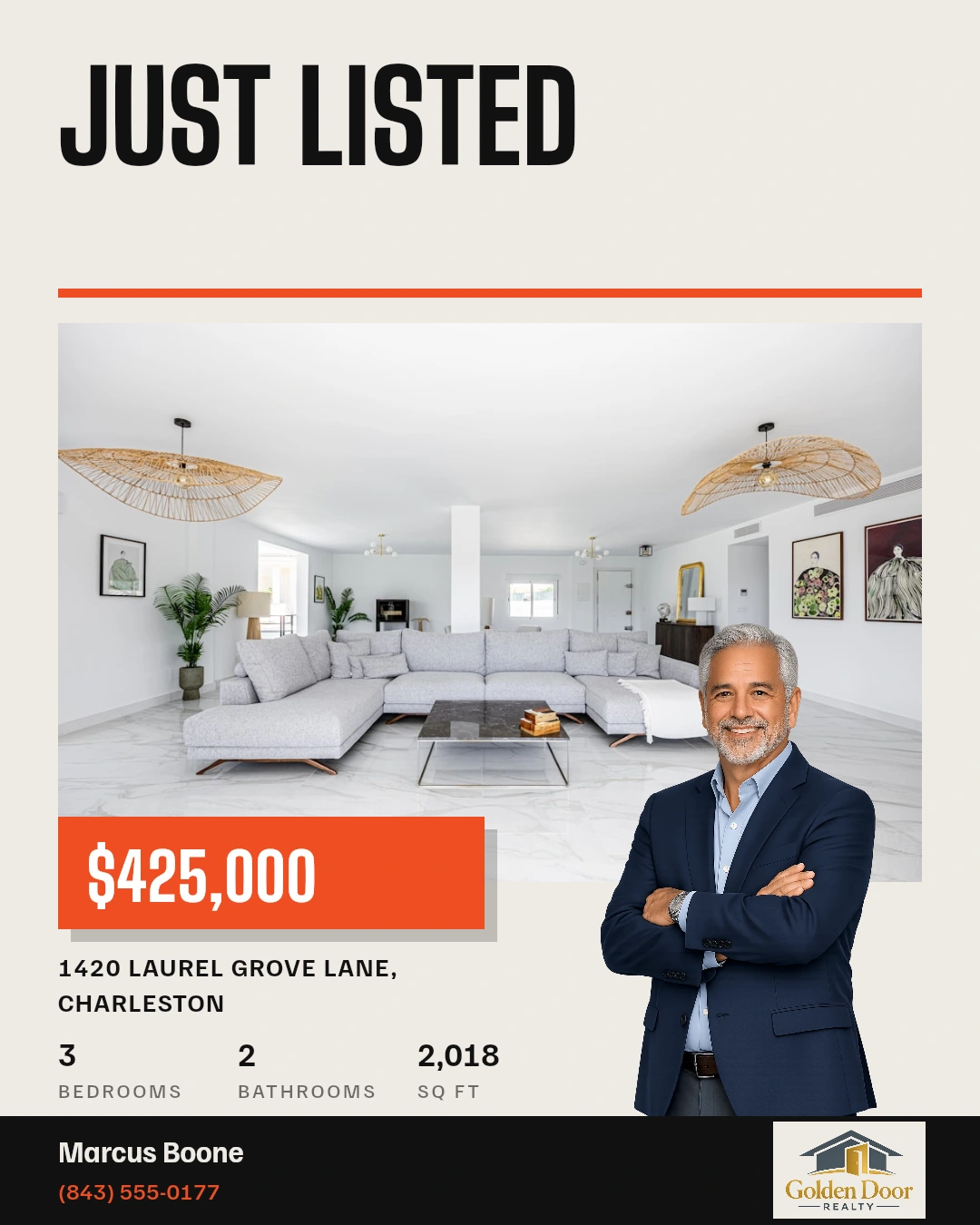
FROM PROPERTY RECORD TO MARKETING
Choose a saved listing when creating your next feed post, story, reel, landscape video or flyer. Its photos and property details give you a starting point across supported tools and templates.
Review the content for the moment you’re promoting: a new listing, an open house or another property update.
Explore listing postsYOUR QUESTIONS, ANSWERED
A few useful details before you start.
Visit the FAQ hubKEEP CREATING WITH VELISTO
BUILT FOR YOUR REAL ESTATE BUSINESS
Bring your properties into Velisto and give your marketing a head start.