
OPEN HOUSE FLYERS
Open house flyers,
with the date already in.
Pick an open house flyer, choose the listing, and Velisto fills in the date and time of its next open house with the photos, price, address and your contact details. Print it on US Letter or A4, then post the invitation too.
- Date and time from the listing
- US Letter and A4
- The matching post
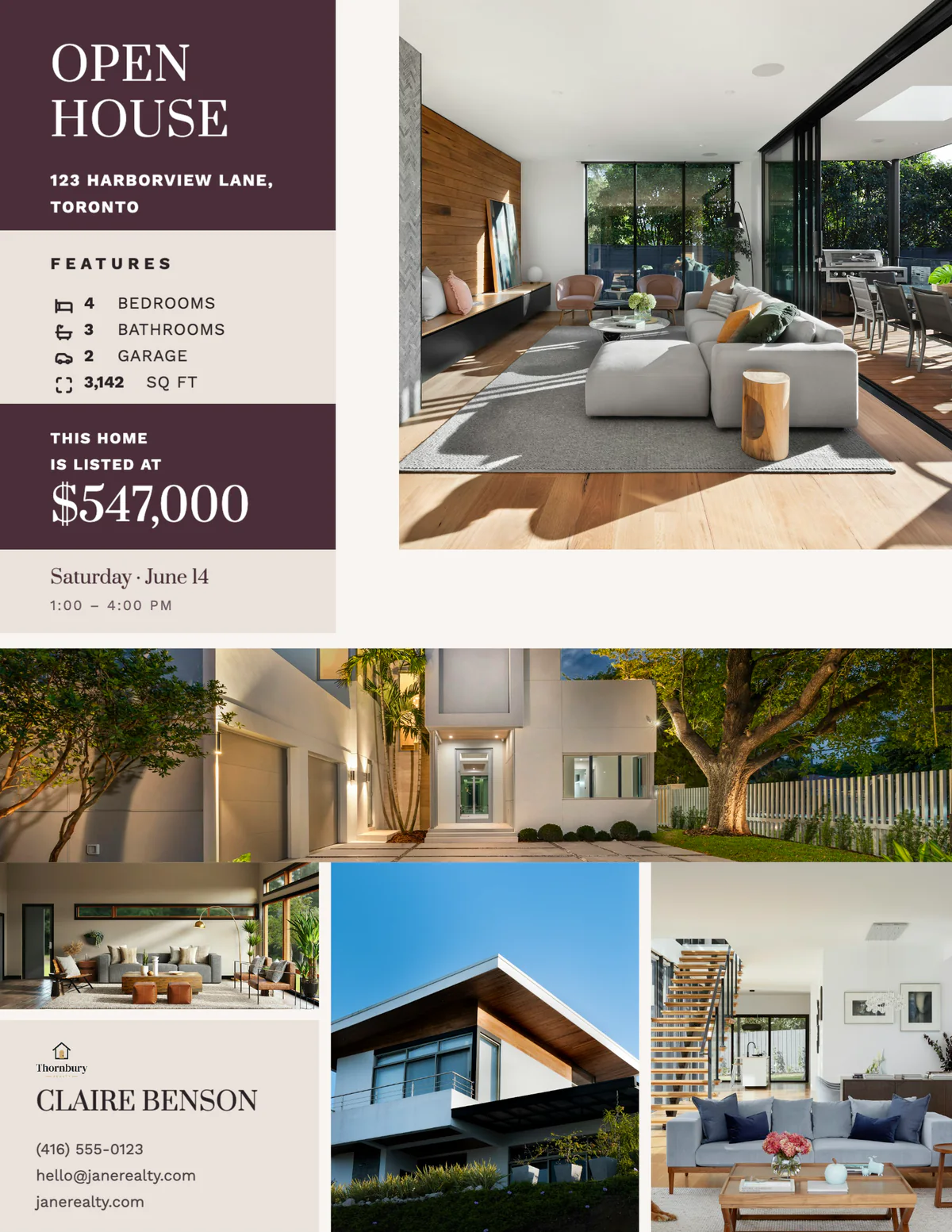
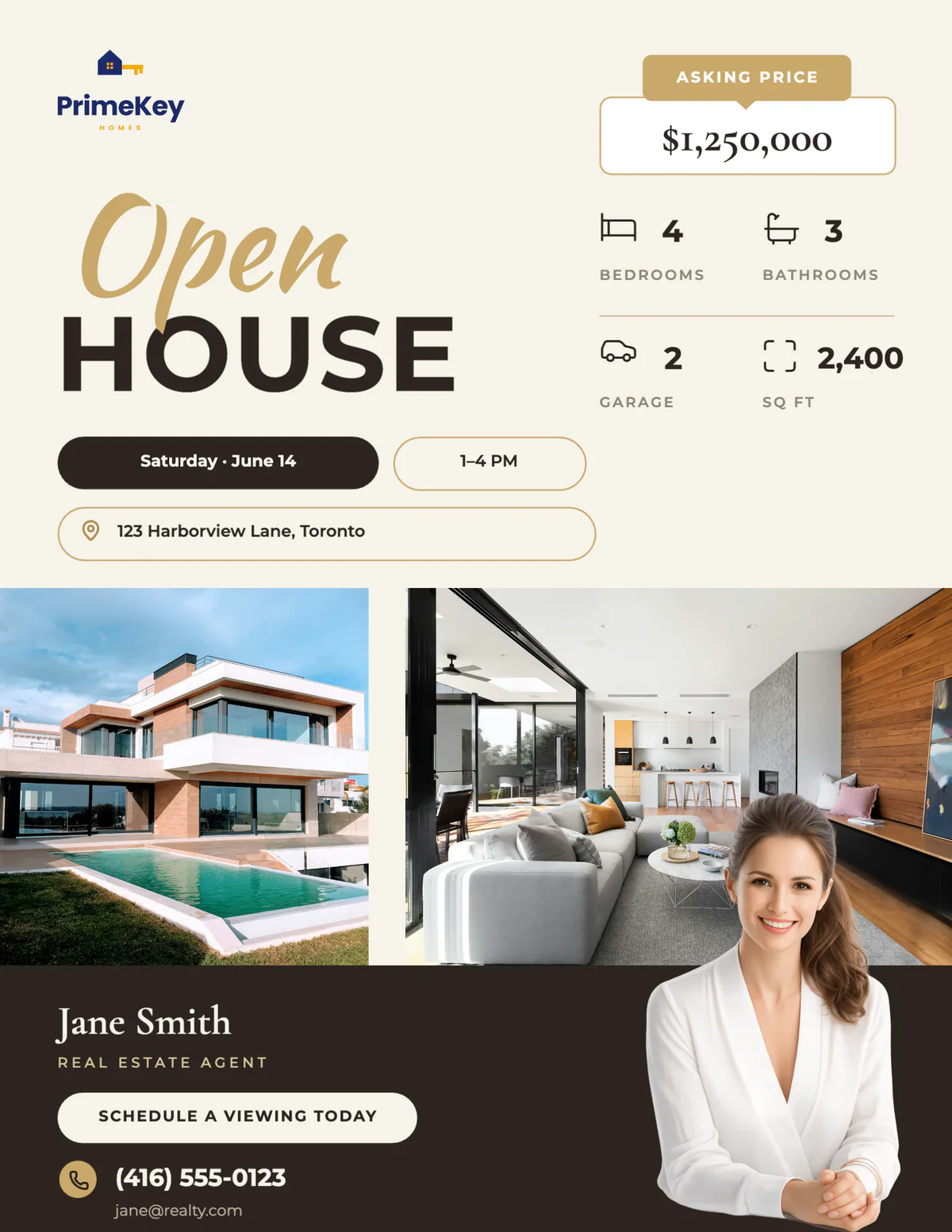
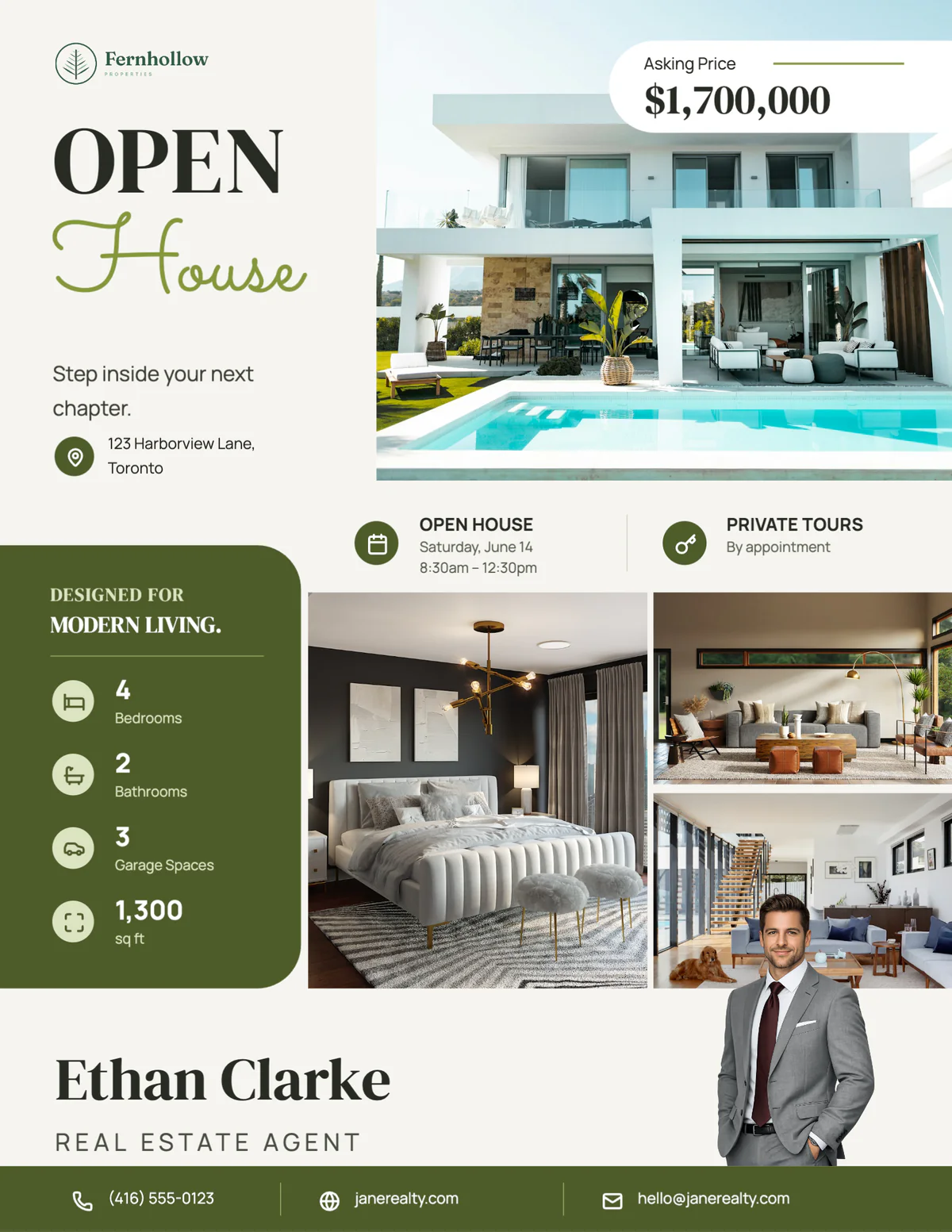
Real Velisto open house templates on US Letter, with sample listings and agents.
How do you make an open house flyer?
An open house flyer has one job: get people through the door at the right time. Make OPEN HOUSE the headline, then put the date, the start and end time and the address close together, large enough to read at a glance. Add the price, a strong photo, the numbers buyers compare and your contact details, and print it a few days ahead so it can go out before the weekend.
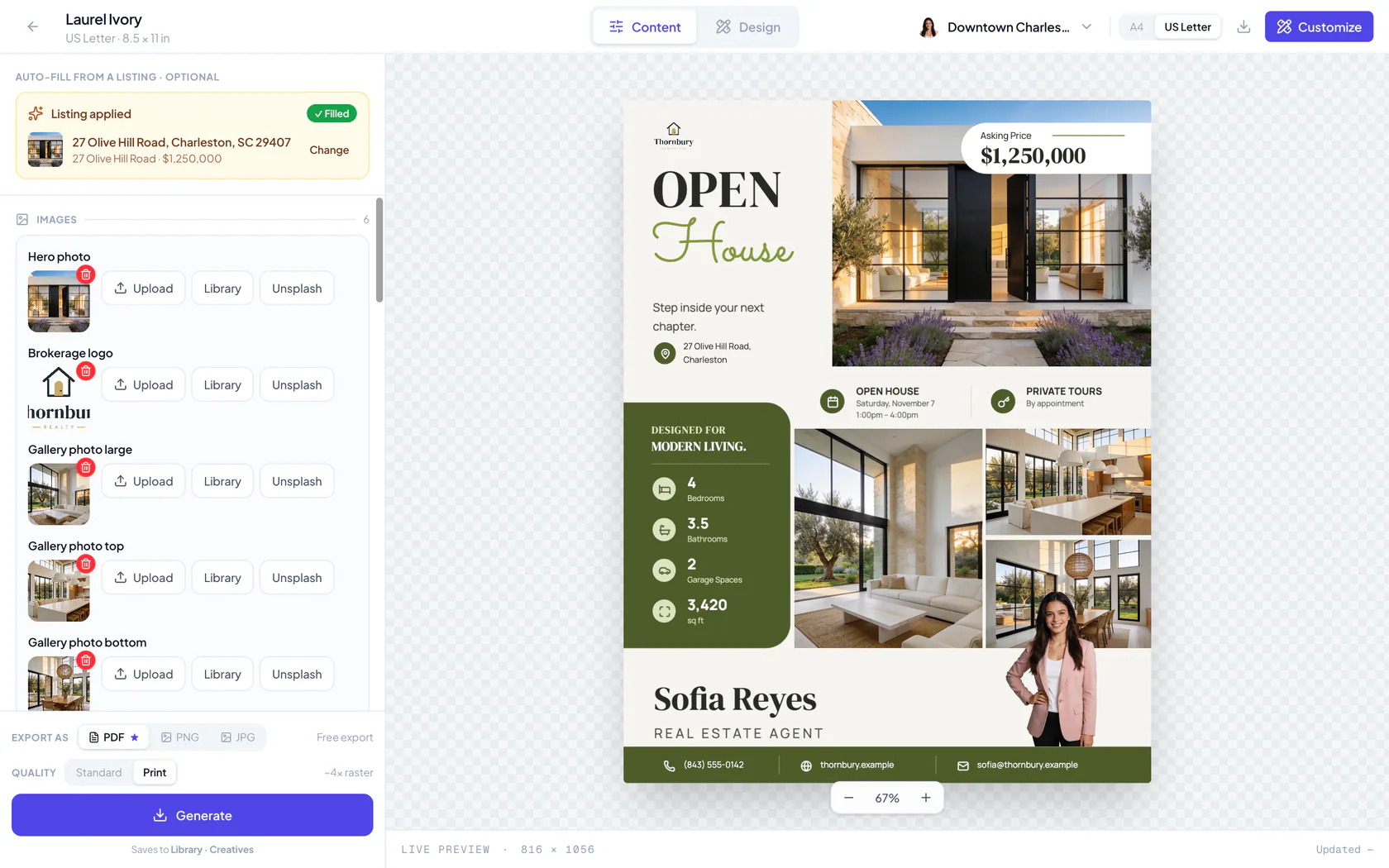
In Velisto, choose an open house flyer and pick the listing. The date and time of its next open house fill in, with its photos, price, address and room counts, and your name, photo and phone come from your profile. Download a PDF on US Letter or A4 to print, then make the open house post from the same listing.
For just listed, for sale and sold flyers, see all real estate flyers.
OPEN HOUSE FLYER TEMPLATES
Invitations people
actually read.
Bold headlines, the date and time where the eye lands first, and room for the photos that make the visit worth it.
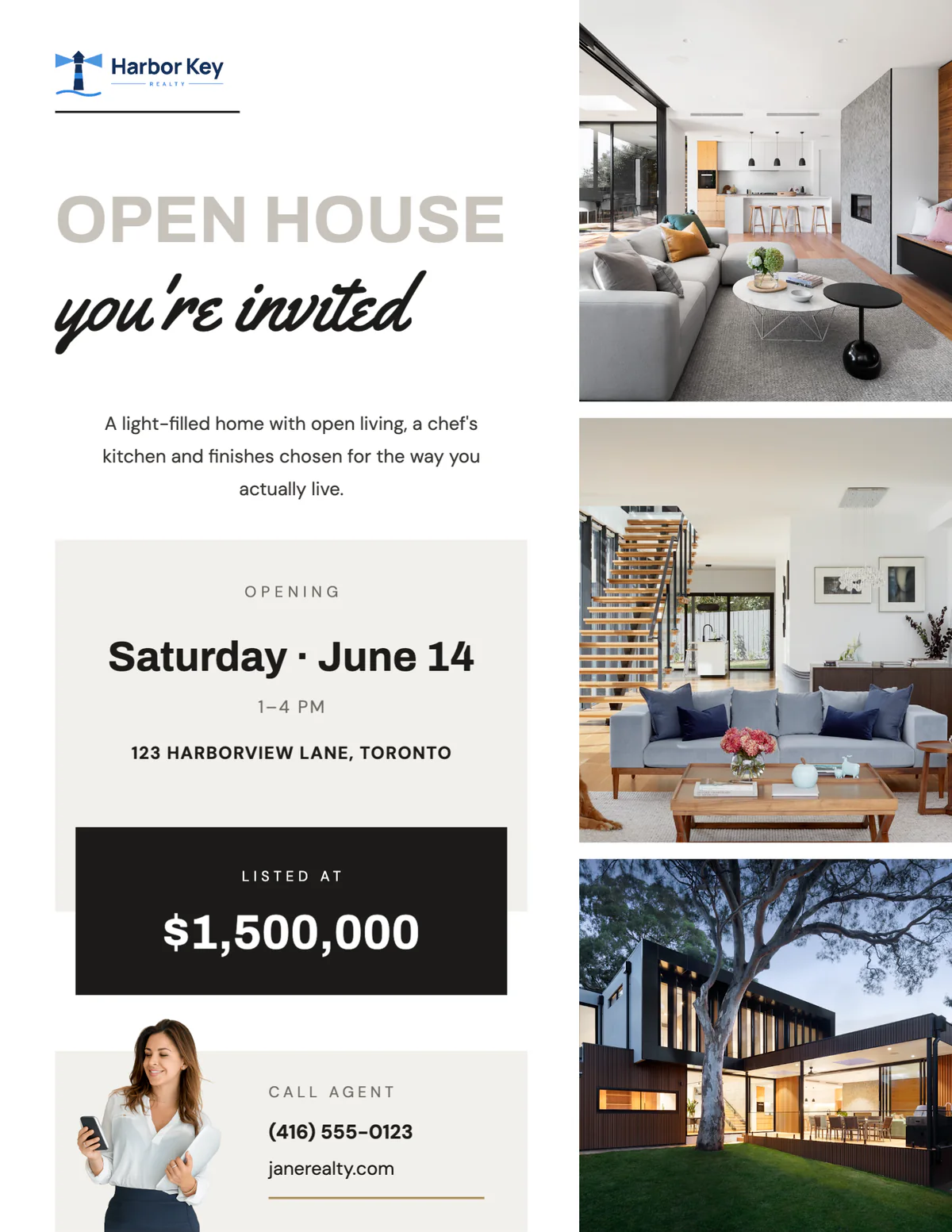
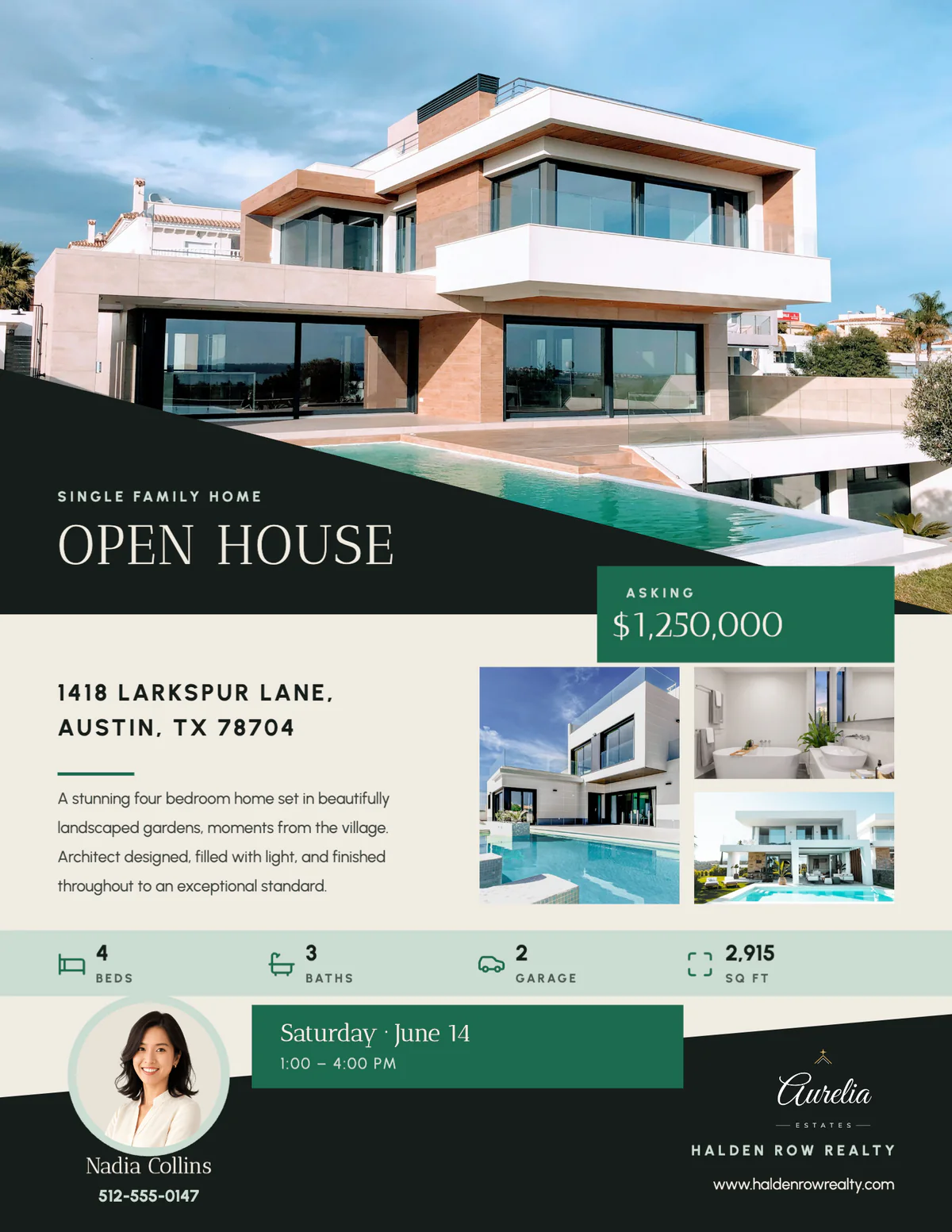
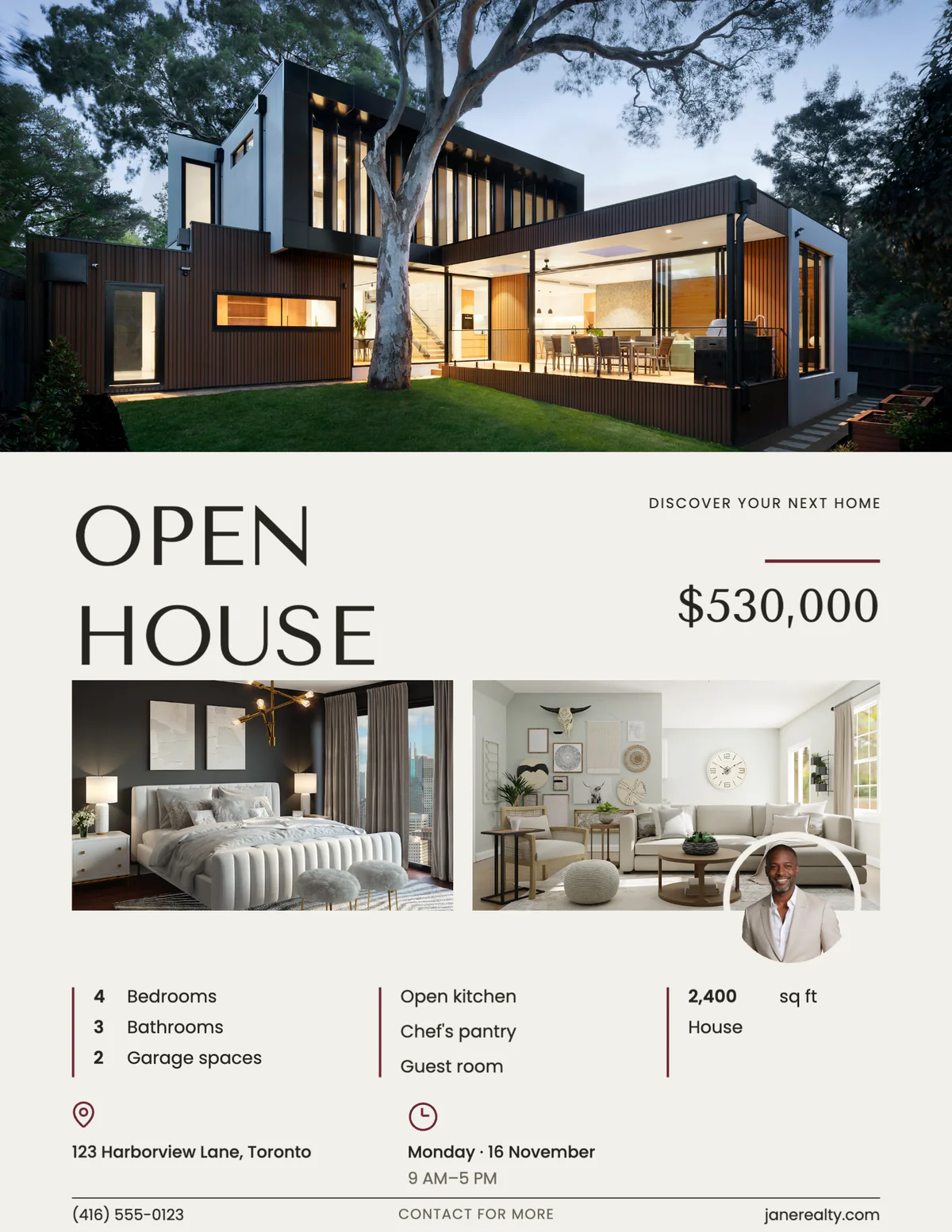
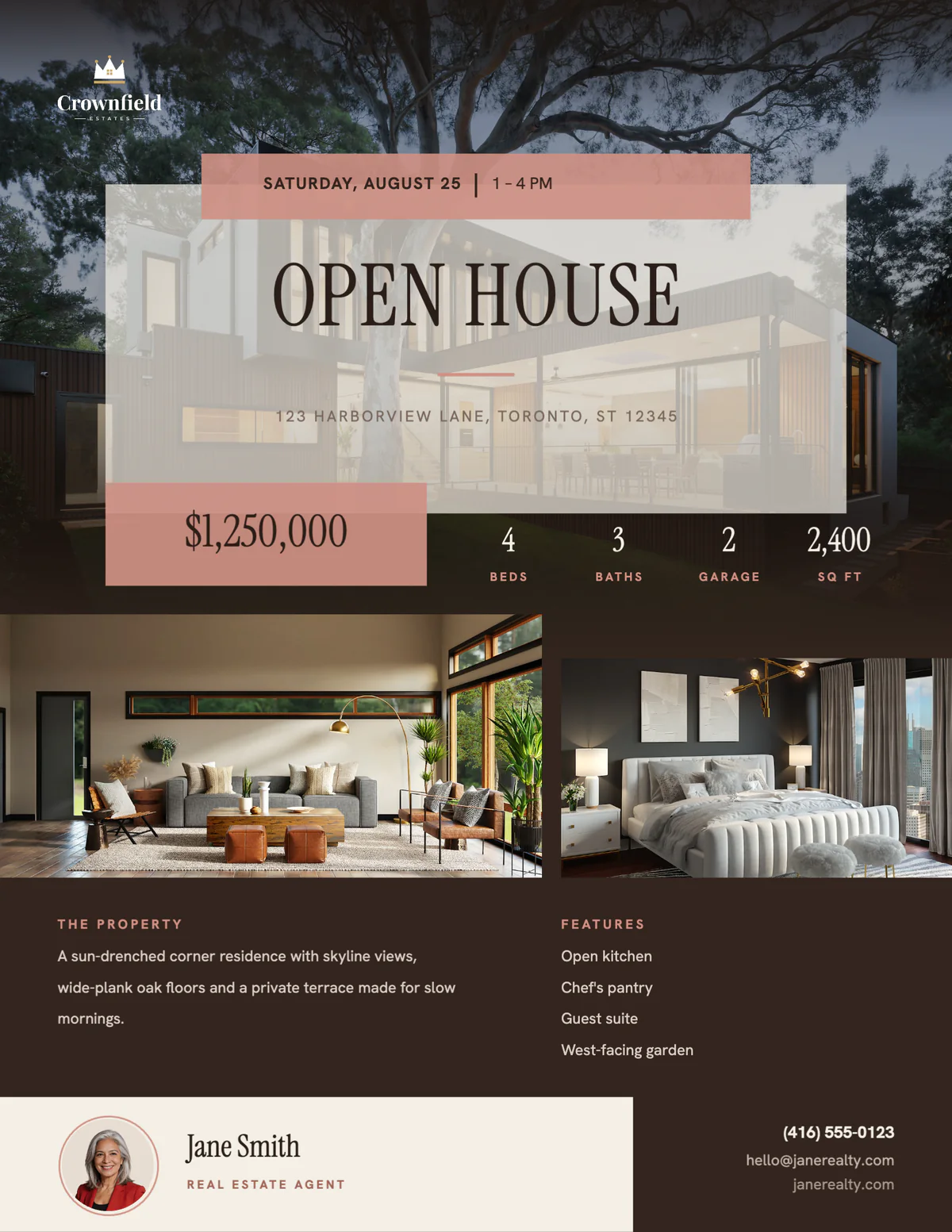
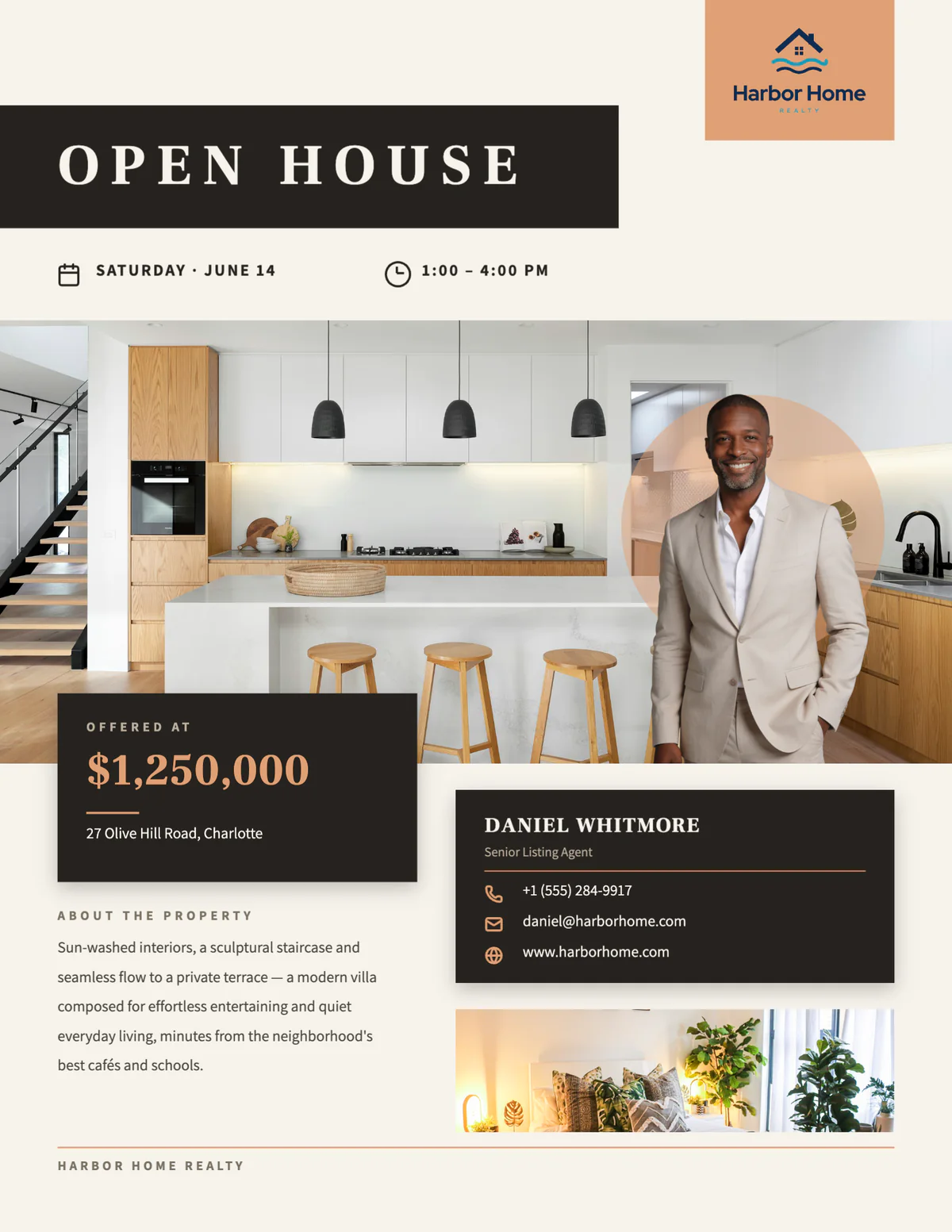
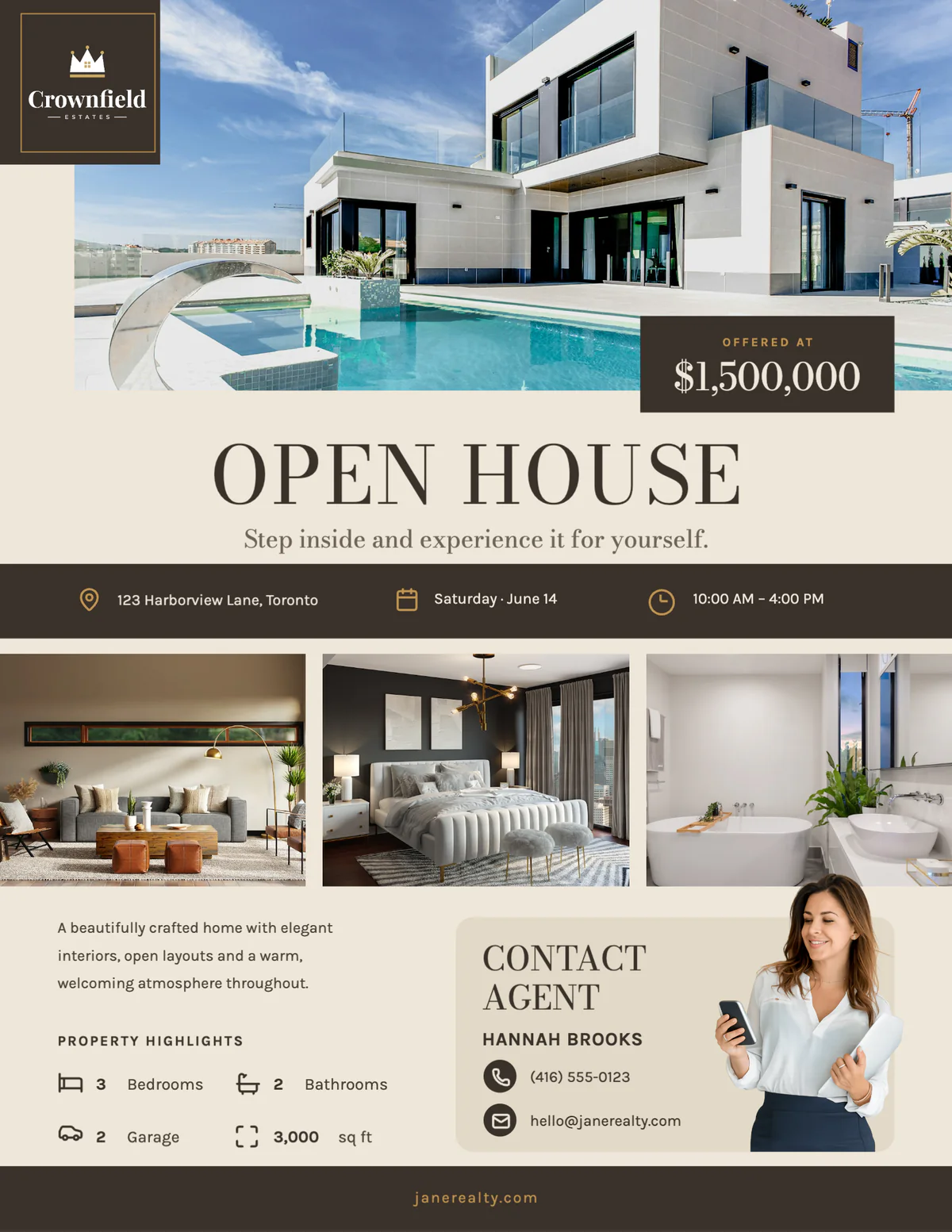
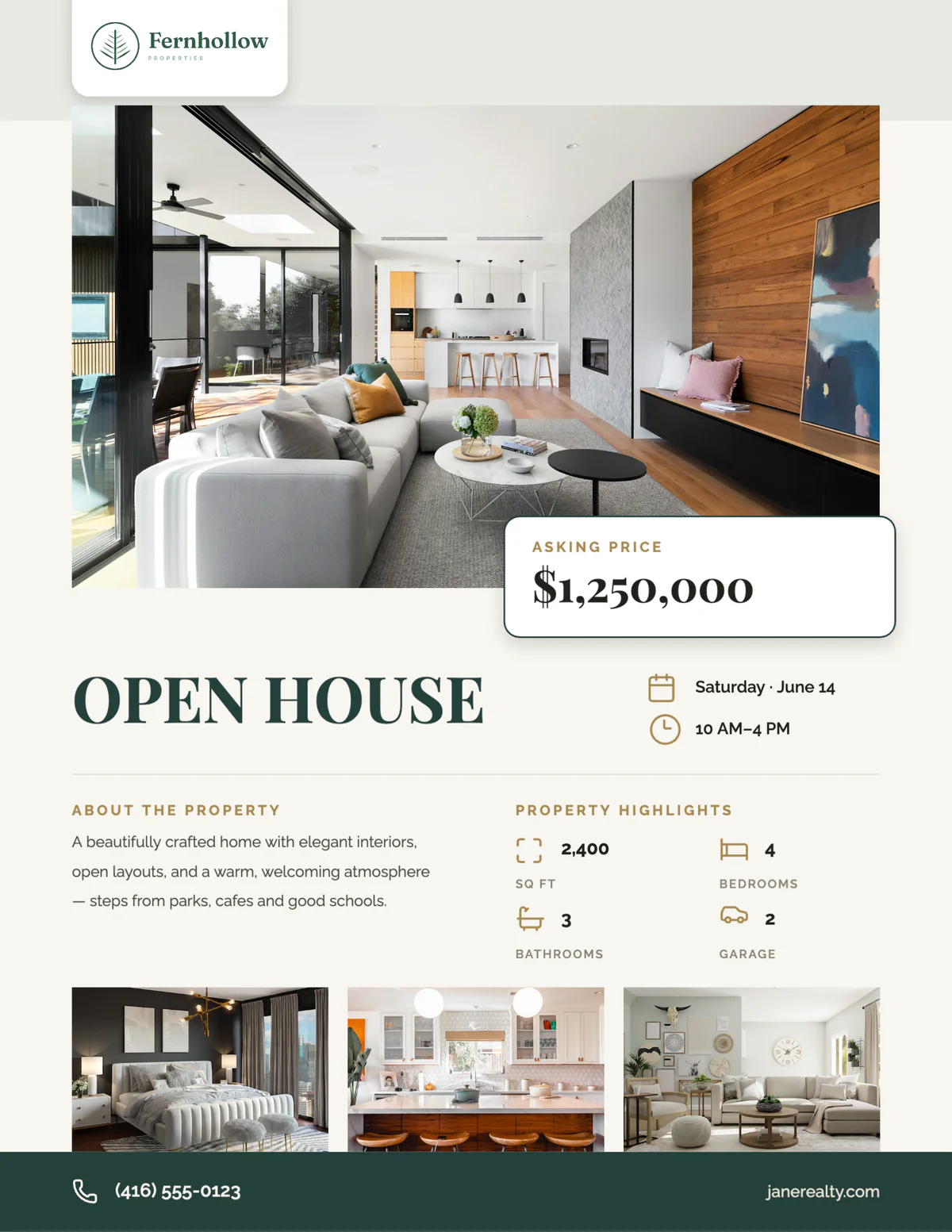
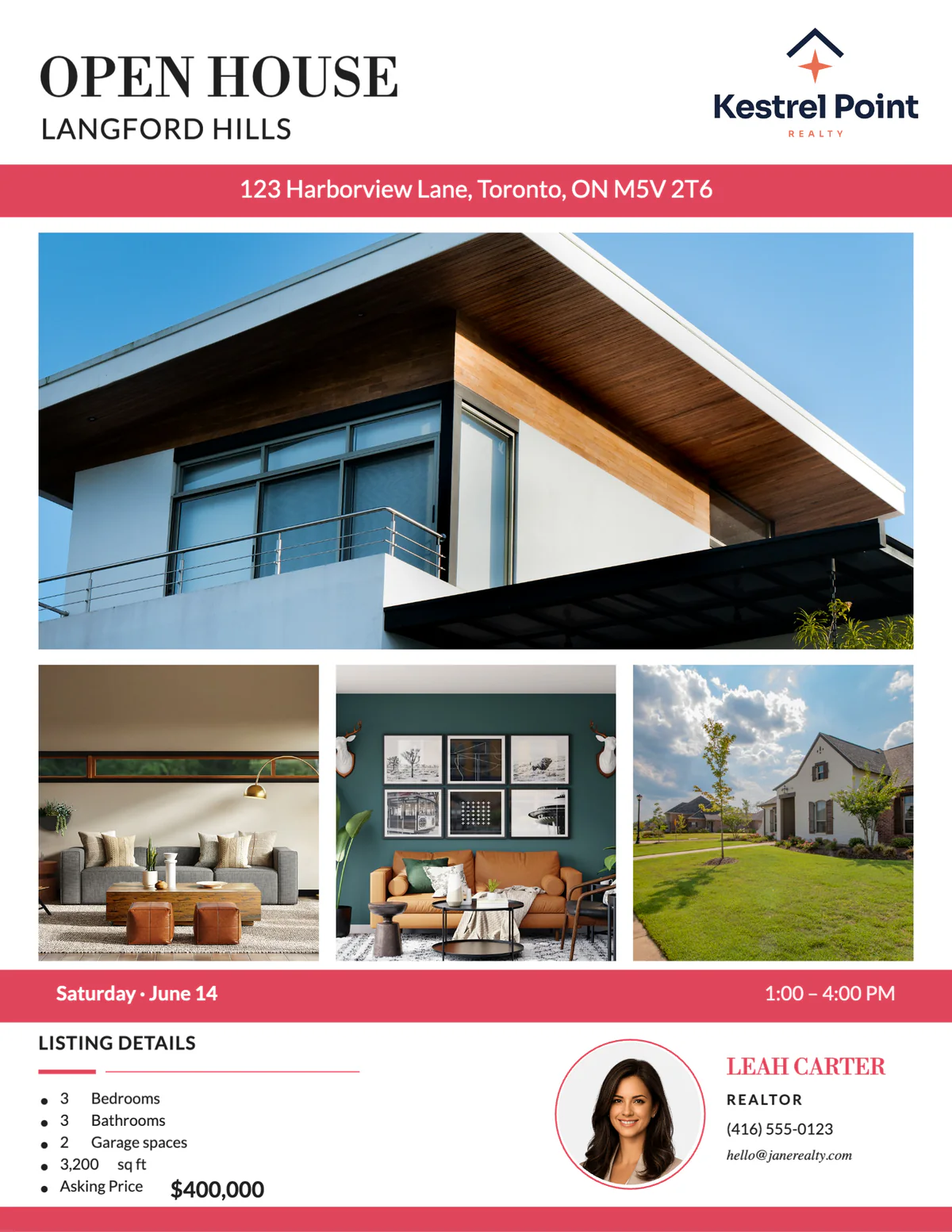
Real Velisto templates, shown on US Letter with sample listings and agents.
HOW IT WORKS
From listing
to open house flyer.
- 01
Pick an open house design
Open Create, choose Flyers and pick one of the open house designs.
- 02
Choose the listing
The date and time of its next open house fill in, with its photos, price, address and room counts. No open house on the listing yet? Type the date and time in.
- 03
Check and adjust
Edit any text and swap a photo, with a live preview. Your name, photo and phone are already on it from your profile.
- 04
Print and share
Download a PDF on US Letter or A4 to print, or a PNG or JPG to text and email to buyers.
WHAT TO PUT ON AN OPEN HOUSE FLYER
Eight things
every invitation needs.
People decide in a few seconds whether to come. Make the when and where impossible to miss, then give them a reason to make the trip.
OPEN HOUSE, big
The headline that says this is an invitation, readable from the curb or across a room.
The date and the time
The day, the date and when it starts and ends, right under the headline rather than in the small print.
The address
With a cross street or a parking note if the home is hard to find.
The price and the numbers
Price, bedrooms, bathrooms and square footage, so visitors know the home is worth the trip.
Photos that make the case
The front of the home and the room people will talk about afterwards.
Something to look for
Three to five features to see in person: the kitchen, the garden, the light. Describe the home, not who should live in it.
You and your brokerage
Your name, photo and phone so visitors can reach you afterwards, with your brokerage’s name and logo as your advertising rules require.
A plan B
A number to call or text for a private showing, for everyone who can’t make the date.
US LETTER OR A4
Made to fit
the paper you print on.
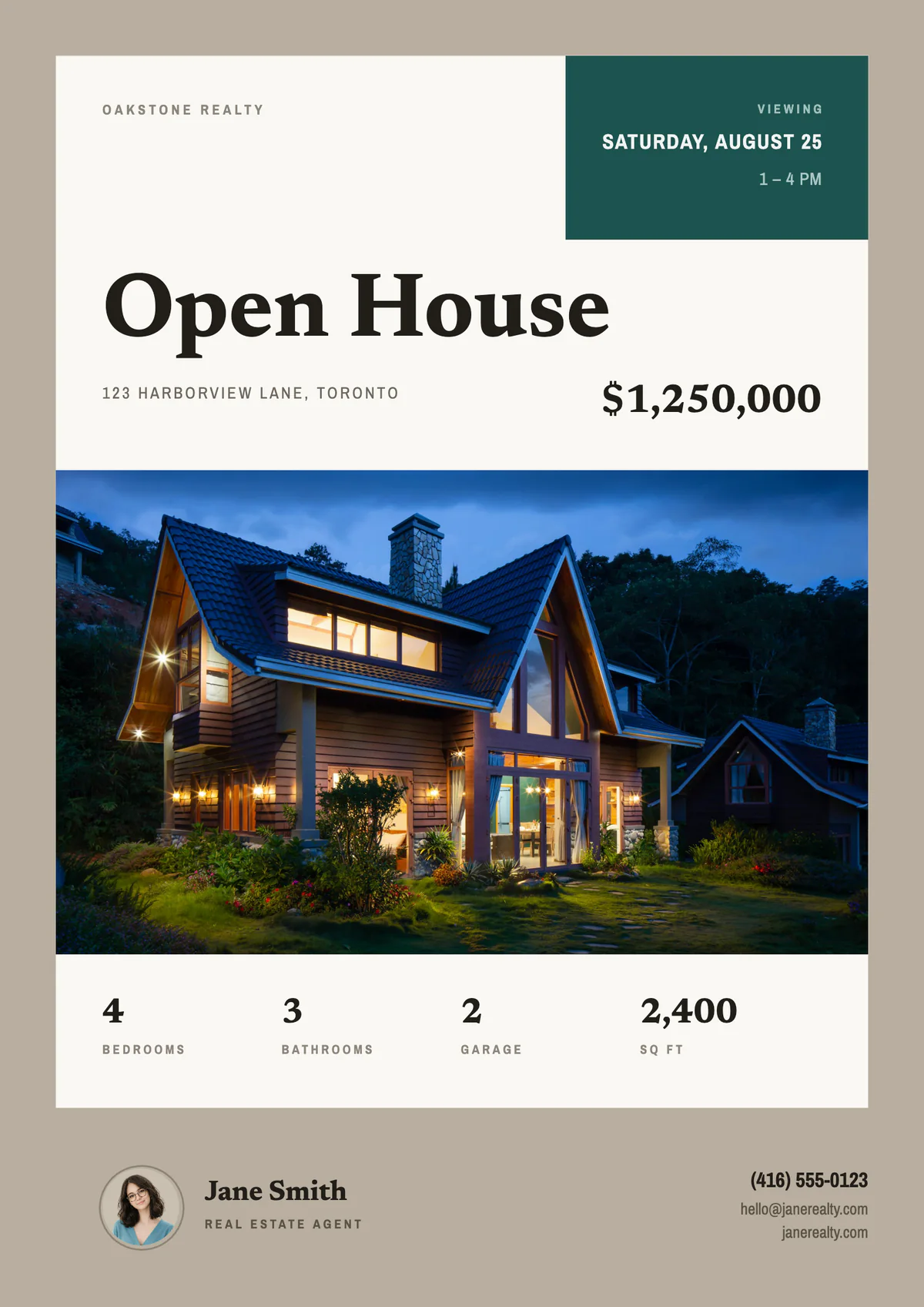
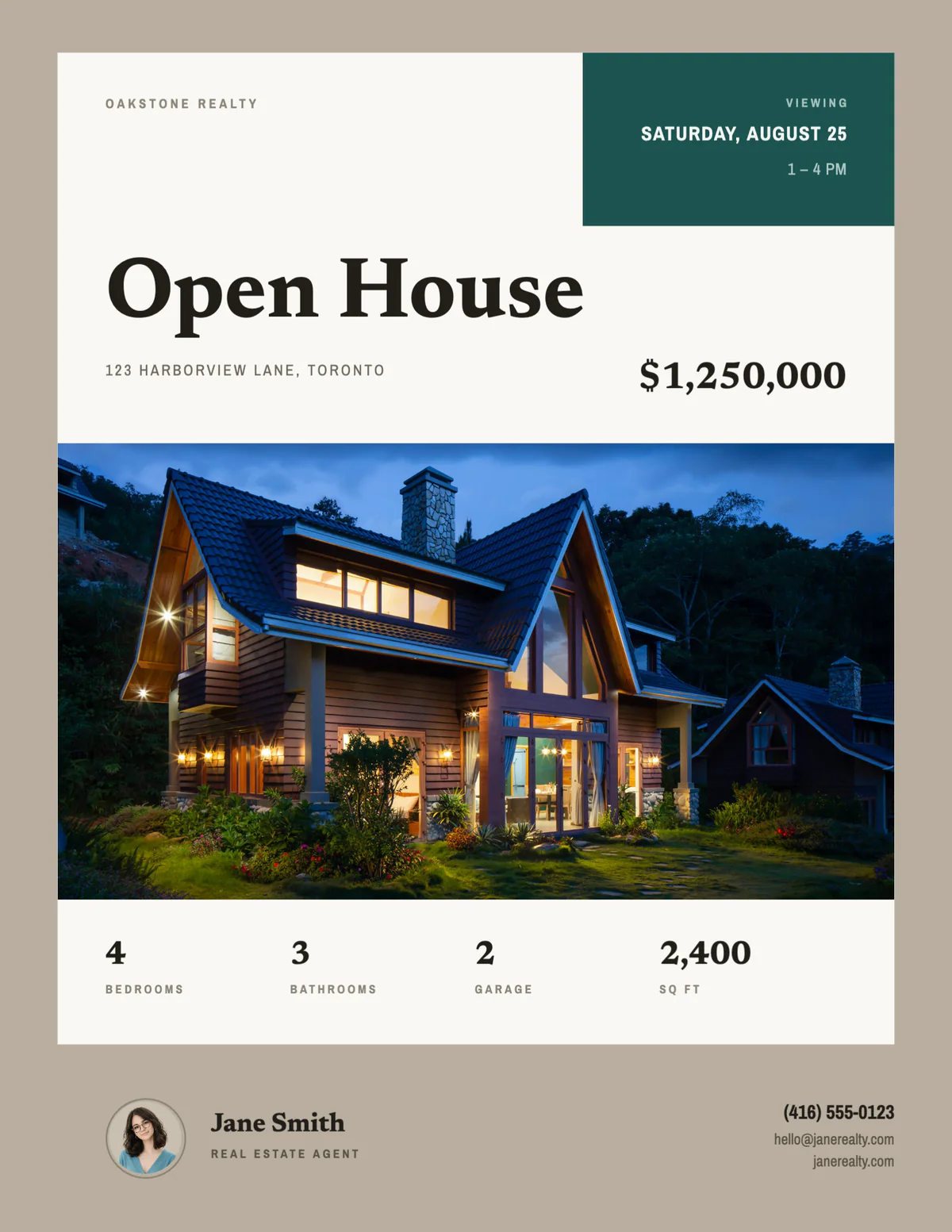
Velisto asks once which paper you print on, US Letter or A4, and lays every open house flyer out to fit it exactly. The PDF is the real page size, ready for your printer or the print shop down the street.
- US Letter: 8.5 × 11 in, used in the US, Canada and Mexico.
- A4: 210 × 297 mm, used in most other countries.
- A switch on each flyer for a one-off print on the other size.
THE INVITATION, EVERYWHERE
Hand out the flyer.
Post the invitation.
Make the open house post from the same listing, in the same style where the design has a match, and schedule it for the days before the event. A listing campaign with the Open House angle builds the posts around the date and time.
Explore listing campaigns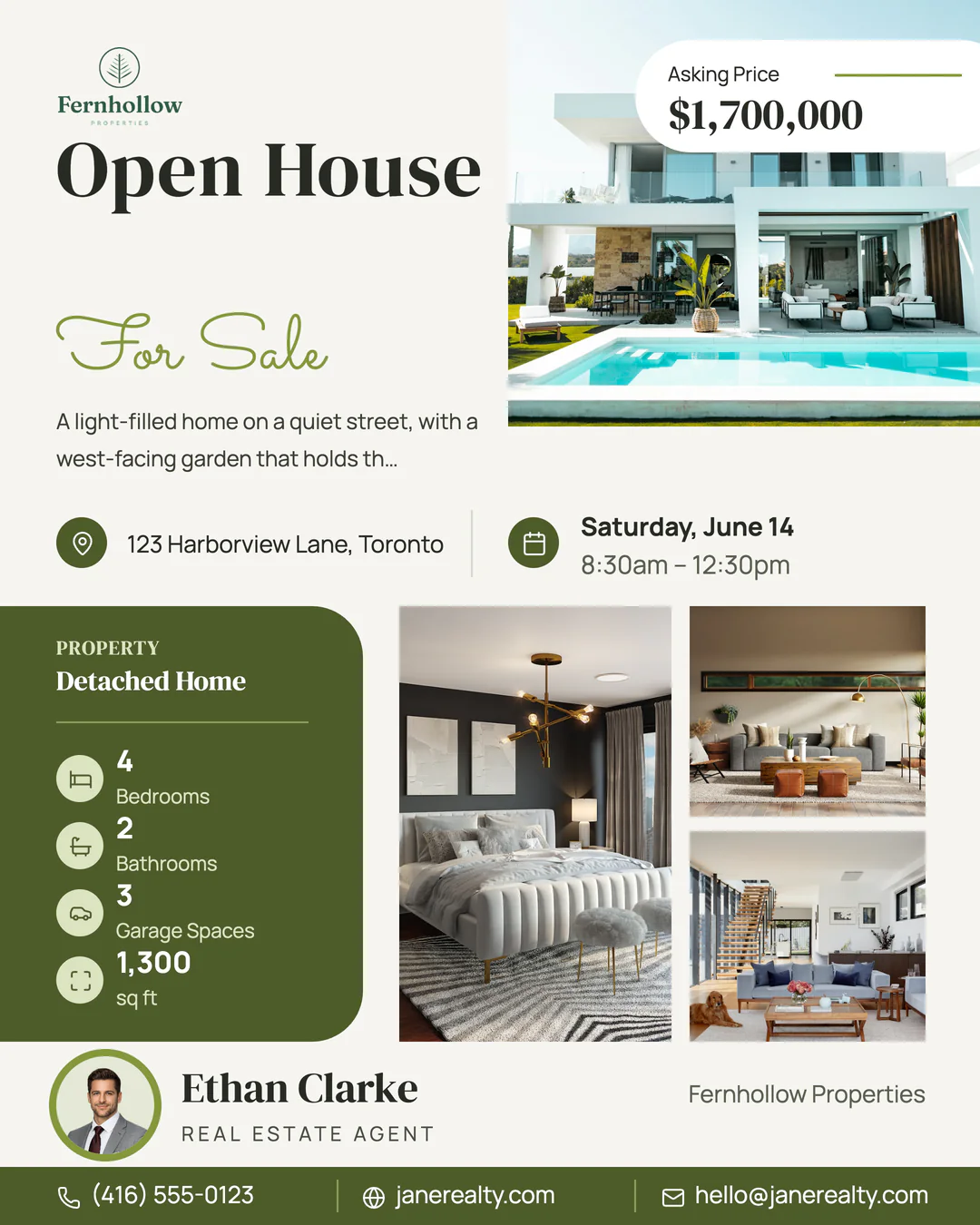
YOUR QUESTIONS, ANSWERED
Open house flyer
questions, answered.
Dates, paper sizes, printing and the post that goes with the flyer.
Visit the FAQ hubDoes the open house date fill in automatically?
Yes. When the listing has an upcoming open house in Velisto, the flyer uses the date and time of the next one. If it doesn’t, type the date and time into the flyer; every field stays editable.
Can I print open house flyers on US Letter?
Yes. Every flyer works on US Letter (8.5 × 11 in) and A4 (210 × 297 mm). Velisto asks which paper you print on the first time you open a flyer, and the switch at the top of each flyer changes it for a single print. Workspace owners and admins can change it for everyone in Workspace settings.
Can I make the open house post too?
Yes. A listing campaign with the Open House angle creates the invitation post from the listing and schedules it before the event, and you can add a story and a reel. How listing campaigns work.
What file do I download?
A PDF at the exact page size for printing, or a PNG or JPG to text, email or post. The PDF is the finished page size, without bleed or crop marks, which suits home and office printers and print shops that print to the sheet.
Are the open house flyer templates free?
Flyers are part of every Velisto plan, and paid plans don’t limit how many designs you make. The free trial needs no card and includes 15 designs, enough to make the flyers for your next open house. See plans and pricing.
Can I change the design or the colors?
Yes. Change the text and photos as you fill the flyer, or choose Customize to open it in the full editor and change the layout, colors and fonts. Velisto doesn’t recolor templates to your brand automatically, so adjust a design once and keep it for your next open house.
Does Velisto print or mail the flyers?
No. Velisto makes the flyer file; you print it yourself or send the PDF to a local print shop.
Your open house flyer,
ready before the weekend.
Start a free trial, pick an open house design and fill it from your listing. No card needed.