
From the listing
The facts buyers compare, as they are in the listing.
- Photos
- Price
- Address
- Bedrooms
- Bathrooms
- Garage
- Square footage
- Description
- Features
- MLS number
- Open house date and time
REAL ESTATE FLYERS
Pick a flyer template, choose the listing, and Velisto fills in the photos, price, address, room counts and your contact details. Download a print-ready PDF on US Letter or A4, or a PNG or JPG to share.
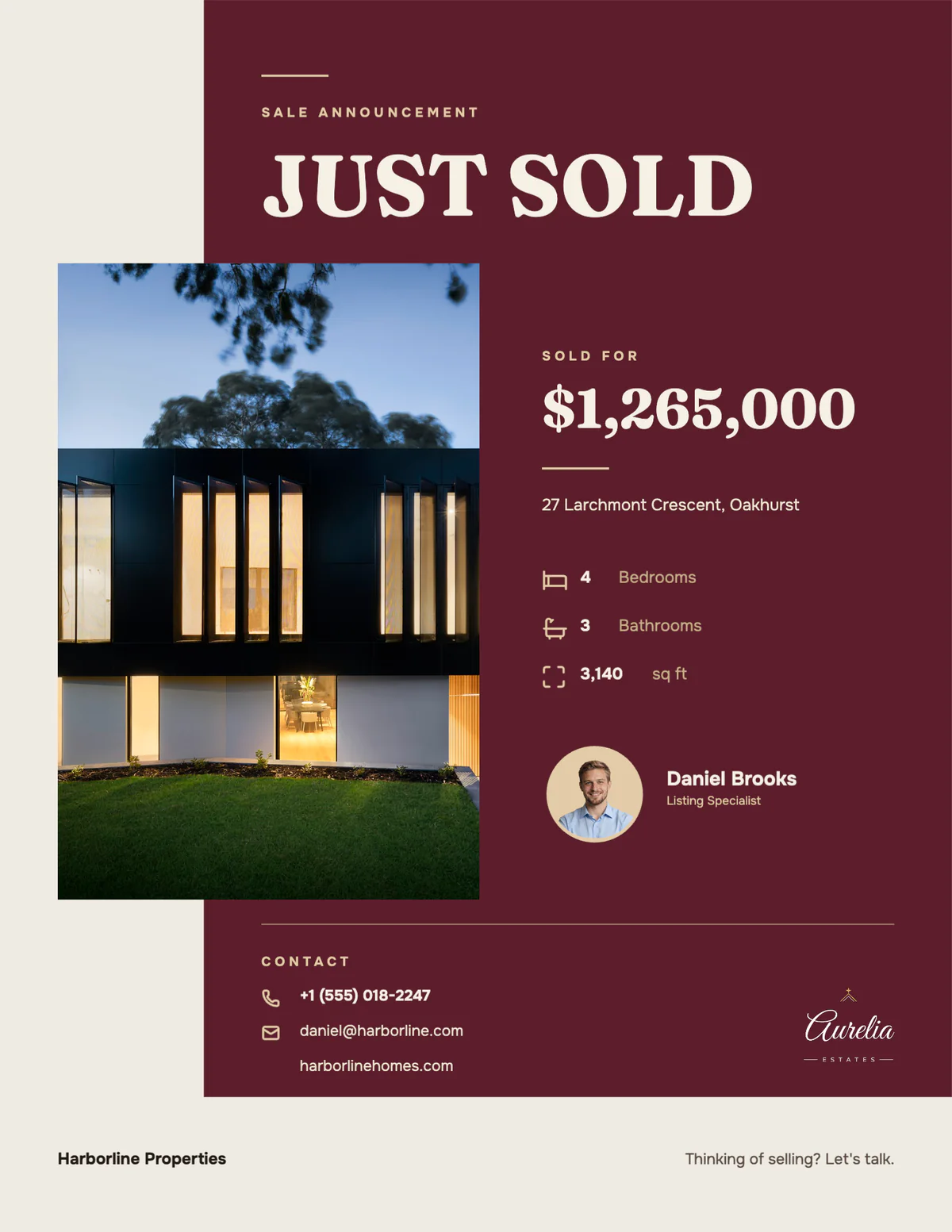
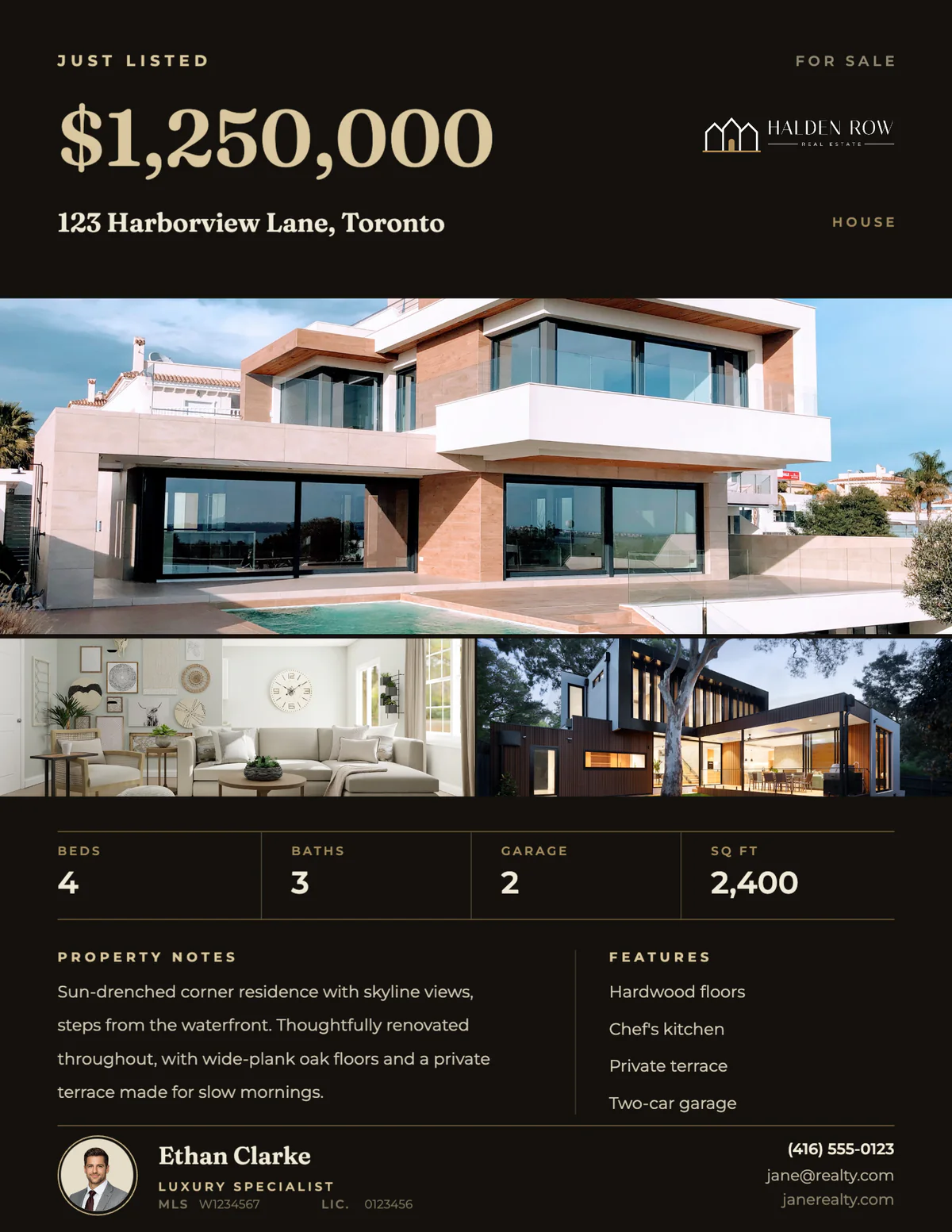
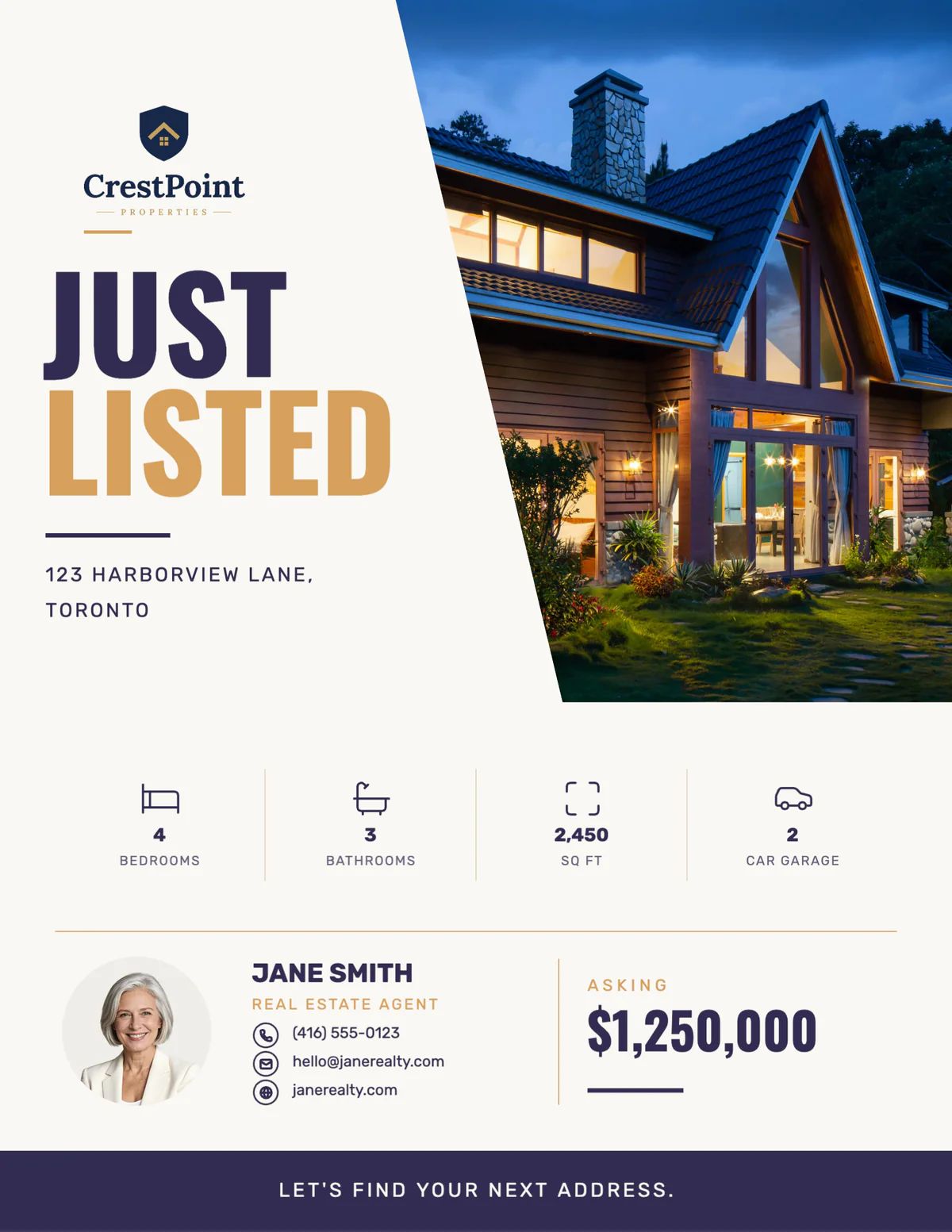
Real Velisto flyer templates on US Letter, with sample listings and agents.
Start from a flyer template rather than a blank page. A good template already has the order a flyer needs: the headline, the main photo, the price and the address first, then the details, then you. Add the listing’s best photos, the numbers buyers compare and a short description, and print it on the paper your printer takes.
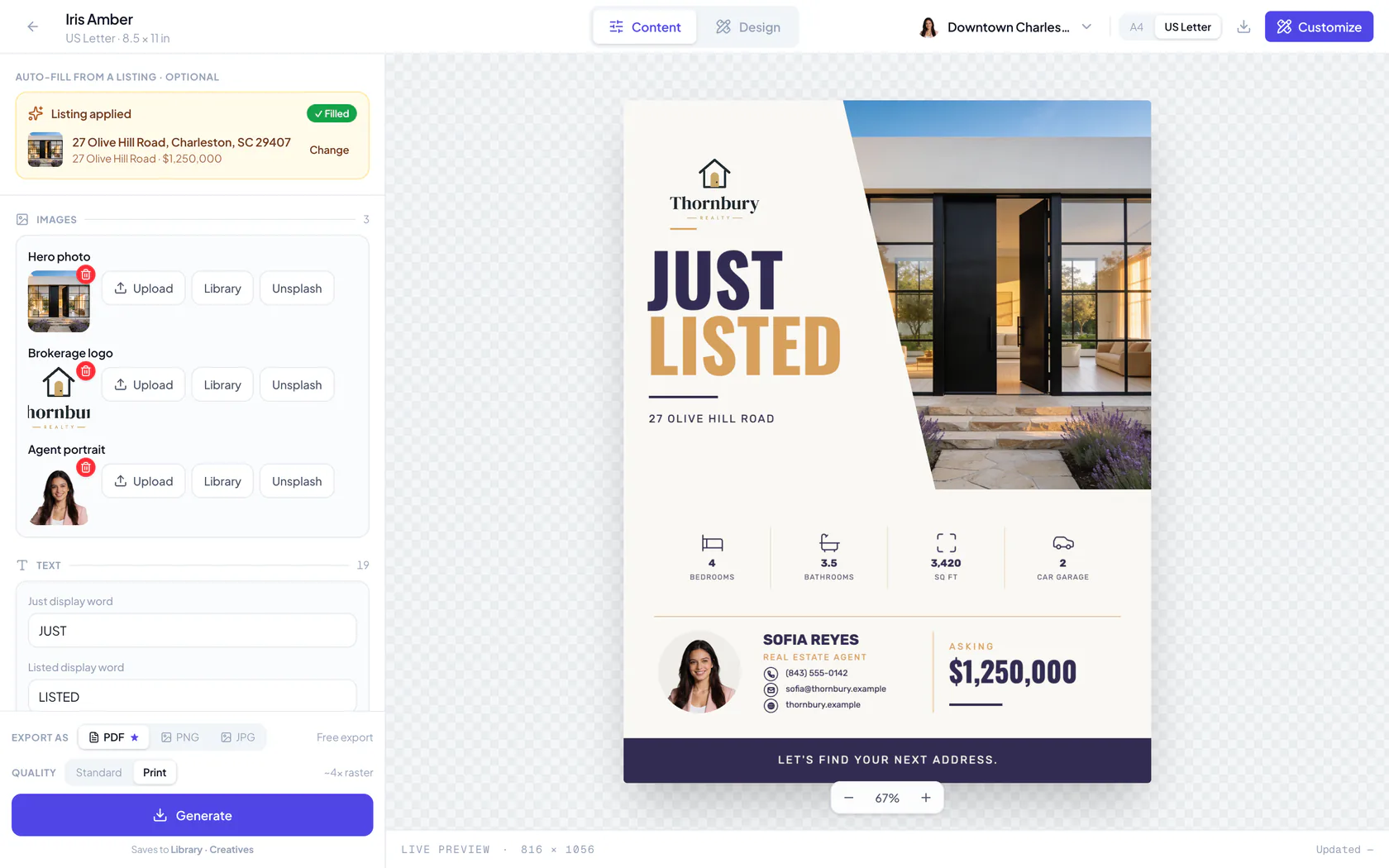
In Velisto, most of that is done for you. Choose a flyer design and pick the listing: its photos, price, address, bedrooms, bathrooms, size, description and features fill in, and your name, photo, phone, email and brokerage logo come from your profile. Check the text, swap a photo if you like, and download a PDF to print or a PNG or JPG for email and social media.
Every flyer works on US Letter (8.5 × 11 in) and A4 (210 × 297 mm). Velisto asks once which paper you print on and lays every flyer out to fit it. For the moment you’re promoting, see the open house flyers.
FLYER TEMPLATES
Just listed, for sale, under contract, sold or for lease: each design is ready for the listing’s own photos and details, from a luxury home to a rental.
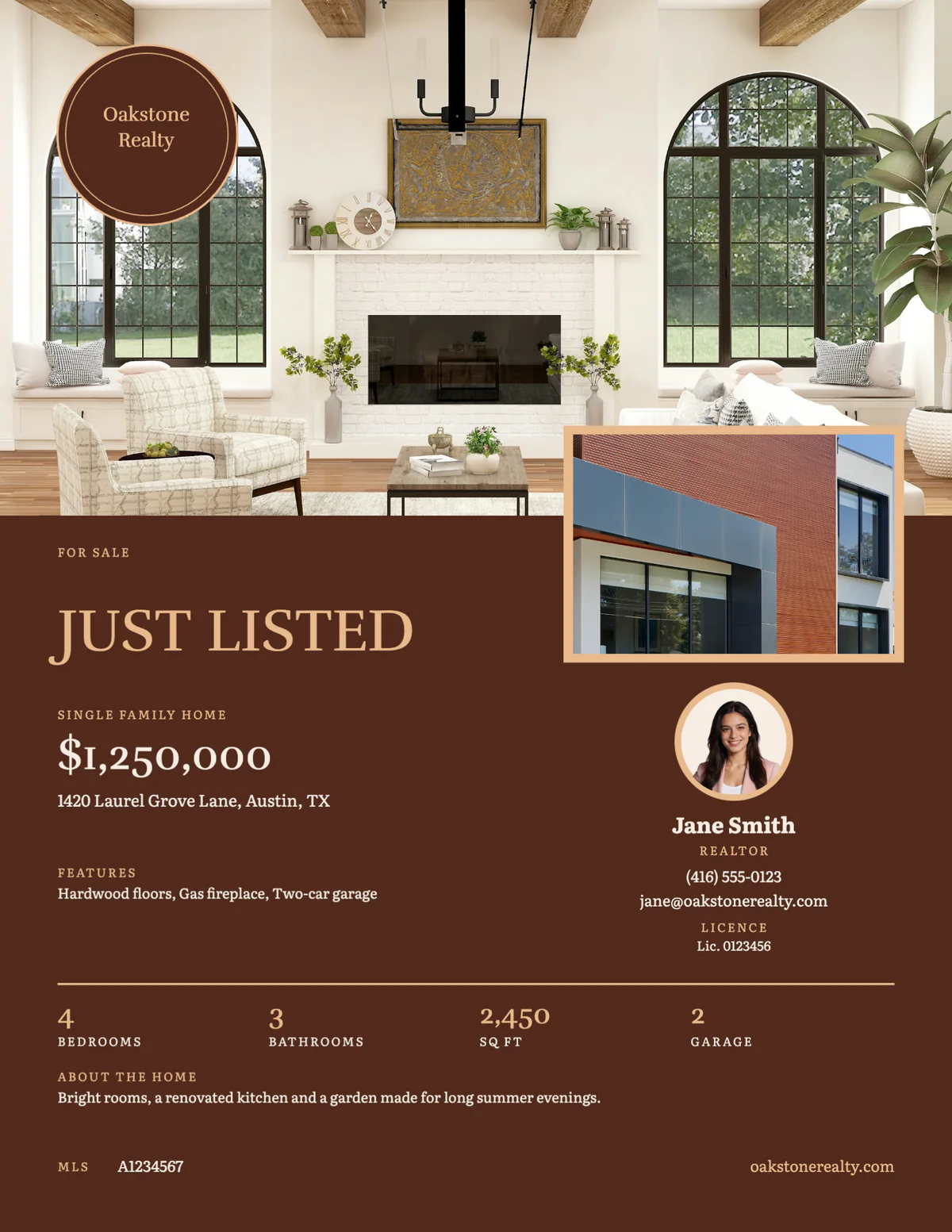
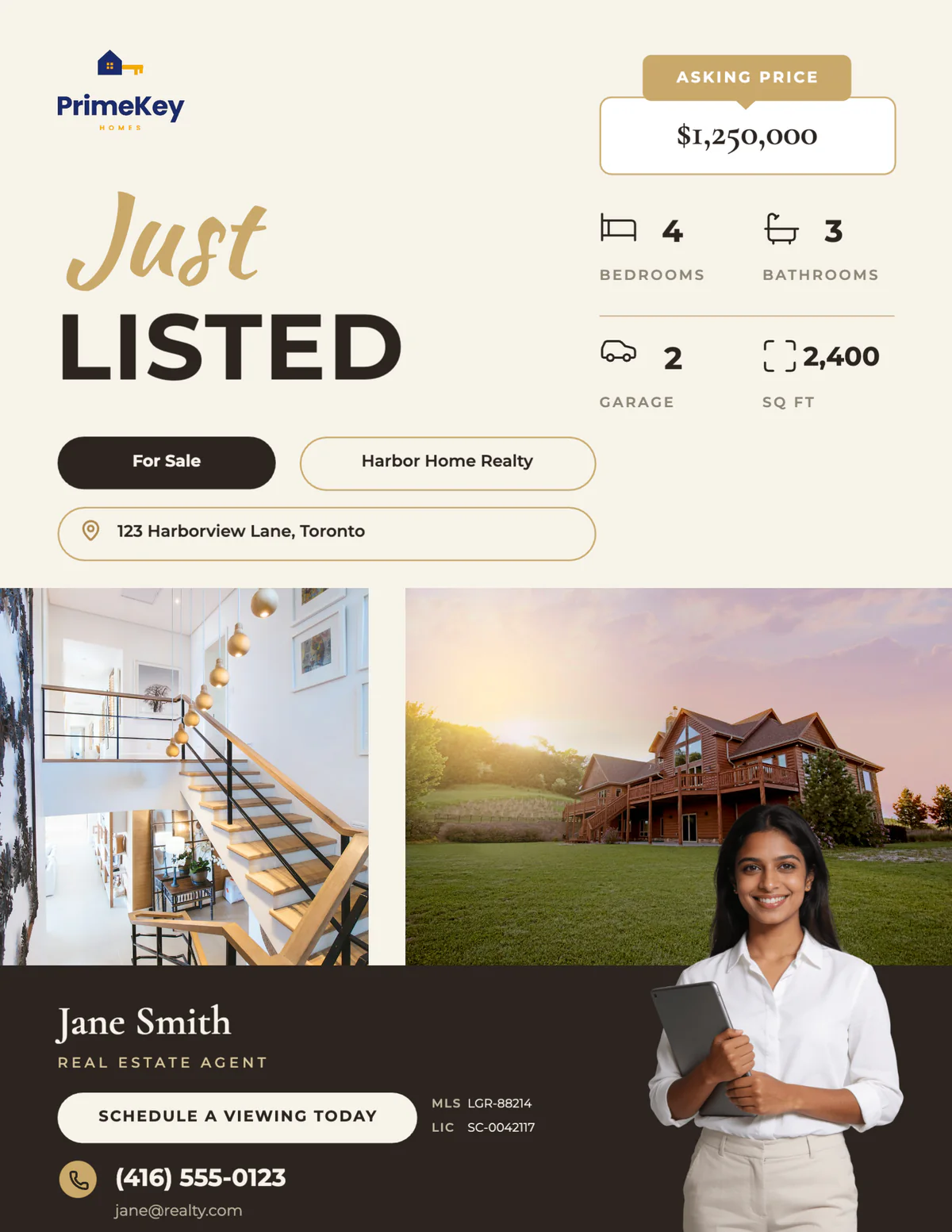
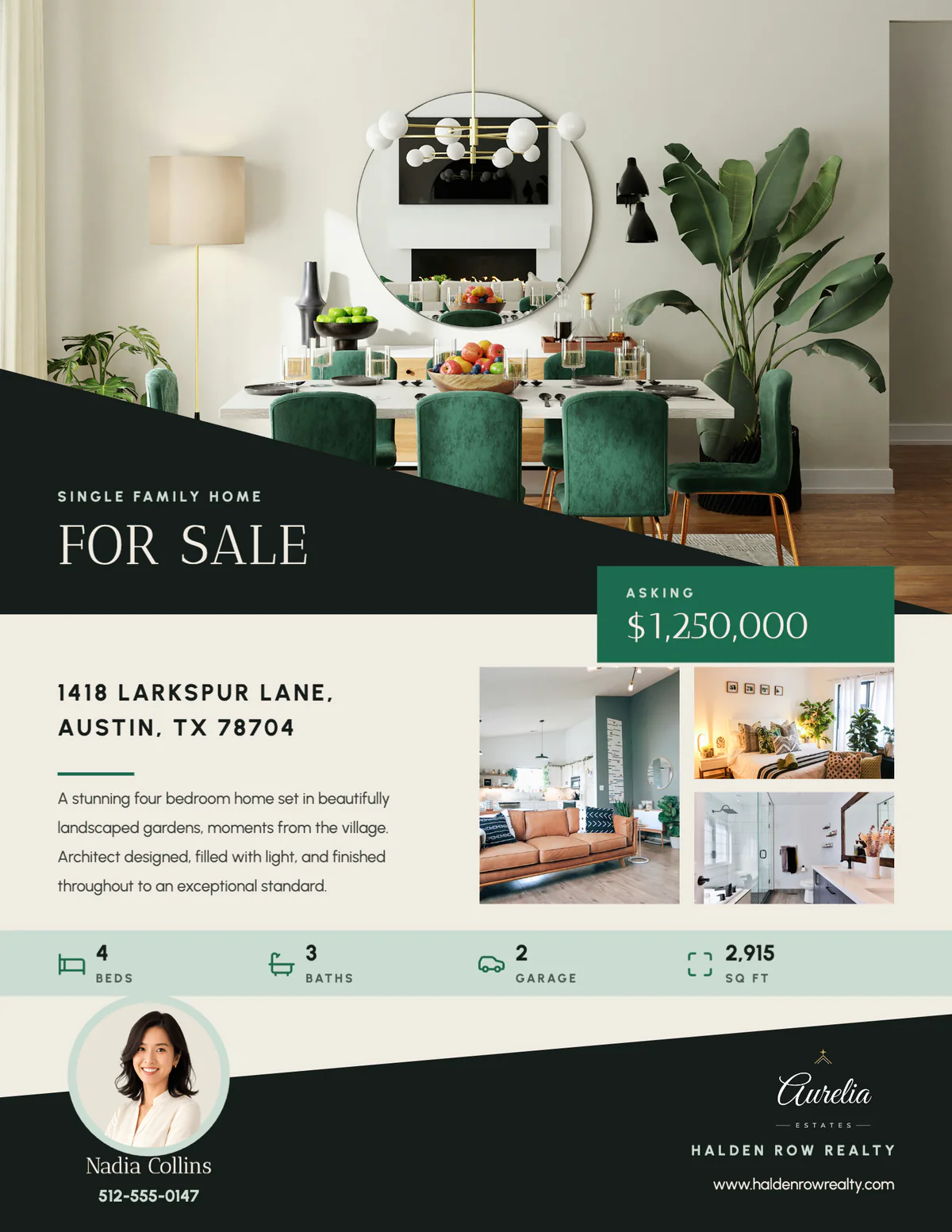

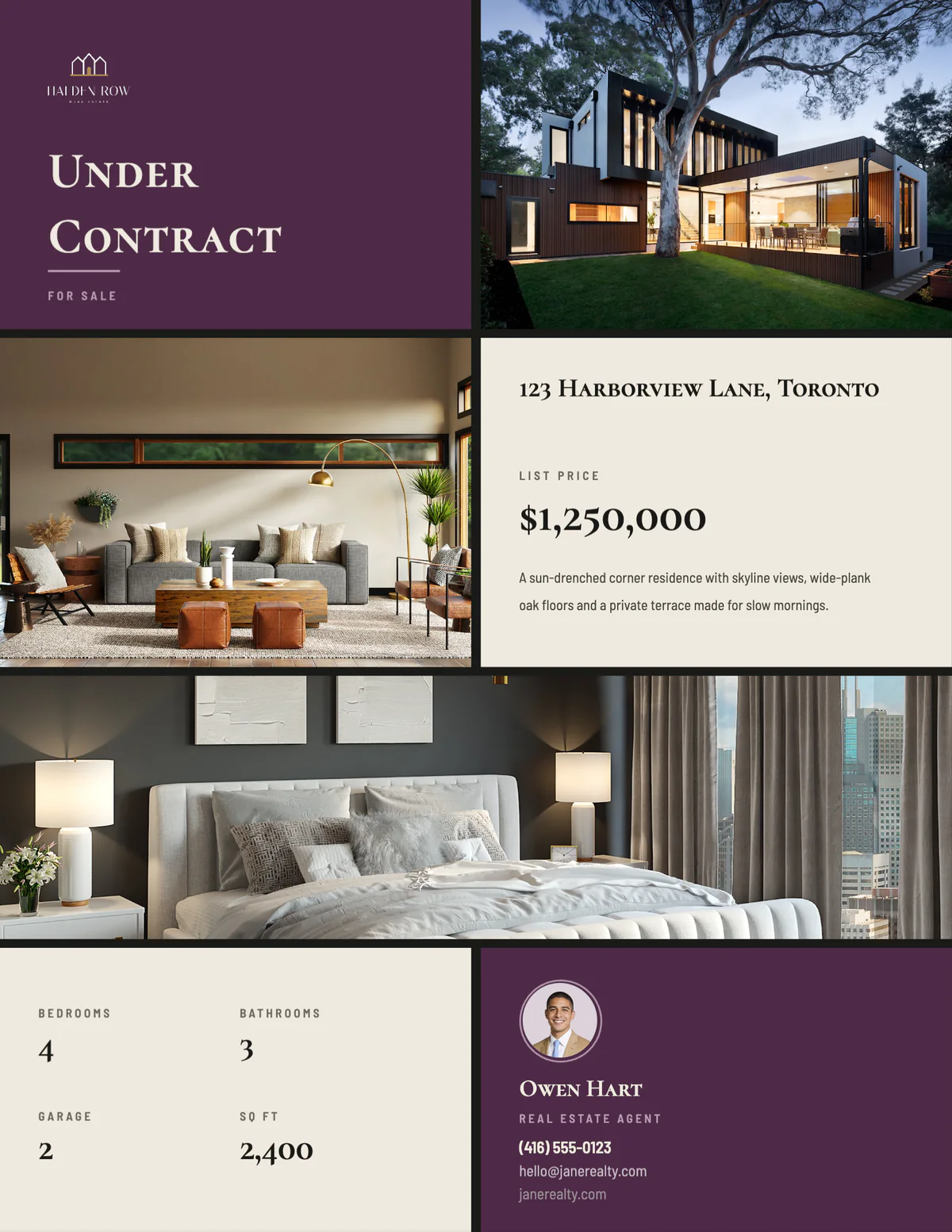
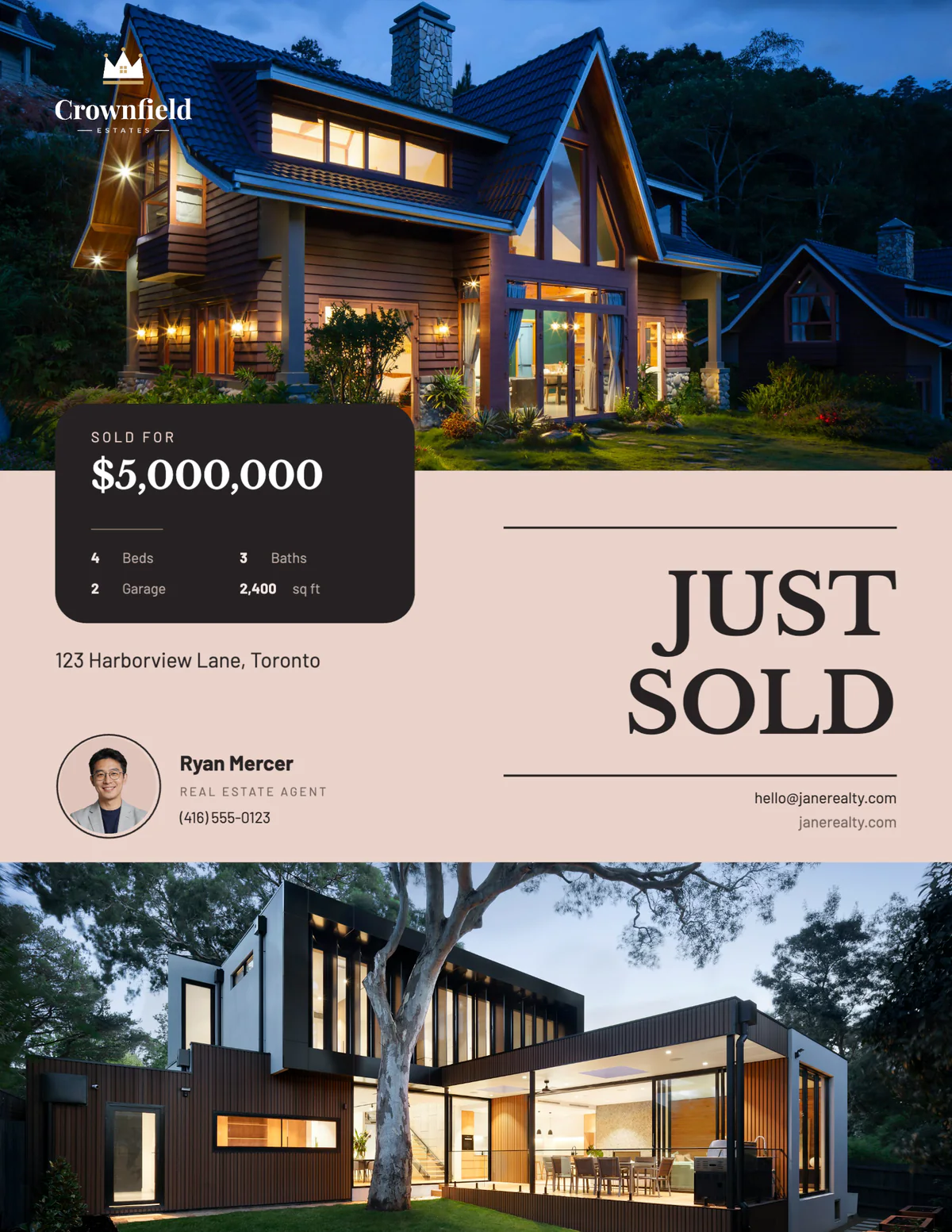
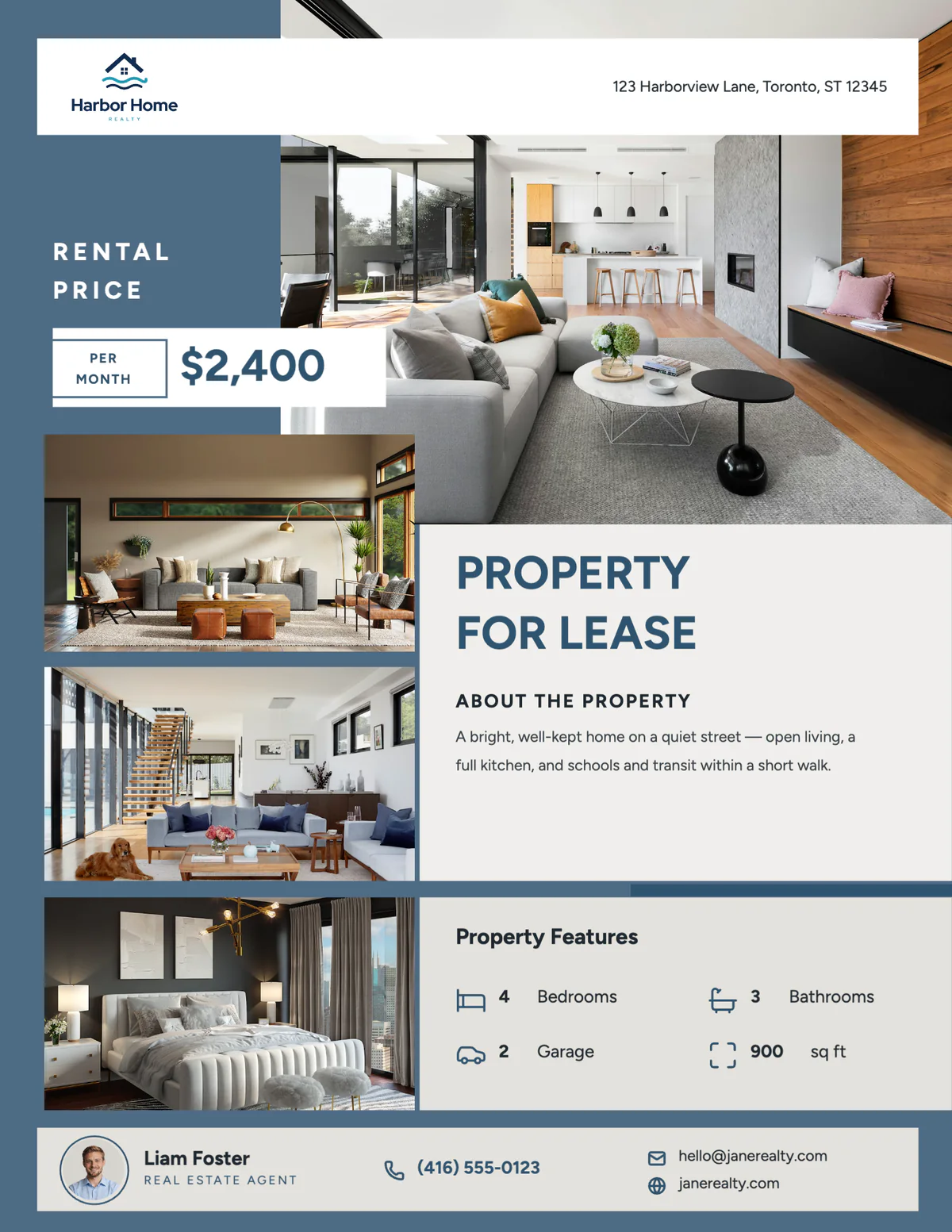
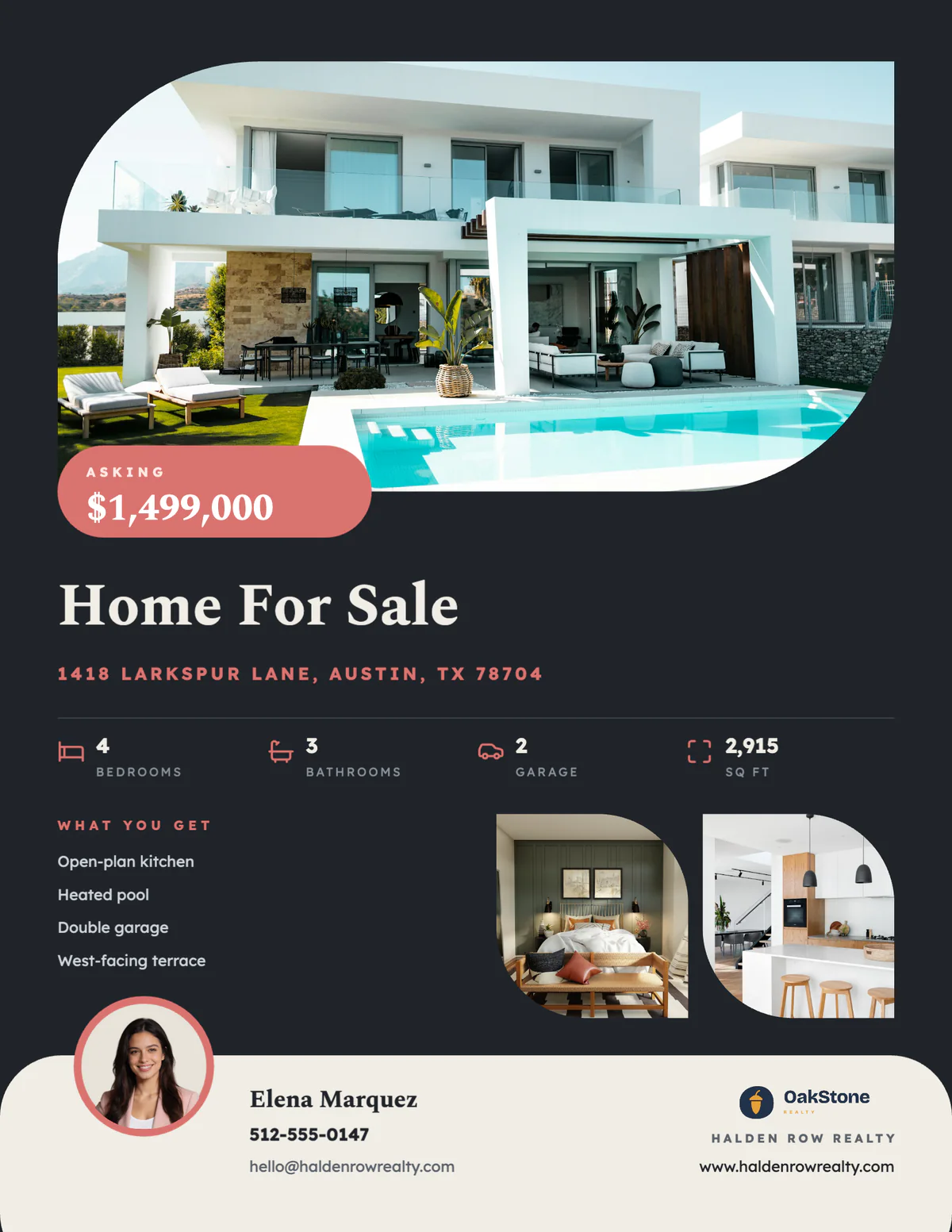
Real Velisto templates, shown on US Letter with sample listings and agents.
HOW IT WORKS
Open Create, choose Flyers and pick a design for the moment: just listed, for sale, open house, under contract or sold.
Its photos, price, address, room counts and description fill in, and your name, photo and contact details come from your profile.
Edit any text and swap a photo from an upload, your library or Unsplash, with a live preview. Customize opens the full editor when you want to change the layout.
Get a print-ready PDF at the exact page size, or a PNG or JPG for email and social media. Every flyer is saved in your Library.
FILLED IN FOR YOU
The details on the flyer come from the same listing and profile as the rest of your content, so they match. Each design shows the fields it has room for, and every one stays editable.
The facts buyers compare, as they are in the listing.
The agent details you set once, for every flyer after.
Your brokerage on every flyer, in the version that suits the design.
US LETTER OR A4
Agents in the US, Canada and Mexico print on Letter; most other countries use A4, which is narrower and taller. Velisto asks which one you use the first time you open a flyer and lays every design out to fit it exactly, so nothing is squeezed or cut off.
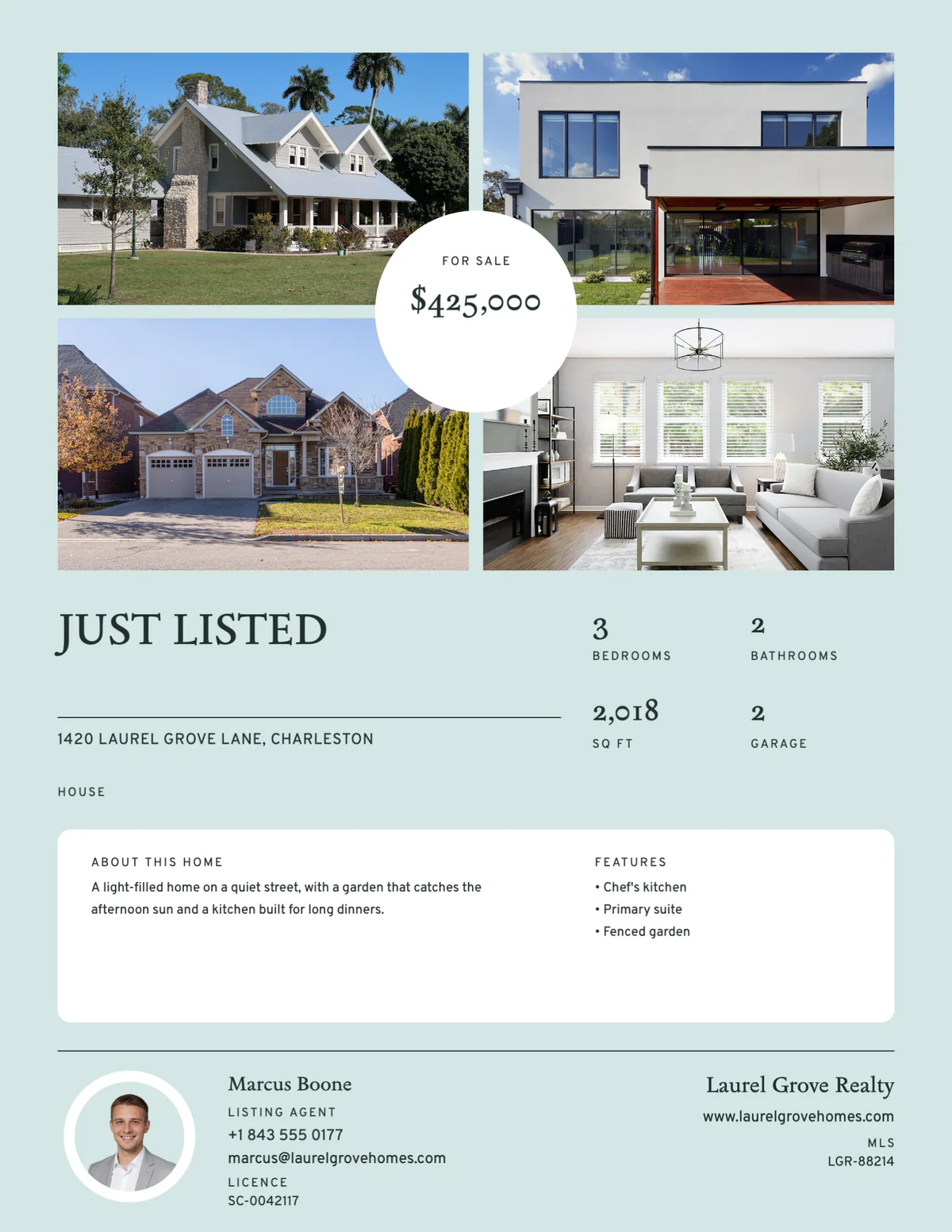
WHAT TO PUT ON A REAL ESTATE FLYER
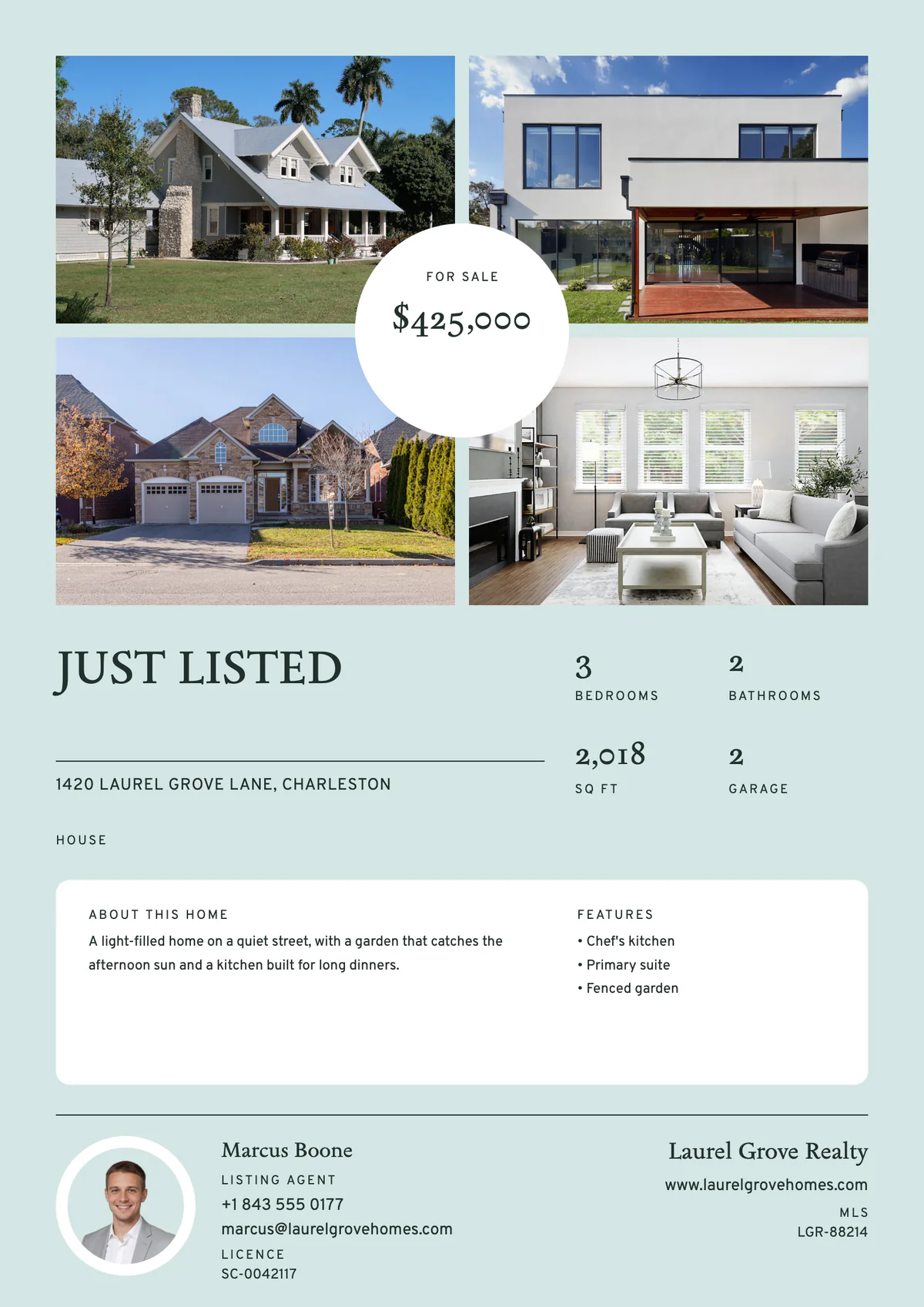
A flyer gets a few seconds at a showing, on a counter or in a mailbox. Lead with what a buyer decides on, and make the next step easy.
Just Listed, For Sale, Price Reduced or Just Sold, large enough to read from across a room.
The front of the home or its best room, as big as the design allows, with two to four photos to back it up.
The two facts people look for first. Keep them close to the main photo.
Bedrooms, bathrooms, square footage, lot size and parking, laid out to scan at a glance.
A renovated kitchen, a garden, a garage or a view: the things a photo alone doesn’t say.
Two or three sentences about the home itself. Describe the property, not the buyer you picture in it, to stay within fair housing rules.
Your name, photo, phone and email, with your brokerage’s name and logo. Check your state’s and brokerage’s advertising rules for anything else required, such as a license number.
Call or text to book a showing, the open house time, or the website with every photo.
ONE LISTING, EVERY FORMAT
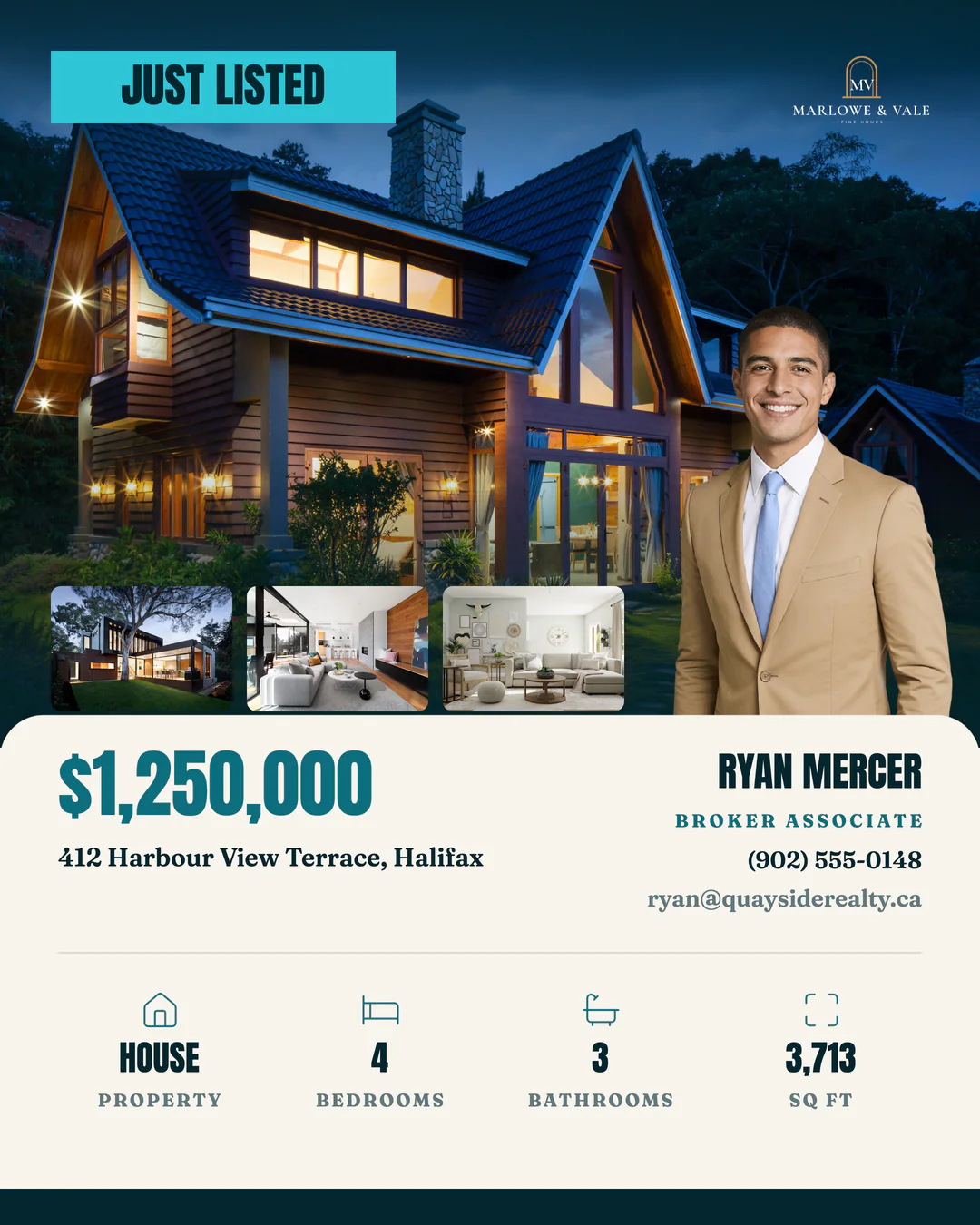
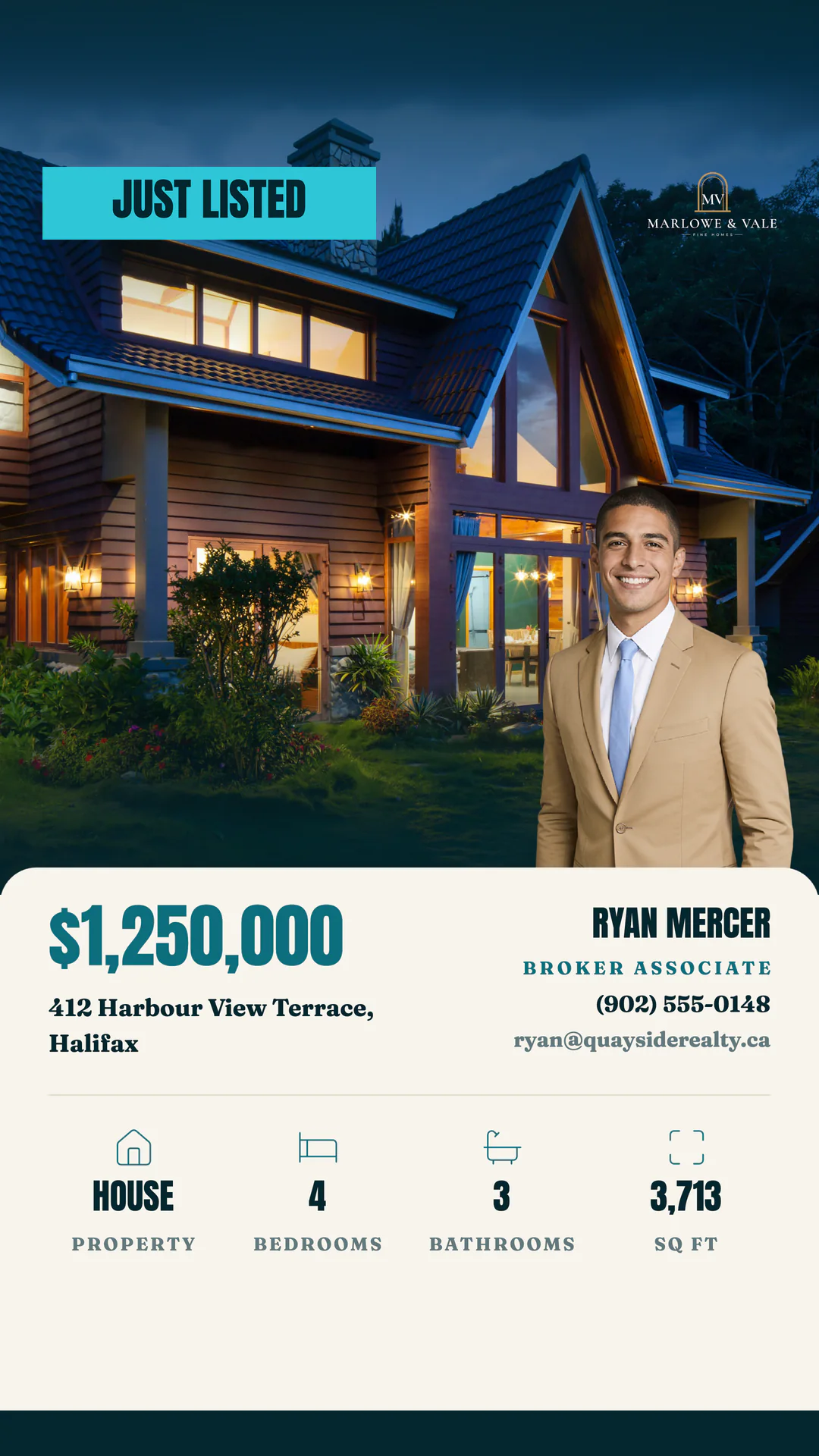
The listing you make the flyer from also makes its posts, stories and reels, and some flyer designs have a post and story in the same style. Plan them as a listing campaign and Velisto publishes them on schedule while the flyers go out.
Explore listing campaigns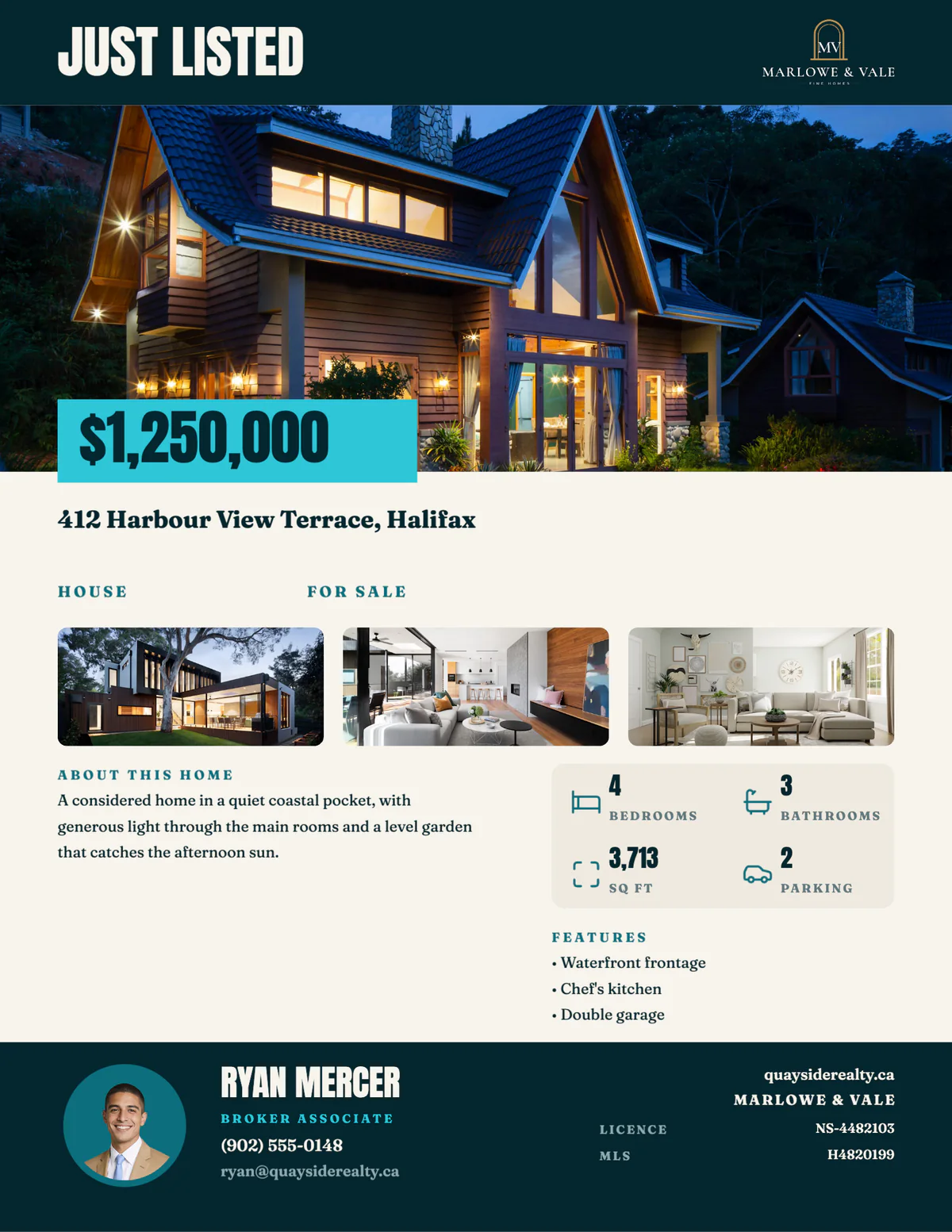
YOUR QUESTIONS, ANSWERED
Paper sizes, files, printing and what Velisto fills in for you.
Visit the FAQ hubFlyers are part of every Velisto plan, and paid plans don’t limit how many designs you make. The free trial needs no card and includes 15 designs, so you can make and download real flyers before you choose. See plans and pricing.
Yes. Every flyer works on US Letter (8.5 × 11 in) and A4 (210 × 297 mm). Velisto asks which paper you print on the first time you open a flyer, and the switch at the top of each flyer changes it for a single print. Workspace owners and admins can change it for everyone in Workspace settings.
A PDF at the exact page size for printing, or a PNG or JPG for email, text messages and social media. Choose Print quality for the sharpest text and photos on paper. Every download is also saved in your Library.
Yes, on standard Letter or A4 sheets. The PDF is the finished page size, without bleed or crop marks, which suits home and office printers and shops that print to the sheet. If a shop asks for bleed so color runs past the trim, the flyer PDF doesn’t include it.
No. Pick the listing and its photos, price, address, room counts, description and features fill in, with your name, photo and contact details from your profile. You can also fill a flyer by hand without a listing, and every field stays editable. How listings get into Velisto.
Yes. Change the text and photos as you fill the flyer, or choose Customize to open it in the full editor and change the layout, colors and fonts. Velisto doesn’t recolor templates to your brand automatically, so adjust a design once and keep it for your next listing.
Yes: download it as a PNG or JPG and use it in a post. In the feed, a post or Reel made for the format usually works better than a page-shaped flyer, and Velisto makes those from the same listing.
No. Velisto makes the flyer file; you print it yourself or send the PDF to a local print shop.
Start a free trial, pick a flyer design and fill it from your listing. No card needed.