
HOUZEZ VELISTO
Social media marketing for your Houzez website.
Your listings are online. Let’s get them seen.
Connect your Houzez website to Velisto. Turn the property photos and details you already have into branded social posts, reels, videos and flyers—then publish across your connected channels.
FROM LISTING TO SOCIAL CONTENT
Your listings, ready for everyday marketing.
Bring your property photos and details from Houzez into Velisto. Create branded posts, videos, and flyers, then review and schedule content across your connected channels.
GIVE EACH PROPERTY MORE POSSIBILITIES
One listing.
More ways to promote it.
Introduce a new property. Invite people to a showing. Share the details that deserve a closer look. Start with the photos and facts you already have.
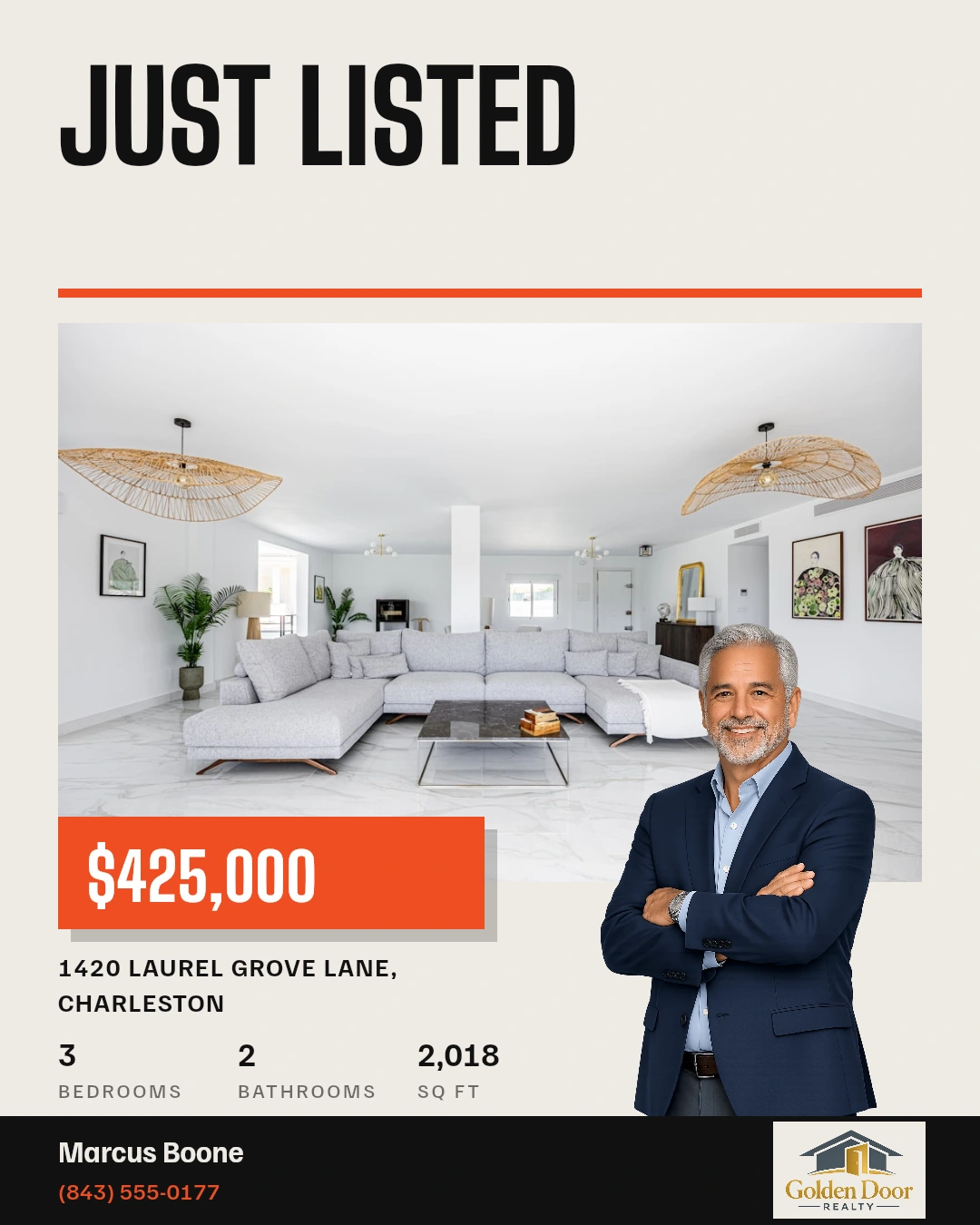
Feed post
Beacon EmberA branded introduction to your newest listing.
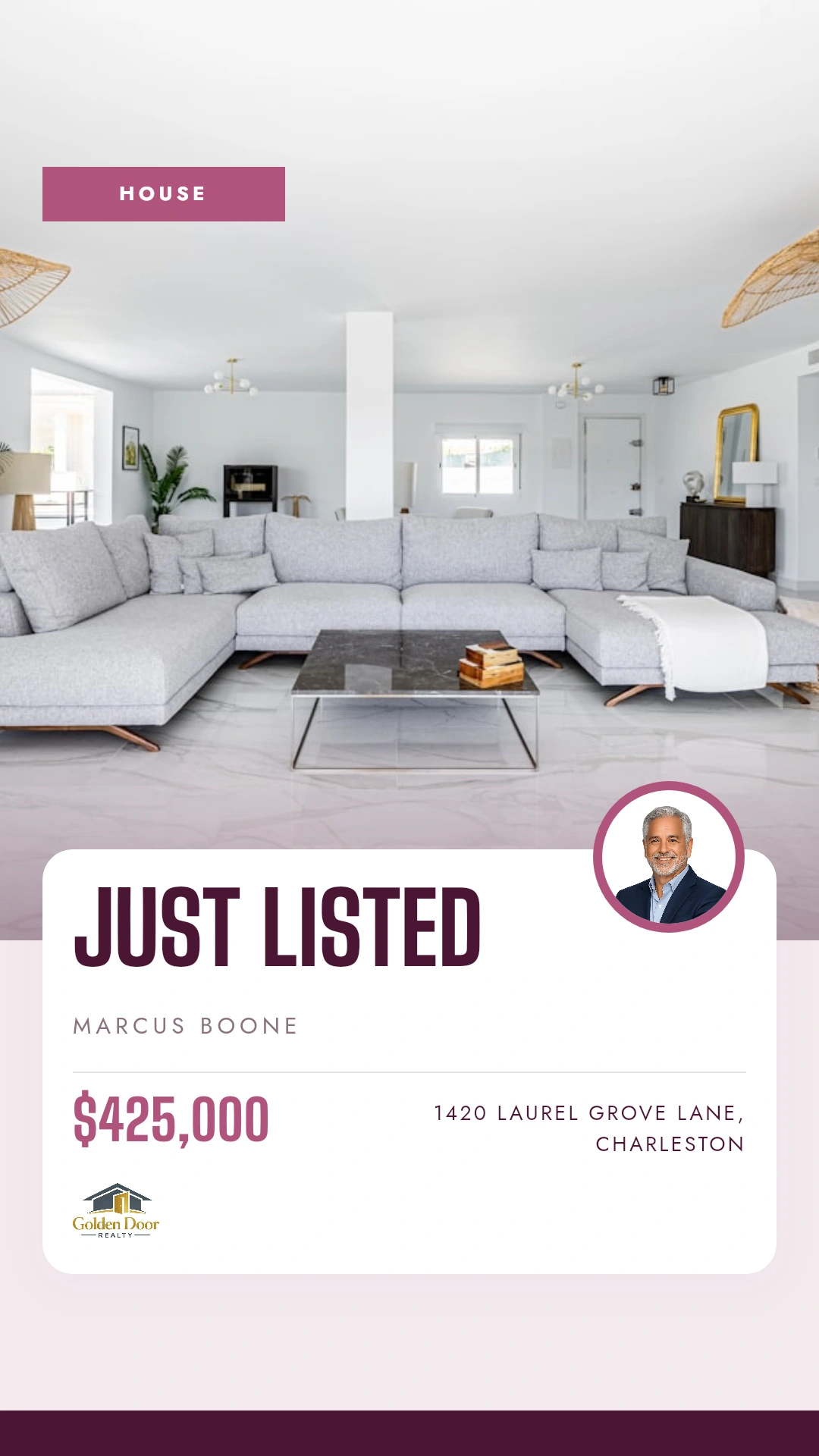
Story
Bellamy FigA vertical update for a property or upcoming showing.
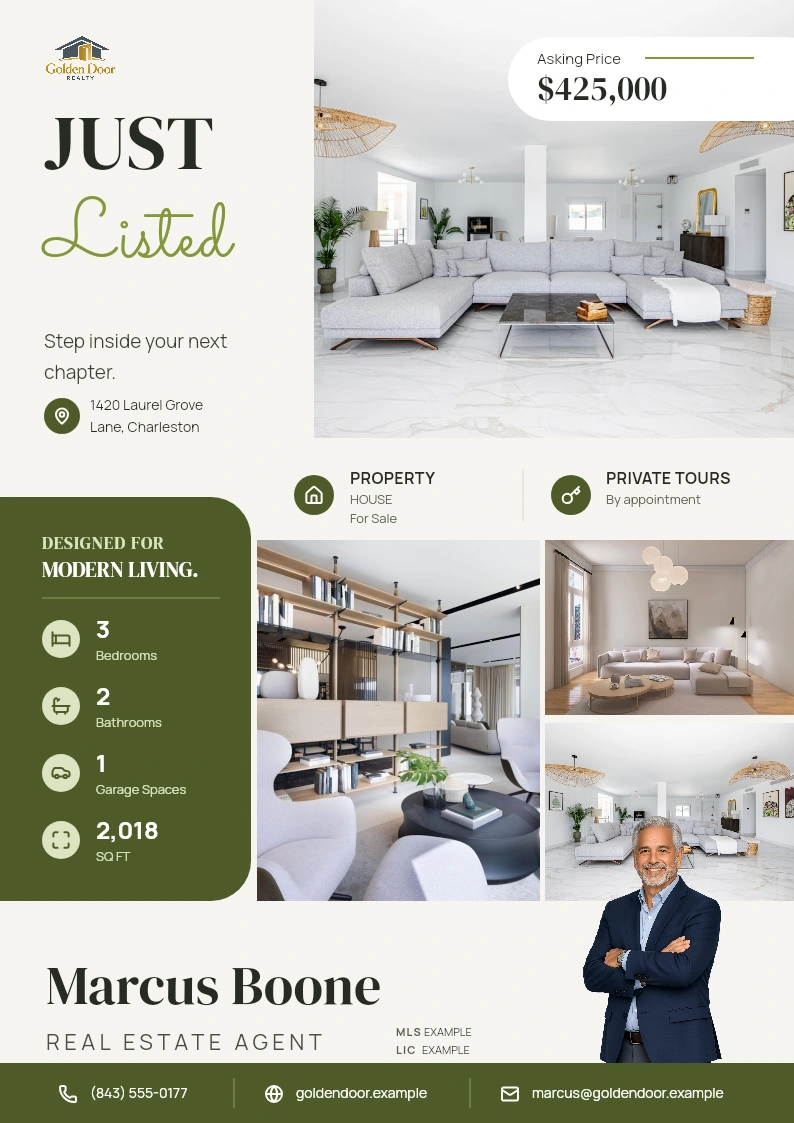
PDF flyer
Laurel OliveA property handout to download, share or print.
Vertical reel
Overture · 9:16 · With music
LET YOUR PHOTOS TELL THE STORY
A little movement.
A different way to see the property.
Arrange your photos into scenes, add music and branding, then create a vertical reel or landscape video.
Landscape video
Overture · 16:9 · With music
CONNECTED TO THE WORK YOU’VE ALREADY DONE
Your website does
the data entry once.
Your Houzez listing already has the essentials. Bring its photos, price, address and property details into Velisto, ready to use in your marketing.
Keep your photos with the property
Choose from the imported listing images when you create your next post or design.
Bring new and edited listings across
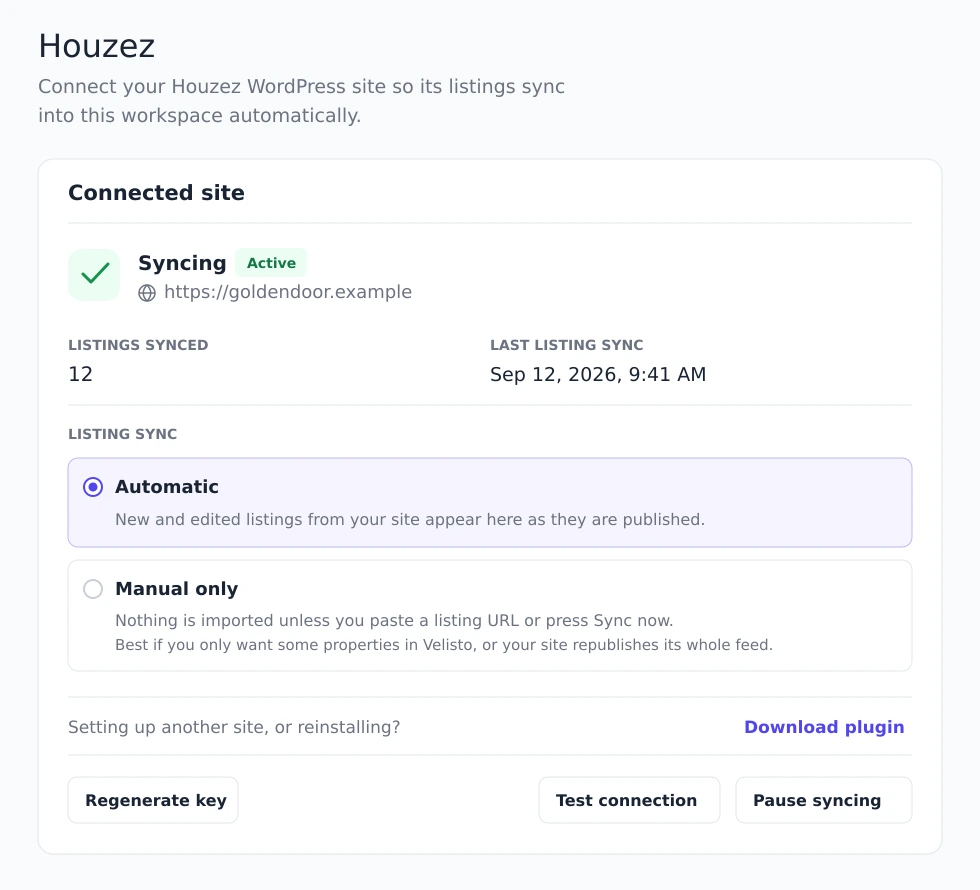
Automatic sync keeps listing data flowing from your connected Houzez site into Velisto.
You choose what gets published
Create and review your content in Velisto. Choose your channels and publish now or schedule for later.
MORE TO SHARE THAN YOUR NEXT LISTING
Stay active
between listings.
Be the agent people turn to for useful advice and local knowledge. Velisto helps you turn that expertise into content throughout the week.
Find your next topic with Plan my content
Build a weekly content plan around your audience and business, then review the suggested posts.
Give your expertise a visual style
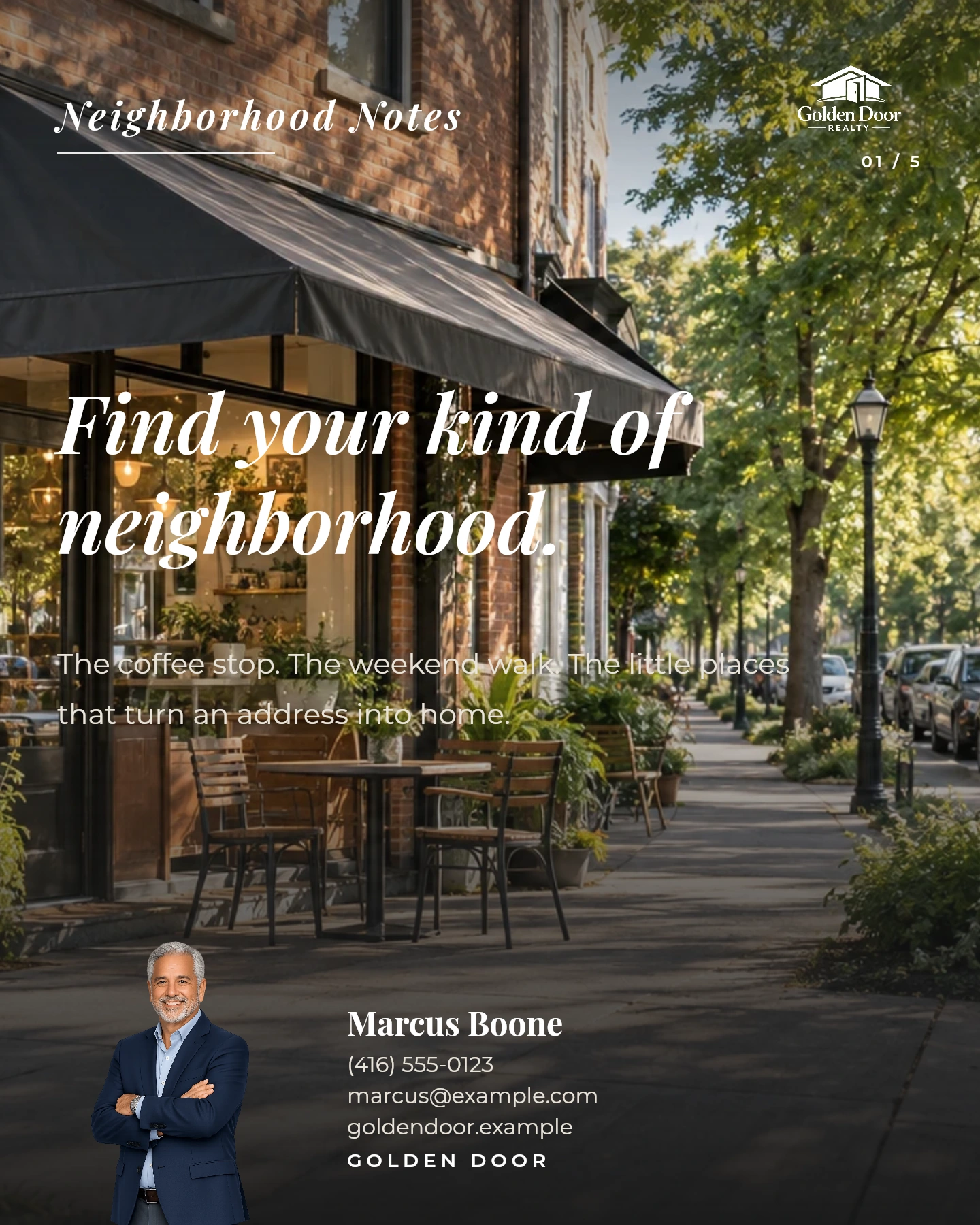
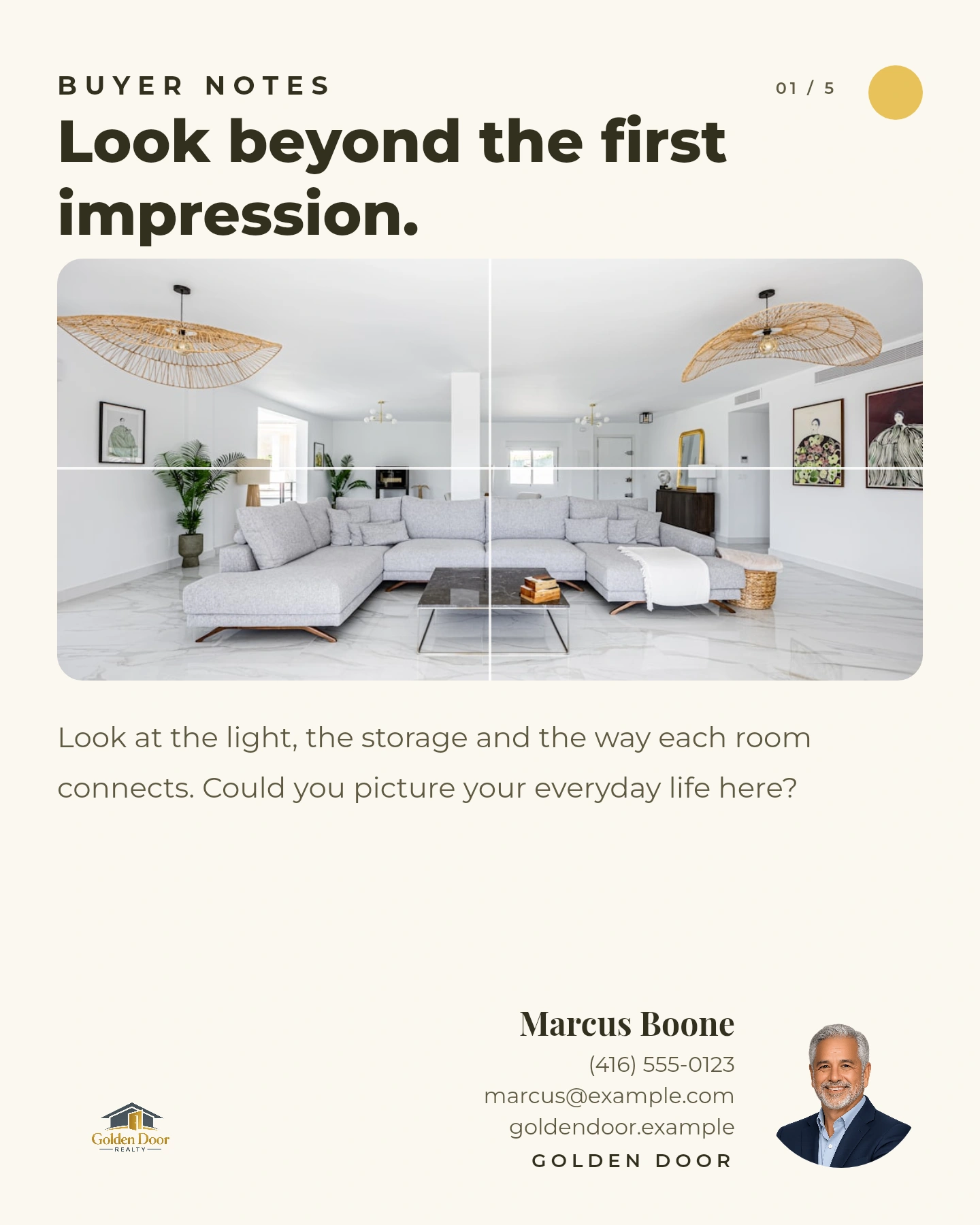
Create buyer tips, seller advice and neighborhood posts with AI Flavors. Personalize the words and design.
Keep your brand present
Use your brand details, colors and voice across everyday content and listing marketing.
LISTING LAUNCHES. EVERYDAY CONTENT. ONE PLAN.
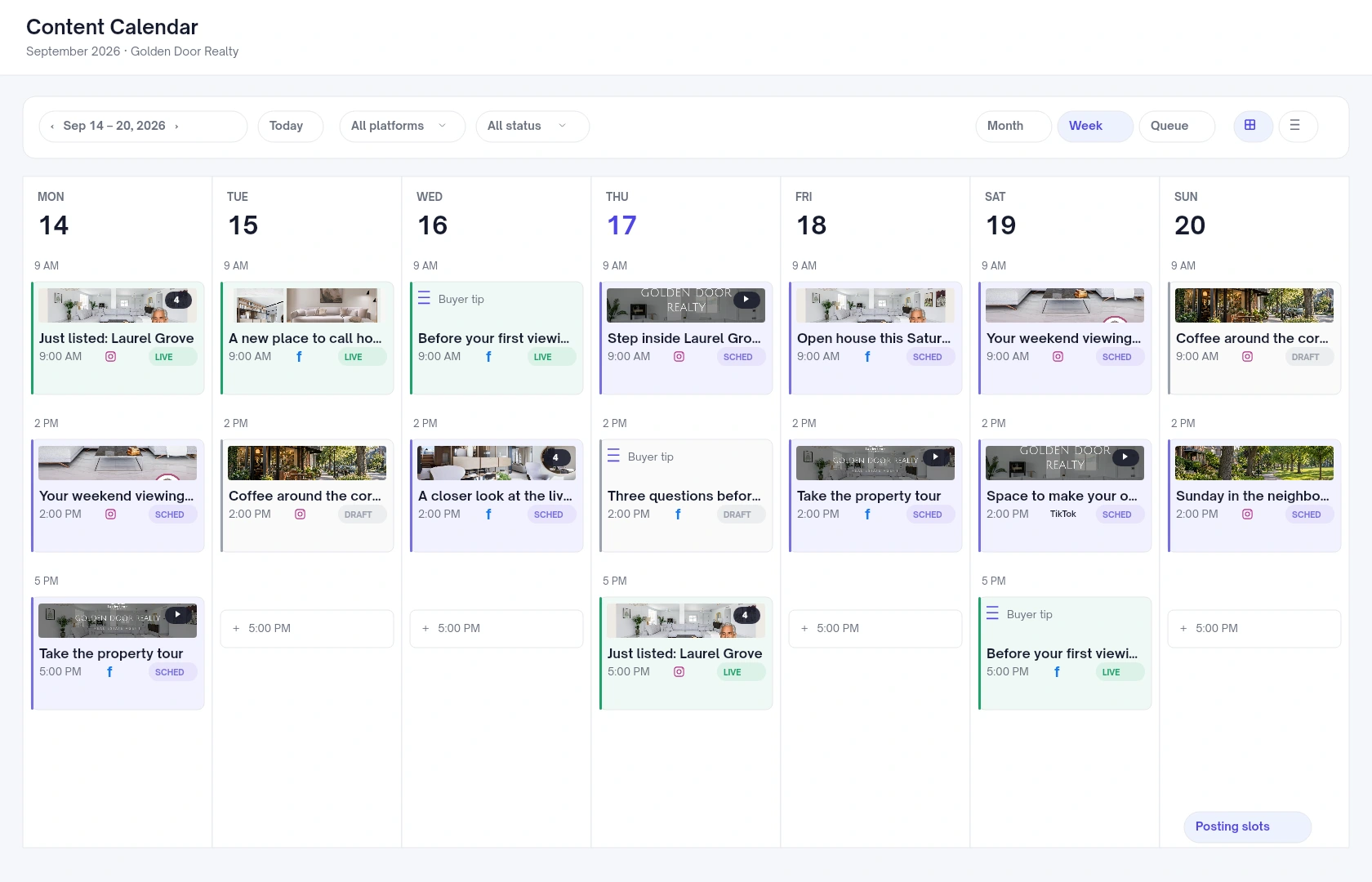
Publish from
one calendar.
See your property marketing alongside the advice and updates that keep your feed useful. Review each caption, choose your connected channels and give every post its place.
A SHORT SETUP. A USEFUL CONNECTION.
Bring your Houzez
website along.
Have access to your WordPress admin and a Velisto account or workspace admin ready. Here’s how the connection comes together.
- 01
Add your site in Velisto
Go to Workspace settings → Houzez. Enter your website’s HTTPS address and generate your connection key.
- 02
Connect the WordPress plugin
Download, install and activate the Velisto plugin. Open Velisto in WordPress, paste your key and choose Save & Verify.
- 03
Run your first import
Open Listings → Import in Velisto and choose Sync now. It imports your published listings and enables automatic updates.
YOUR QUESTIONS, ANSWERED
Your Houzez questions,
answered.
The connection, your subscription and what stays in your control.
Visit the FAQ hubIs Velisto included with my Houzez theme license?
Velisto is a separate product with its own subscription. Choose the plan that fits your content, listing and team needs. Compare Velisto plans or book a demo to talk through your setup.
What syncs from my Houzez website?
The integration brings listing photos and property details into Velisto, including the price, address, beds, baths, size, status and property type. Automatic mode brings new and edited listings across from your connected site.
Will connecting my site automatically publish social posts?
No. The connection syncs listing data. Create your posts, stories, videos and campaigns in Velisto, review the content, and choose whether to publish now or schedule for later.
Can I choose which listings to import?
Yes. Use Manual only mode and import a specific listing URL from your connected Houzez site. Choosing Sync now imports published listings from that site and switches automatic updates on.
Will Velisto change the listings on my website?
No. Listing sync goes one way, from Houzez into Velisto. It does not write changes back to your WordPress listings. Pausing stops syncing; removing the connection leaves already imported listings in Velisto.
Can I use my own branding and templates?
Yes. Apply your brand details and customize the photos, text and designs. Velisto includes 200+ templates across its design and video collection, with options for everyday content, listing posts, stories, flyers and videos.
How many listings can I use?
Listing allowances depend on your Velisto plan. Check the current plan comparison for listing and content limits, or book a demo if you manage a larger portfolio. View plans and allowances.
Do I need a developer to connect my site?
Setup uses the Velisto WordPress plugin and a connection key. You’ll need permission to install a WordPress plugin and an owner/admin role in Velisto or admin access to the workspace. Follow the installation guide for the full steps.
YOUR WEBSITE IS THE START
Put your Houzez
listings to work.
Create the marketing that brings people back to your properties—and keeps your business in their feed.