
CONTENT CALENDAR

Your marketing.
All in view.

See your new listings, open houses and everyday posts in one content calendar. Plan the mix, spot the gaps and adjust your schedule as the week changes.

Your listing campaigns and everyday content, together.

A VIEW FOR EVERY KIND OF PLANNING

Your week. Your month.
Your next post.

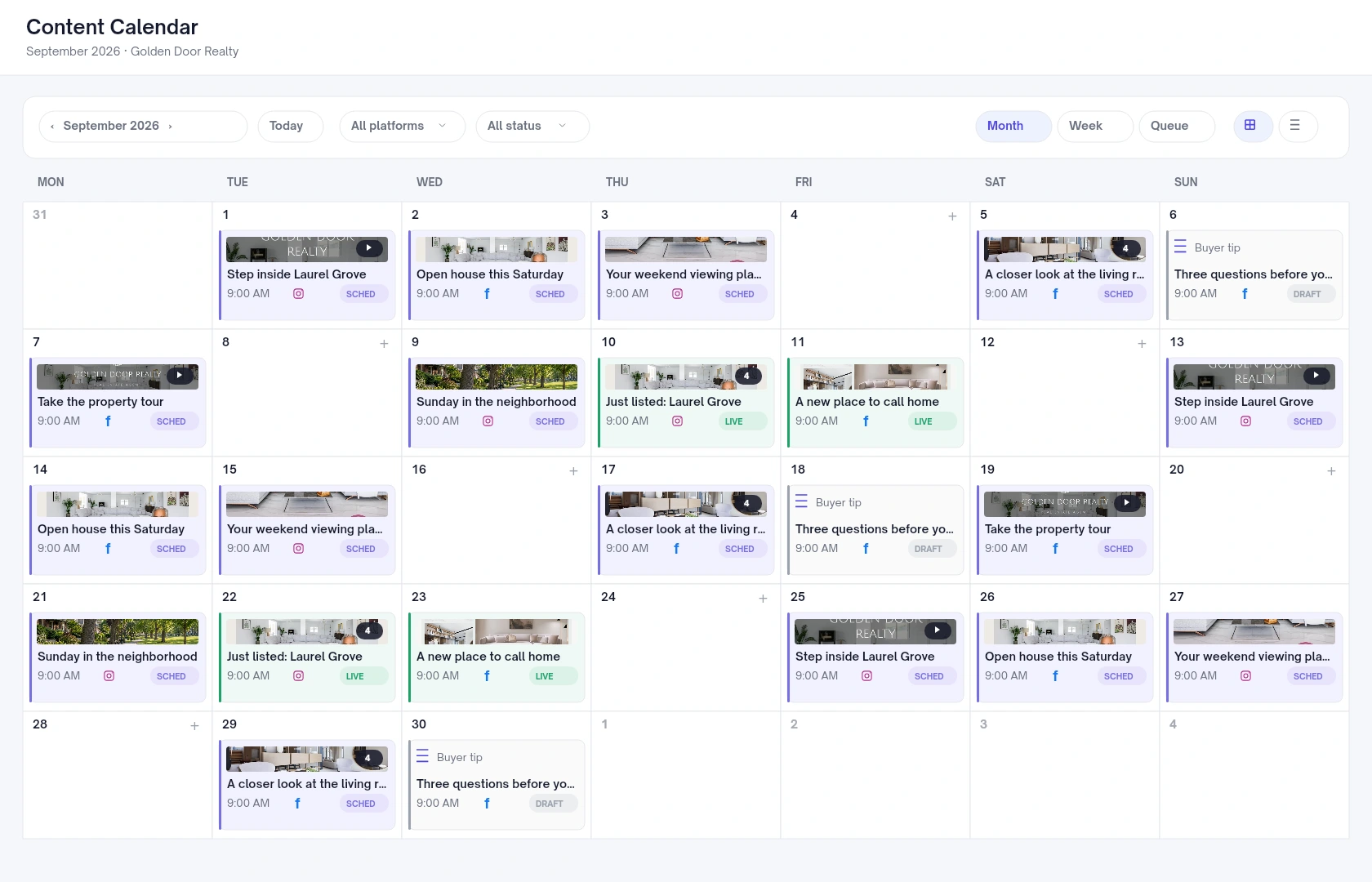
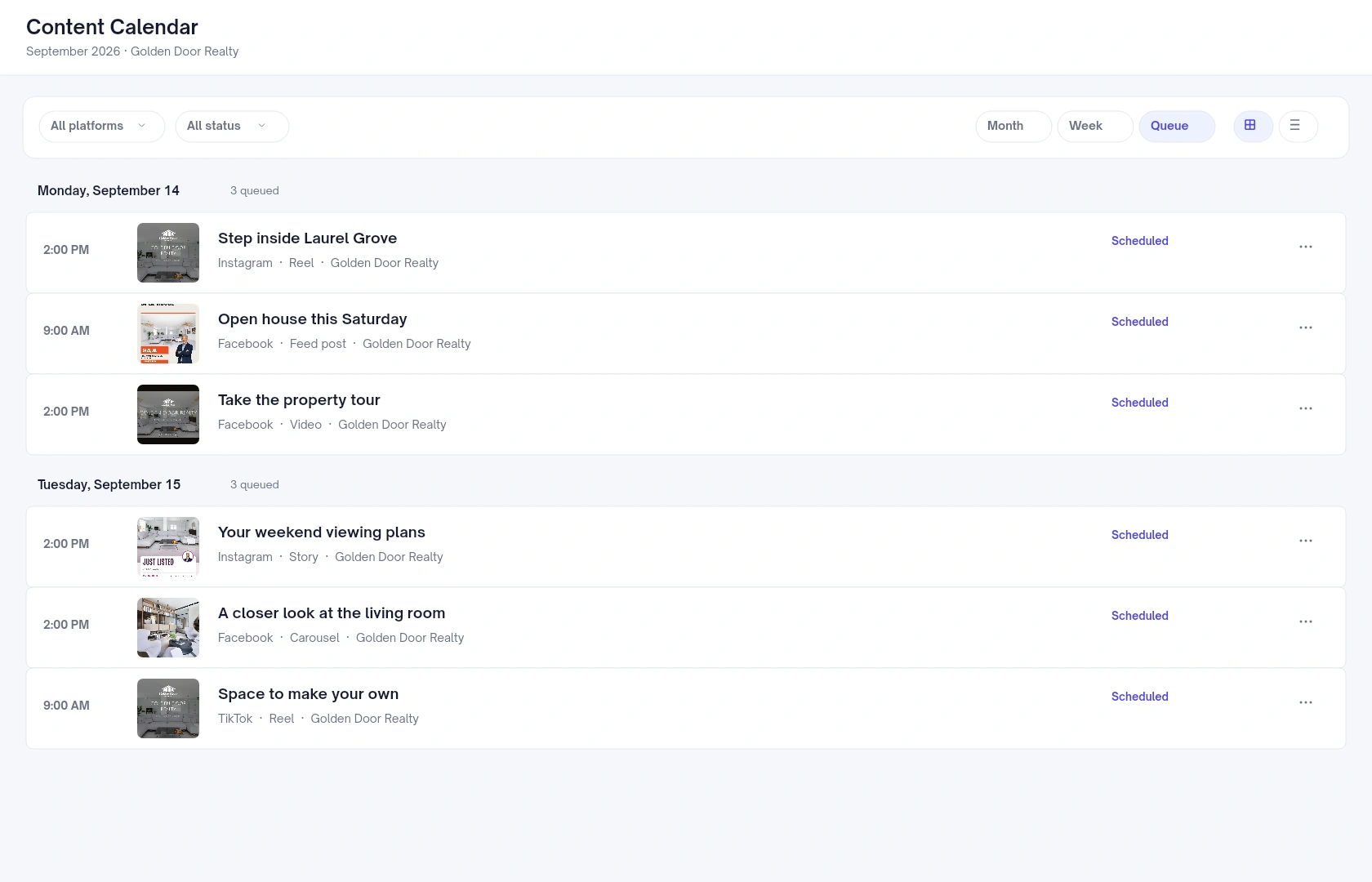
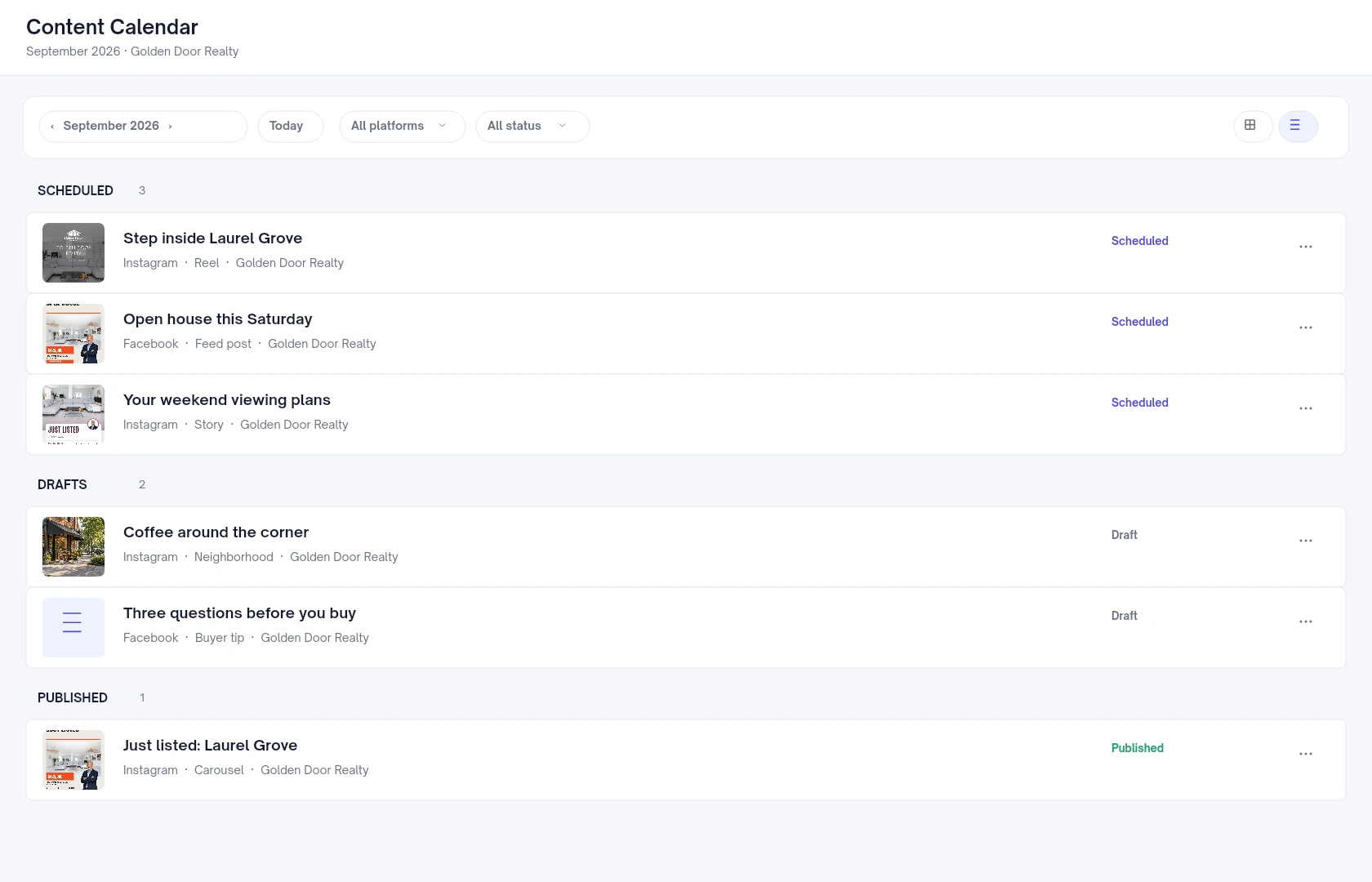
Switch between four views of your content. Filter by platform or status when you want to focus.

See the week take shape.

Keep your upcoming posts and available posting slots in view as you plan around showings, open houses and new listings.
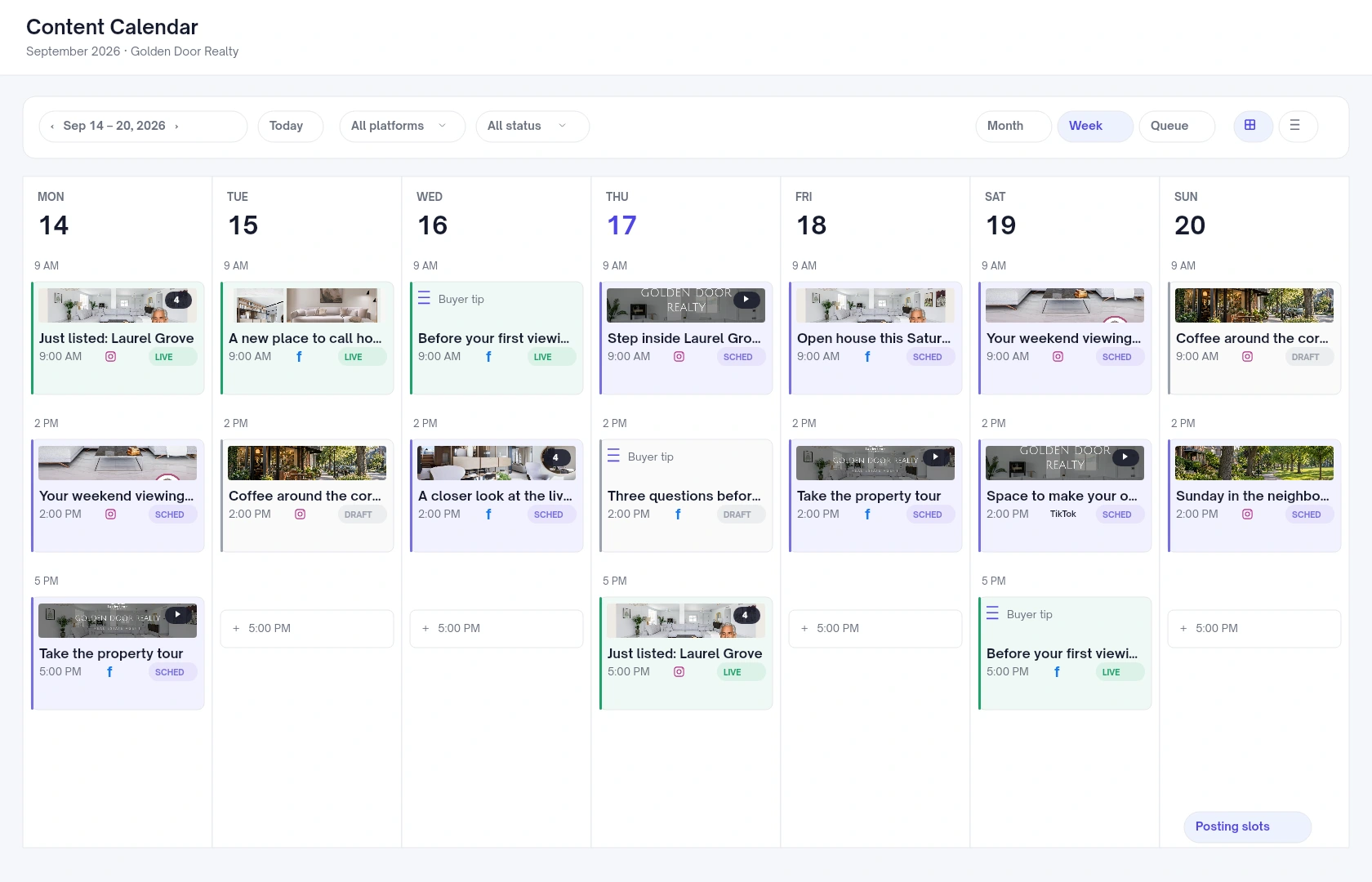
Week view populated with sample real estate social postsView preview

Calendar previews show fictional content using Velisto’s app layout and real design templates.

MORE THAN A ROW OF LISTINGS

A content mix
that feels like you.

Promote the properties. Share your local knowledge. Help buyers take the next step. See how it all fits together.

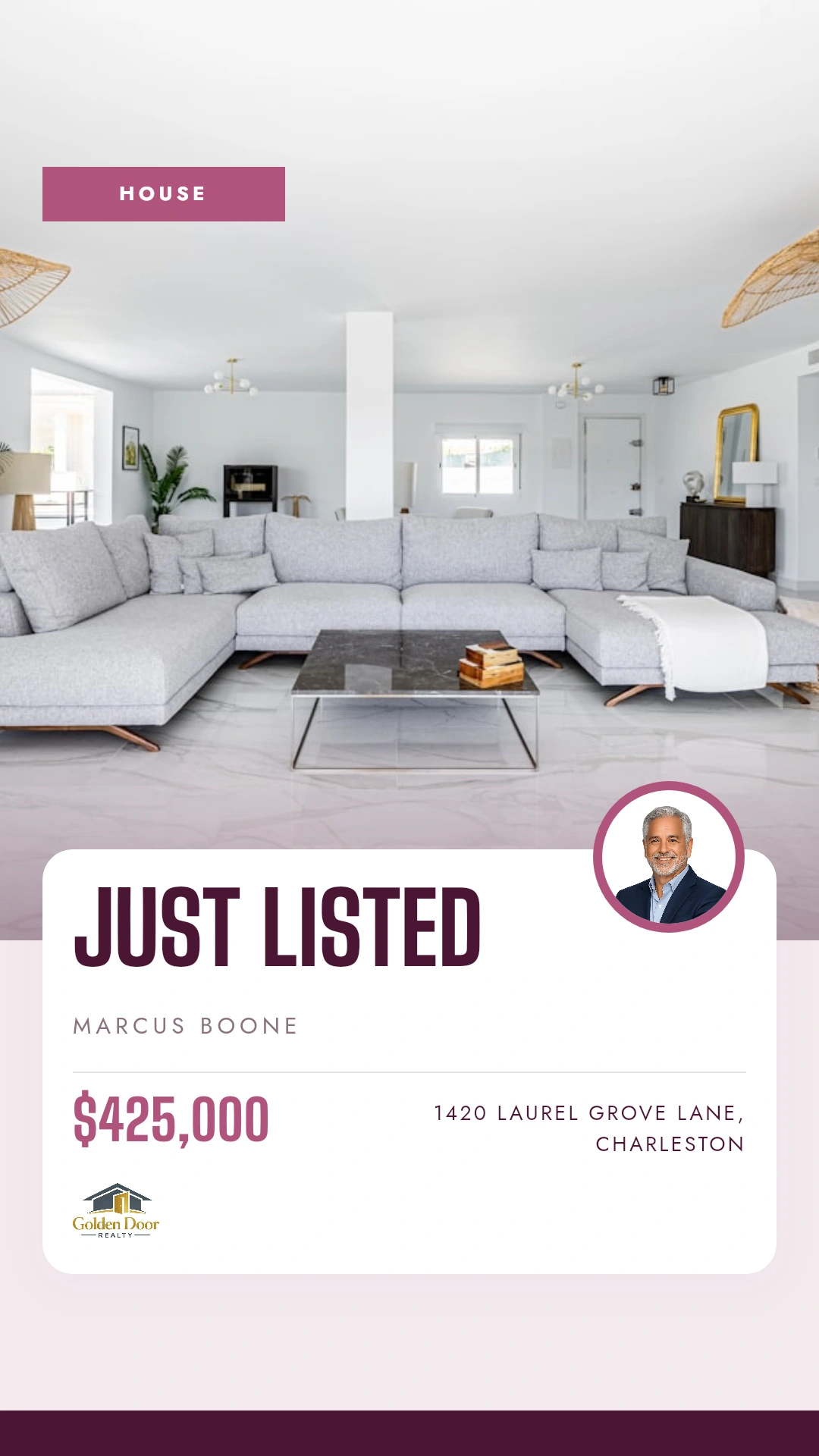
New listing
Carousel

New listing

A branded carousel that introduces the property.

Open house
Feed post

Open house

Keep the date and showing details in front of buyers.
A timely reminder
Story

A timely reminder

Bring a property back into view before the weekend.

A property in motion
Reel

A property in motion

Give your listing photos a new way to be seen.

Local knowledge
Neighborhood post

Local knowledge

Share the places that make a neighborhood feel like home.

BUYER TIP

Before your next showing, ask about the home’s maintenance history—not just its finishes.

Text post

Advice worth saving

Make room for useful answers between property announcements.

PLANS CHANGE. YOUR CALENDAR CAN TOO.

Move the post.
Keep the week on track.

Open a post to refine its caption and media, or drag a scheduled card to a new date or time in the Month and Week views.
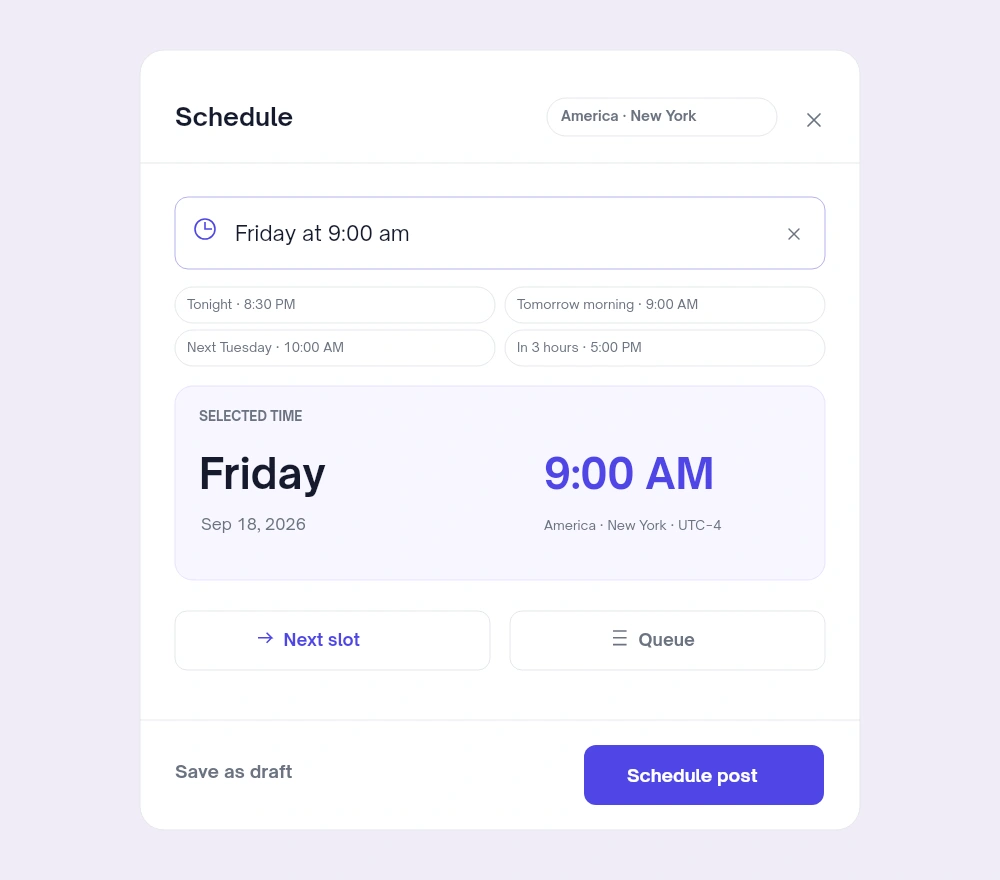
  • Adjust a channel’s publishing time.
  • Keep unfinished content as a draft.
  • Review the updated schedule in one place.
Explore publishing & scheduling
Velisto scheduling dialog with a chosen date, account timezone, Next slot, Queue and Schedule postView preview

YOUR QUESTIONS, ANSWERED

A closer look
at your calendar.

A few useful details before you start.

Visit the FAQ hub
Which calendar views are available?
Month and Week show the calendar grid. Queue shows upcoming scheduled posts in date order. List groups content by status so you can review scheduled, failed, draft and published posts.
Can I see different types of posts together?
Yes. Listing posts, everyday content, stories and videos can appear in the same calendar. Each card represents content for a selected social channel.
Can I move a scheduled post?
Yes. Drag a card in the Month or Week view to reschedule that channel’s post, or open its scheduling controls to choose another time.
Will a draft on the calendar publish automatically?
No. A draft can have a planned date and still remain a draft. You need to schedule or publish it when it is ready.
Can I filter the calendar?
Yes. Filter by platform or status to narrow the view—for example, to Instagram posts or drafts.
How is this different from Plan my content?
Plan my content helps you create a weekly content plan. The Content Calendar is where you see, organize and adjust your posts and publishing schedule.

MAKE ROOM FOR YOUR REAL ESTATE BUSINESS

Know what’s next.
Make time for your clients.

Plan your content in one place, from the next listing to the next local tip.

Product preview

See Velisto in action

Demo video coming soon

This space is ready for the Velisto product tour.

Explore how Velisto works