
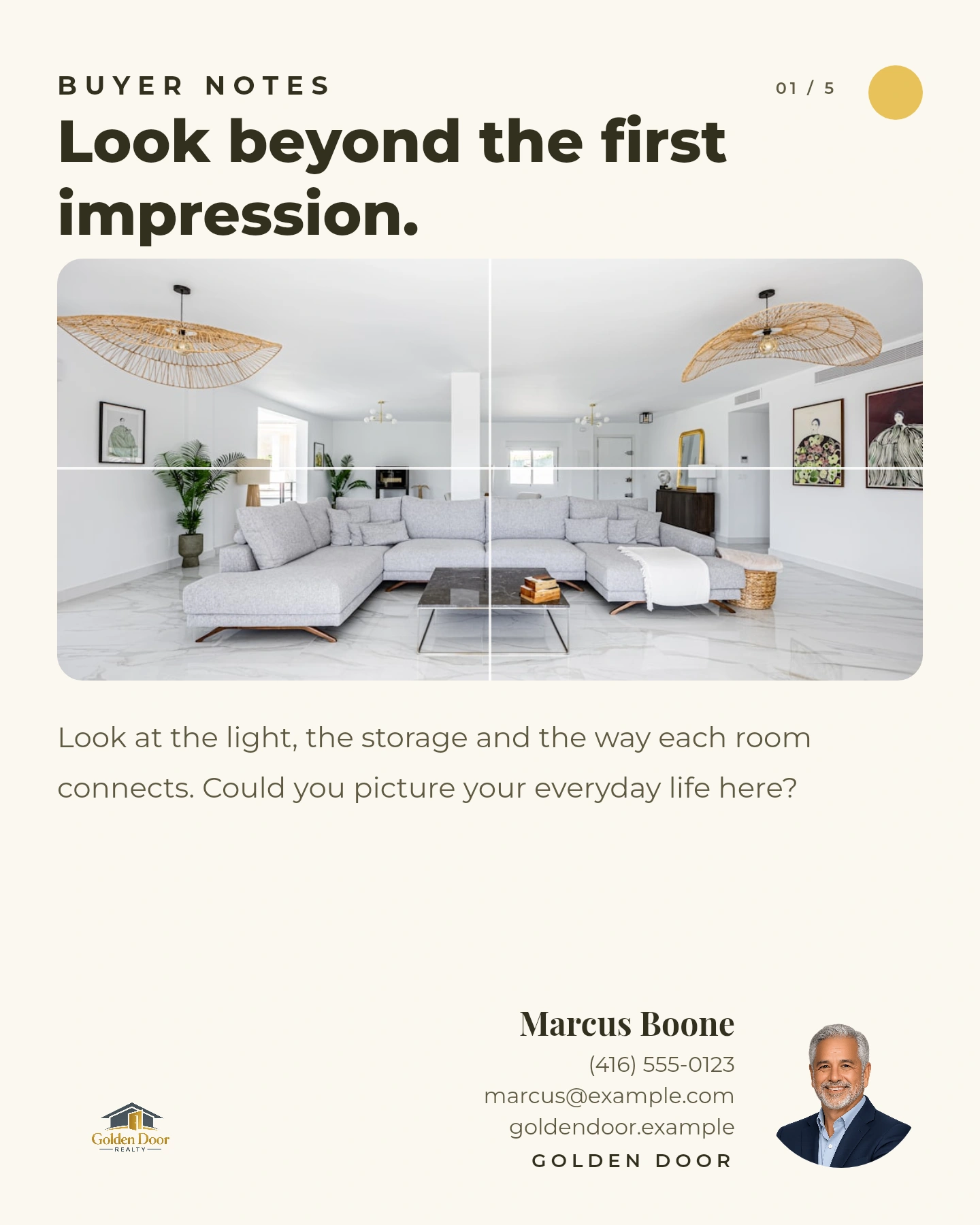
Buyer advice
PLAN YOUR CONTENT
Know what to post.
Have it ready
to share.
Stay on buyers’ and sellers’ minds with content shaped around your expertise. Get tailored topics, turn them into branded posts, and review everything on your calendar before it goes out.
MORE TO SHARE BETWEEN LISTINGS
Useful content.
With your name on it.
Help buyers prepare. Give sellers a starting point. Share the local knowledge that makes you worth following.
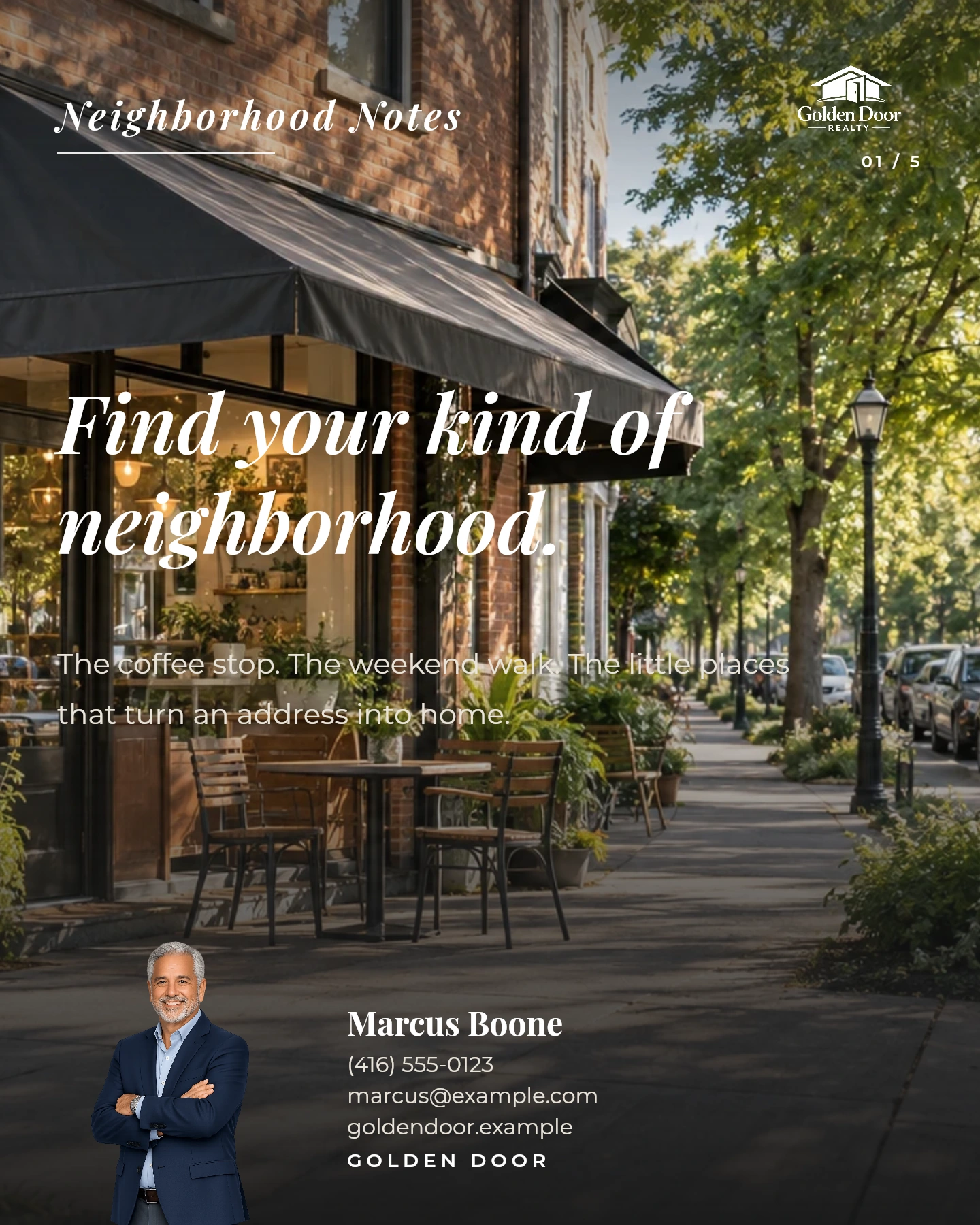
Local knowledge
Give people a feel for the places you know.
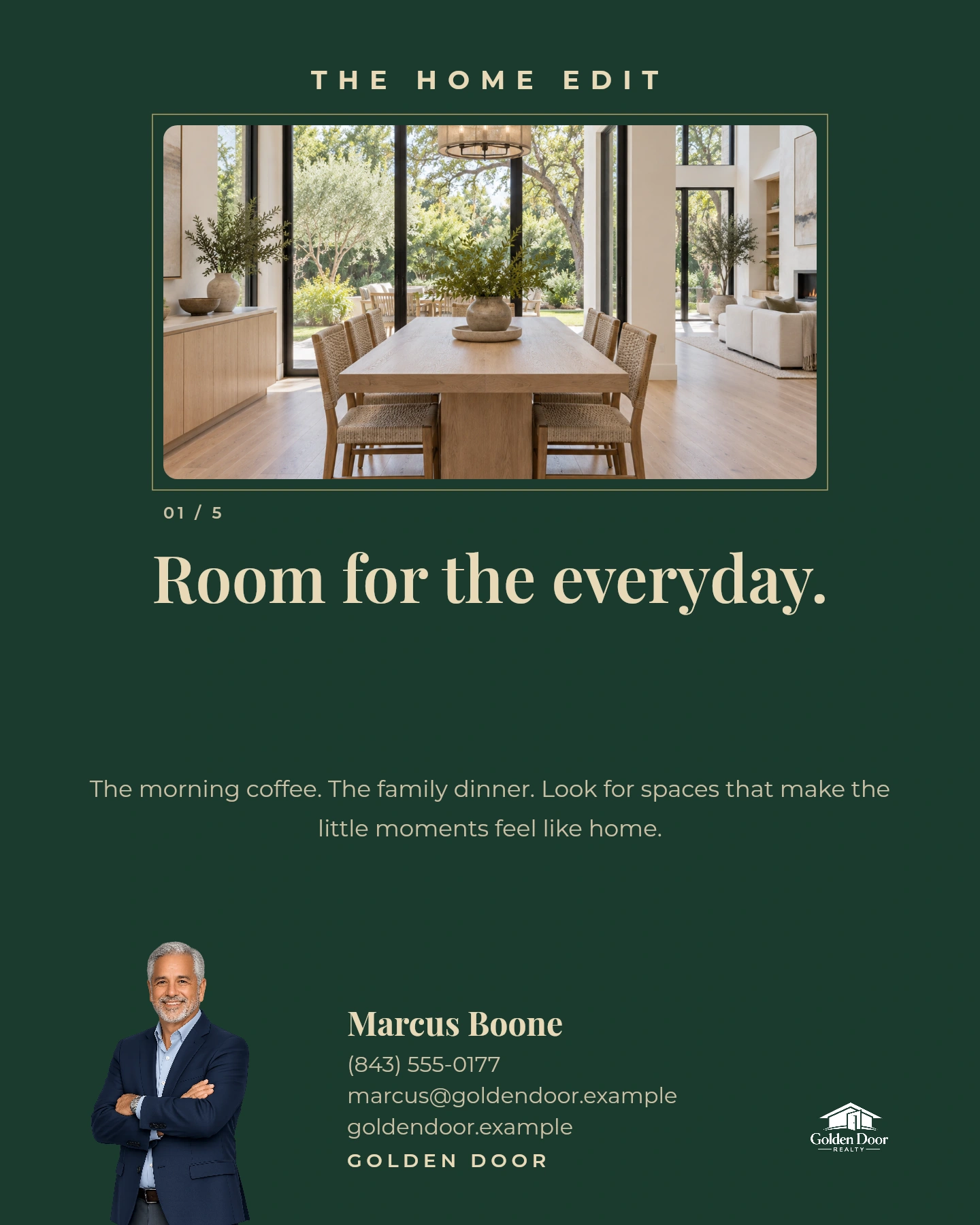
Everyday expertise
Bring your perspective and branding into the feed.
Real Velisto templates with sample content and agent branding. Your topics shape the finished posts.
CHOOSE YOUR DIRECTION
A fresh mix.
Or one idea worth exploring.
Keep your content varied, or build a connected series around a subject your audience cares about.
Keep giving your audience a reason to follow.
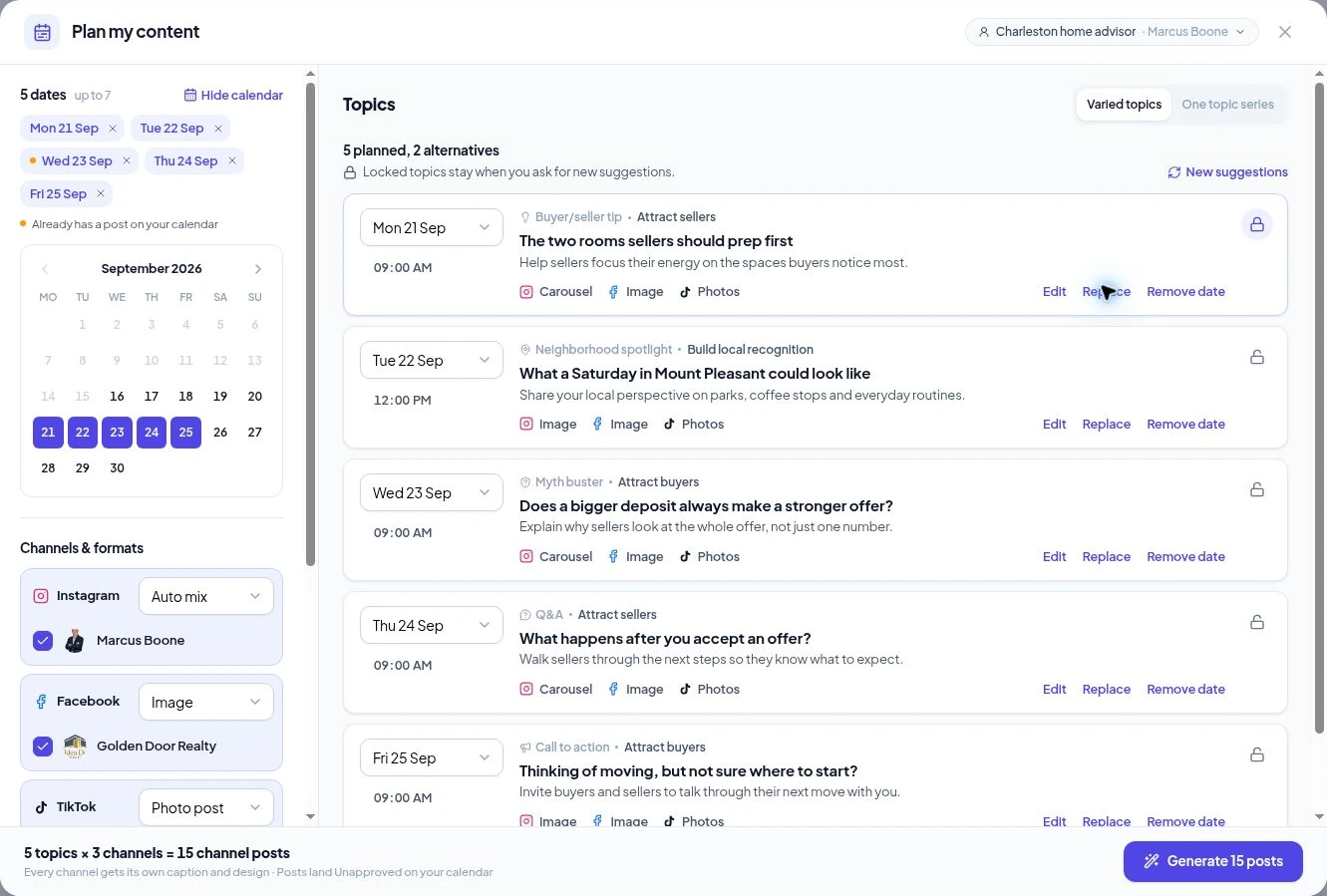
Suggestions cover different subjects and content goals, with a topic for each selected date.
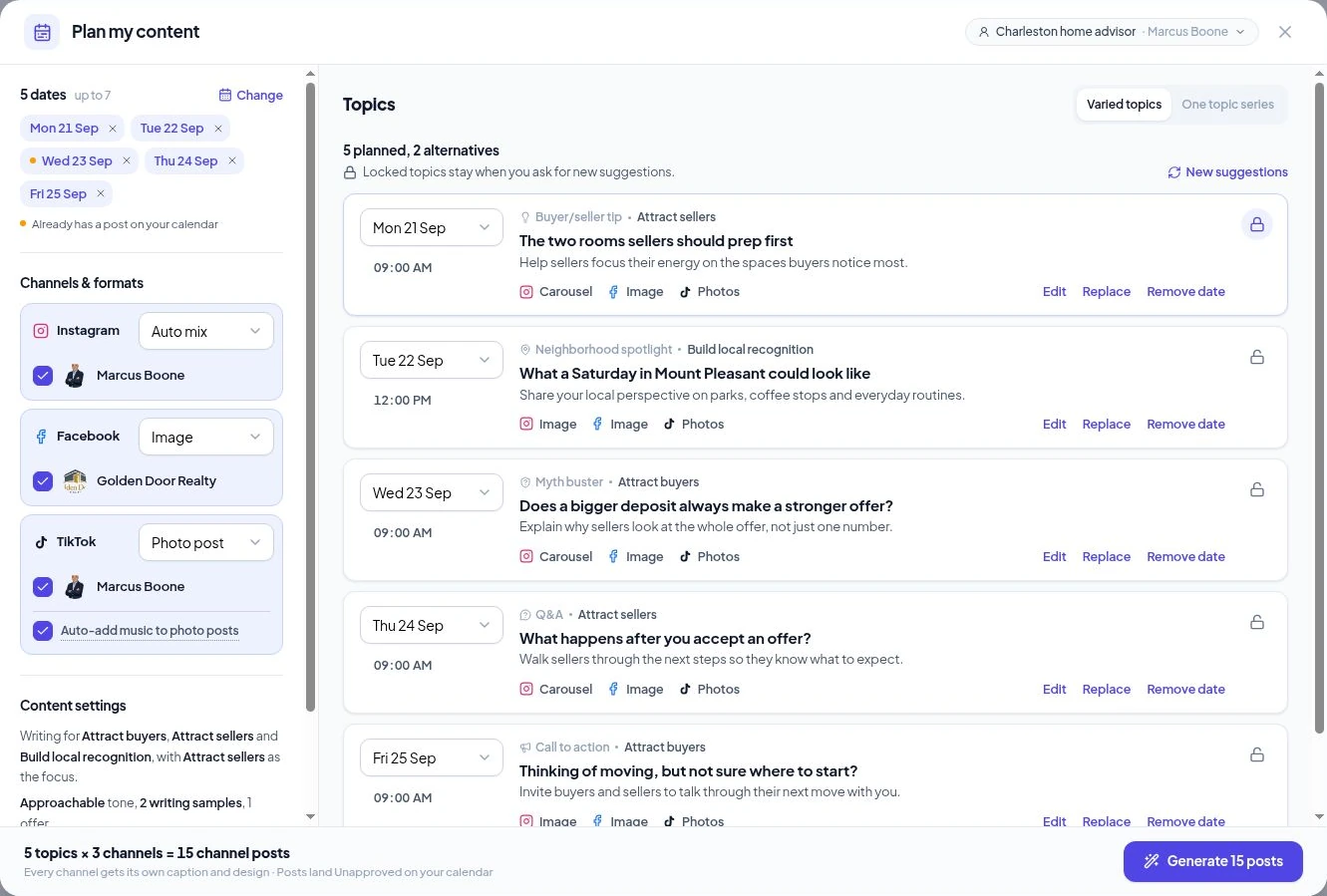
Turn one theme into a connected series.
For example, “Getting your home ready to sell” becomes a sequence of useful angles across your chosen dates.
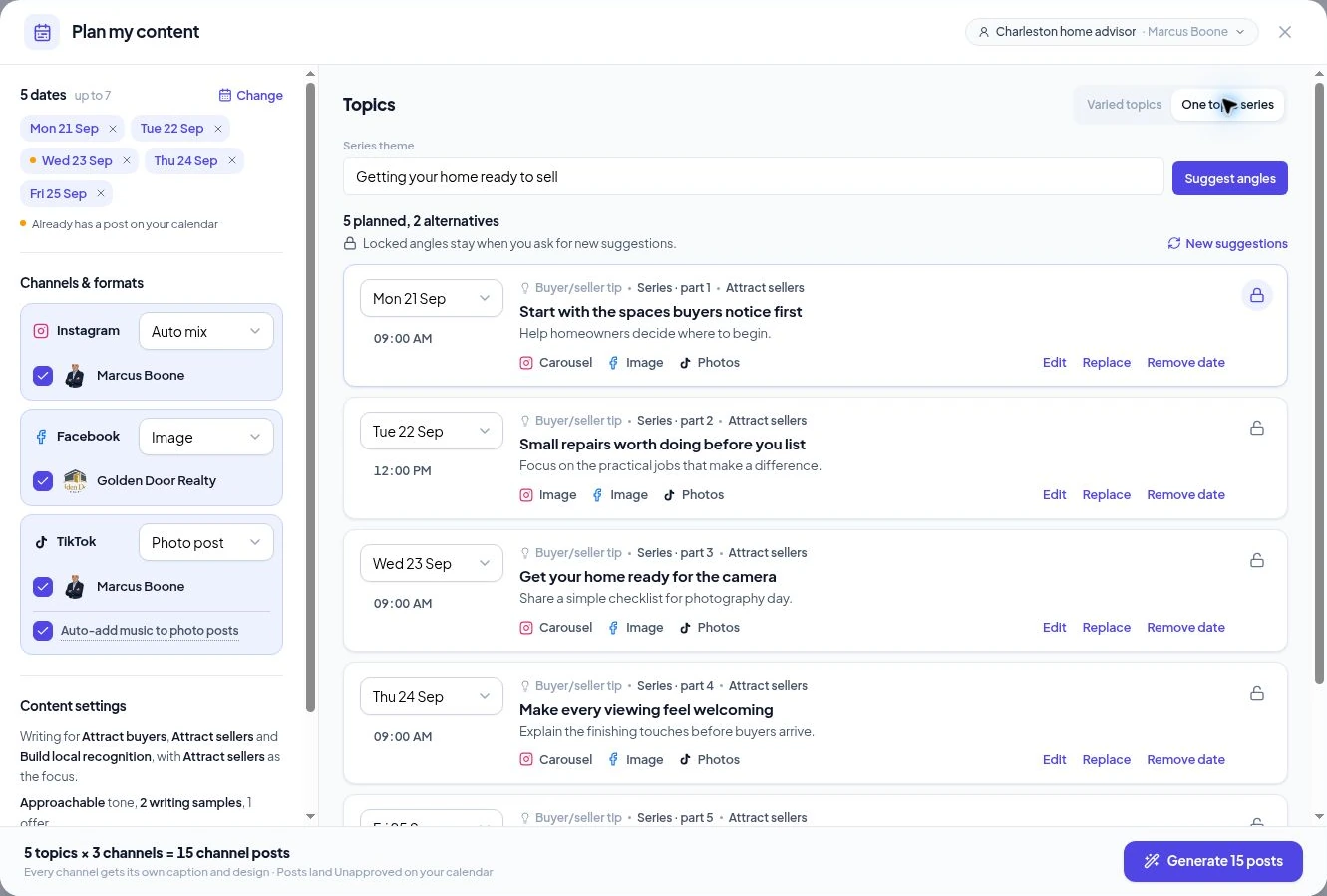
Velisto content planner, shown with sample agent content.
YOUR EXPERTISE SETS THE DIRECTION
Good ideas.
Still yours to shape.
Your persona, audience, content goals and writing preferences give Velisto a starting point. You decide which ideas earn a place.
Lock the topics you like.
Keep a favorite while asking for new suggestions for the others.
Find a better angle.
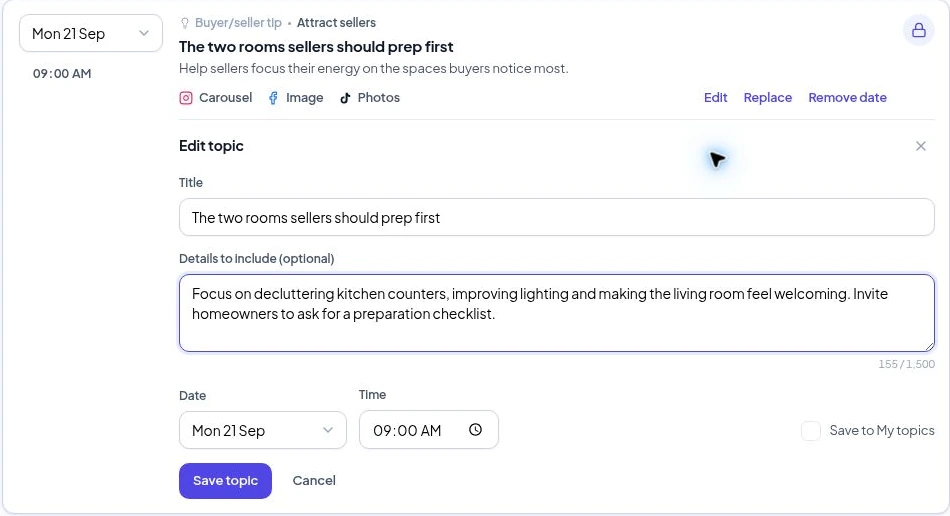
Replace a topic with an alternative, edit its title and details, or write your own.
Keep your ideas close.
Save a topic to My topics and bring it into a future plan.
A PLAN THAT FITS YOUR PACE
Your dates.
Your channels.
Your content mix.
Choose up to seven dates per plan. Spread them out, adjust the times and see when a day already has content.
Post at a pace you can sustain.
A plan can be a few selected days. You don’t have to post daily.
Choose the format per platform.
Use images or carousels on Instagram, images or text on Facebook, and photo posts on TikTok.
See exactly what you’re creating.
Five topics across three selected channels creates fifteen channel posts, with captions and designs adapted for each.
Available channels and formats follow the accounts connected to your workspace. Stories and videos have their own creation flows.
YOU HAVE THE FINAL SAY
Ready on your calendar.
Approved by you.
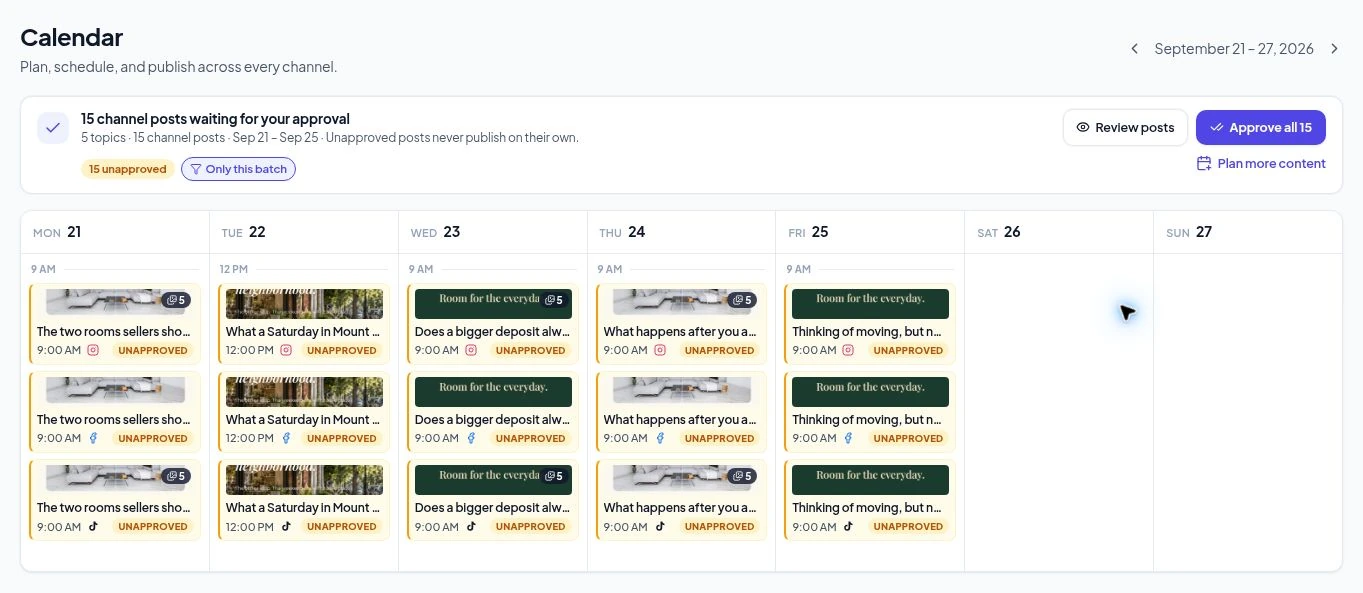
Choose Generate to create your posts. They appear as Unapproved on the calendar, where you can review the content and timing before approving.
01
Generate your posts
Captions and branded visuals are prepared for your selected dates and channels.
02
Review and make changes
Open the posts, check the facts, refine the wording and adjust the media or time.
03
Approve when ready
Approve ready posts individually, or use Approve all. Unapproved posts never publish on their own.
Want to follow the exact steps?
Open the planning walkthroughYOUR QUESTIONS, ANSWERED
Before your
next content plan.
A few useful details before you get started.
Visit the FAQ hubDo I need a listing to use Plan my content?
No. Plan content around buyer advice, seller tips, neighborhood knowledge, common questions and your expertise. Use Promote a listing when you have a specific property to market.
Do the dates have to be in the same week?
You can choose up to seven dates per plan using the date picker. Choose the dates and times that fit your schedule; posting every day is optional.
What is One topic series?
Enter a theme and let Velisto suggest different angles on it. Review the sequence, edit the ideas and assign them to your chosen dates.
What if I don’t like a suggestion?
Replace it with an alternative, request another suggestion or write your own. Lock the topics you want to preserve before asking for new suggestions.
Can I use my own topics?
Yes. Use Add my own topic, enter a title and optional details, and choose a date. You can also save it to My topics and reuse it later.
Does Generate also schedule my posts?
Generate places the posts on your calendar as Unapproved. Review them and approve the ready posts before they can publish at their planned times.
Does this create reels or stories?
This planner creates the image, carousel, text and photo-post formats available for your selected channels. Use the separate listing, video and design tools for other formats.
How is this different from Create from an idea?
Plan my content helps you choose topics and prepare posts across selected dates. Use my own idea starts with a specific request and creates an individual post for review in the composer.
MAKE MORE TIME FOR YOUR CLIENTS
Have a plan.
Get on with your day.
Fresh ideas. Your branding. Content ready for your review.