
9:16 · 1080p · 20 seconds
Reel
A full-screen property video built from your selected photos, with branded opening, scene and closing cards.
Overture MotionREELS & VIDEO EDITOR
Turn listing photos or images you already have into branded 9:16 reels and 16:9 landscape videos. Add motion, music and your look, then take the finished video straight into a post.
VERTICAL OR WIDE
Choose vertical for a full-screen reel or landscape when the property needs a wider view. Both start from the same kind of photo-led workflow.
A full-screen property video built from your selected photos, with branded opening, scene and closing cards.
Overture MotionA wider property story for content that benefits from more space around every room and detail.
Overture WidePlayable examples use fictional property and agent details. They are rendered from Velisto’s Overture templates with three photo scenes and background music.
START WITH WHAT YOU ALREADY HAVE
A saved listing makes the process faster, but it is not required.
Bring in its photos and property details. Velisto can use them to fill the branded overlay.
Explore Listing PostsSelect photos from your media library and create a reel or landscape video without attaching a listing.
SHAPE EVERY SCENE
Select a scene and adjust how it appears. The live stage and filmstrip keep the full video in view while you work.
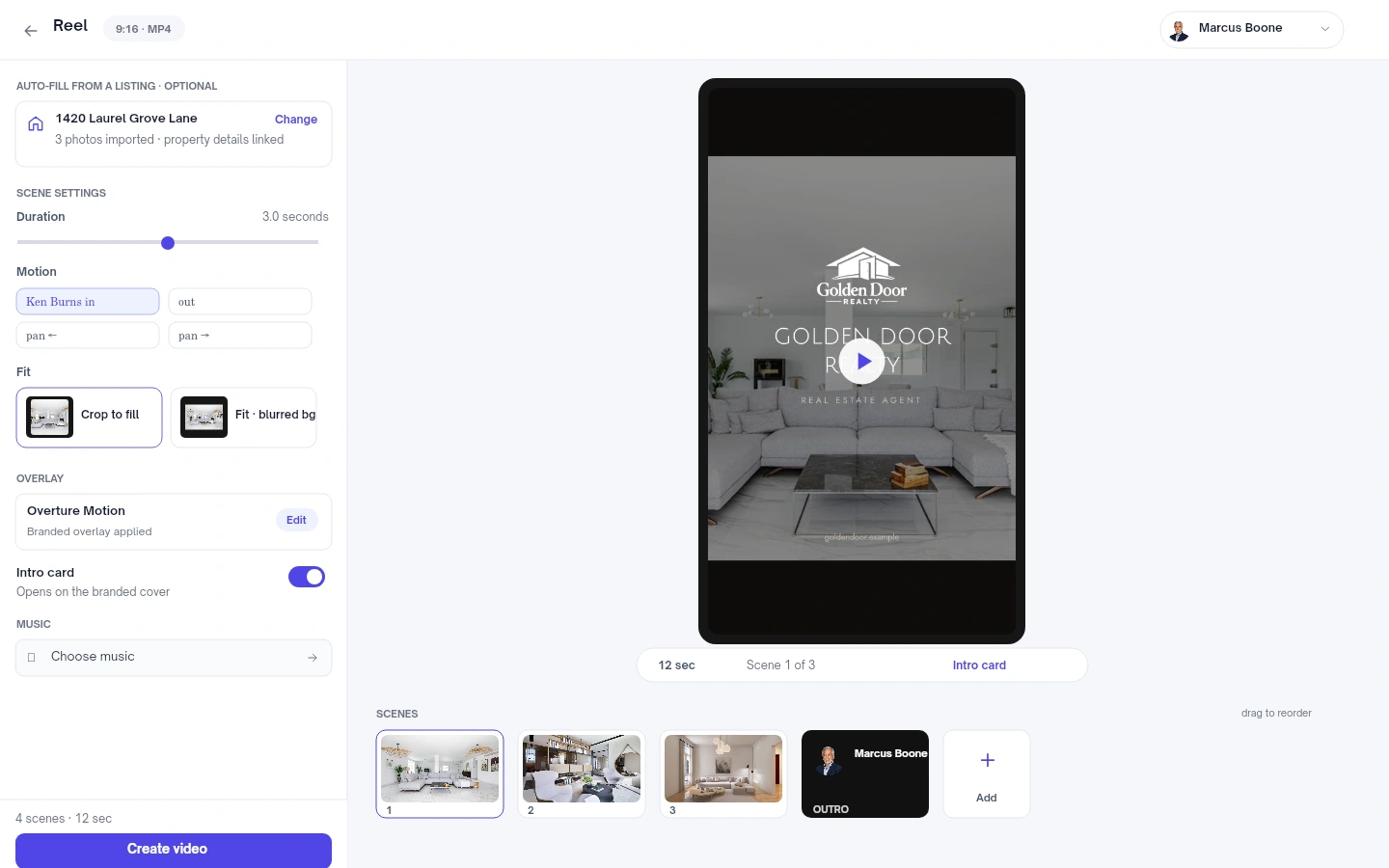
Adjust the duration of each scene and drag the filmstrip to change the order.
Zoom in or out, pan in four directions, or keep a photo still.
Crop an image to fill the frame or show it whole over a softly blurred background.
YOUR LOOK. YOUR SOUND.
Choose a polished overlay, edit the visible text and add music that fits the property.

Minimal dark framing that keeps the photography at the centre.
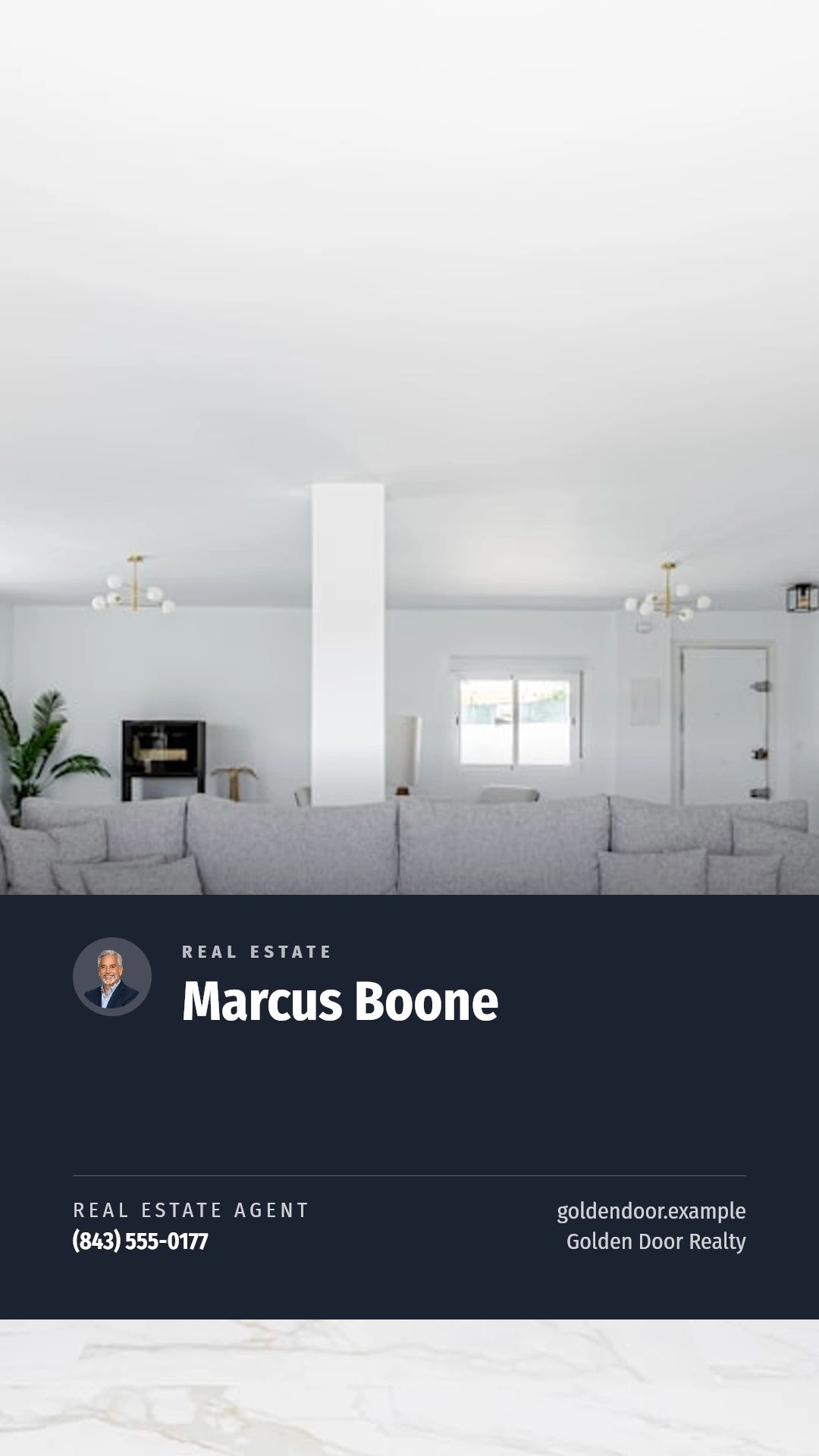
Agent-led branding with confident property information.
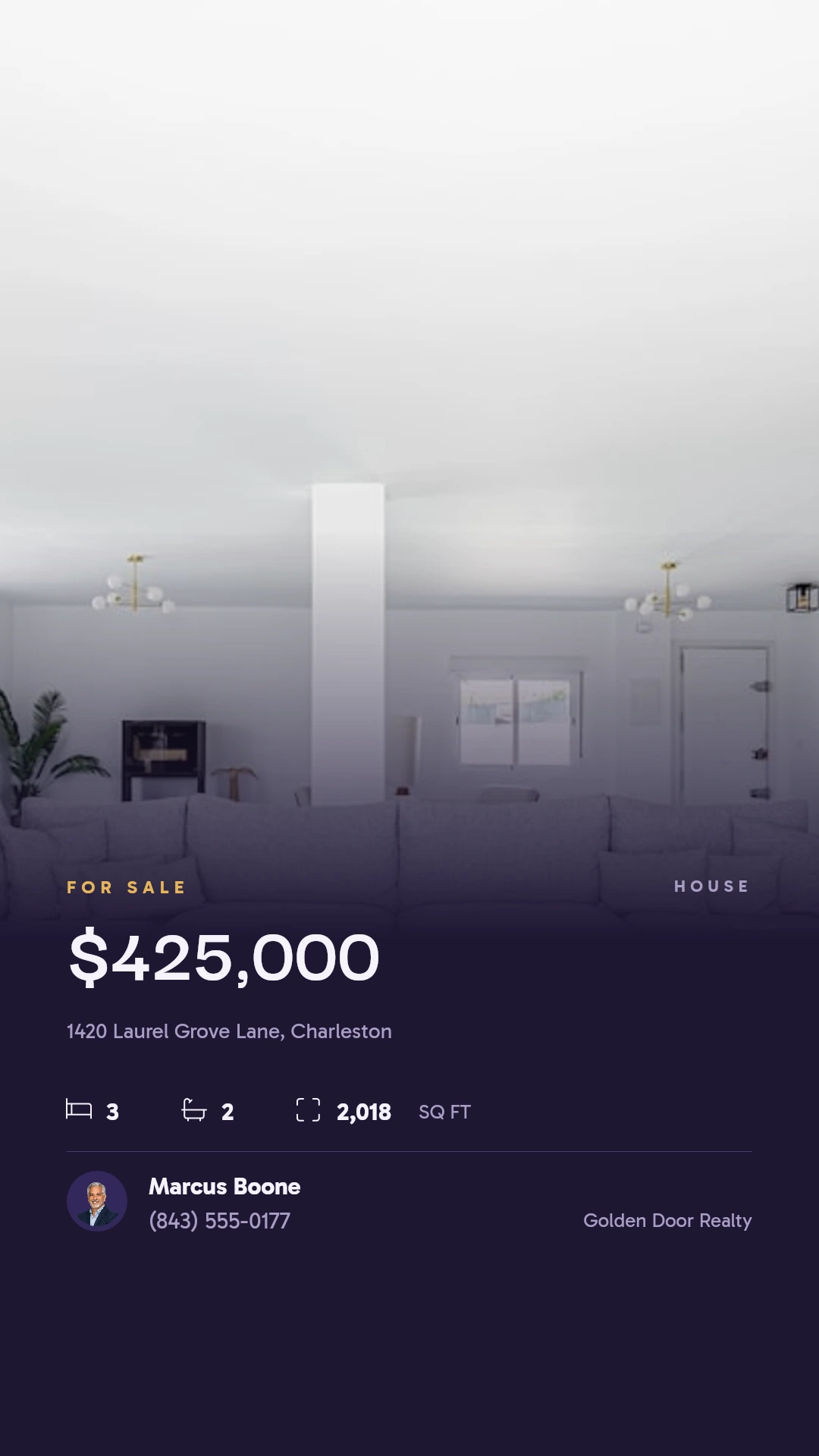
A richer editorial look for listings that call for more drama.
When you start from a listing, property and brand details can populate the overlay. Edit the visible text whenever the story needs a different emphasis.
Search the music library, preview tracks, keep favorites or upload music you have the rights to use. Set the volume before rendering.
Use an intro card when the selected template provides one. Supported templates can also finish with a branded closing card.
Template previews retain the original layout, typography and colors, filled with fictional sample content. Landscape overlays are matched to their template family when a paired design is available.
FROM CAMERA ROLL TO CONTENT
Everything needed to move from still photos to a ready-to-share video stays in one workflow.
Choose a listing to import its images and details, or select your own images from the media library.
Build a vertical reel or landscape video, then select the overlay that fits the property.
Reorder photos and adjust duration, motion, image fit, visible text and music.
Render the video, preview the result, download it or add it directly to a new post.
Ready to publish?Add the rendered video to a post and finish it in the composer.
YOUR QUESTIONS, ANSWERED
Useful details before you make your first reel or landscape video.
Visit the FAQ hubYOUR PHOTOS CAN DO MORE
Turn the images you already have into branded video content.