
DESIGN STUDIO

Your content.
Your brand.
A beautiful fit.

Choose from 200+ templates. Add your words and photos. Make every detail yours with Content Studio and Design Studio, together in one workspace.

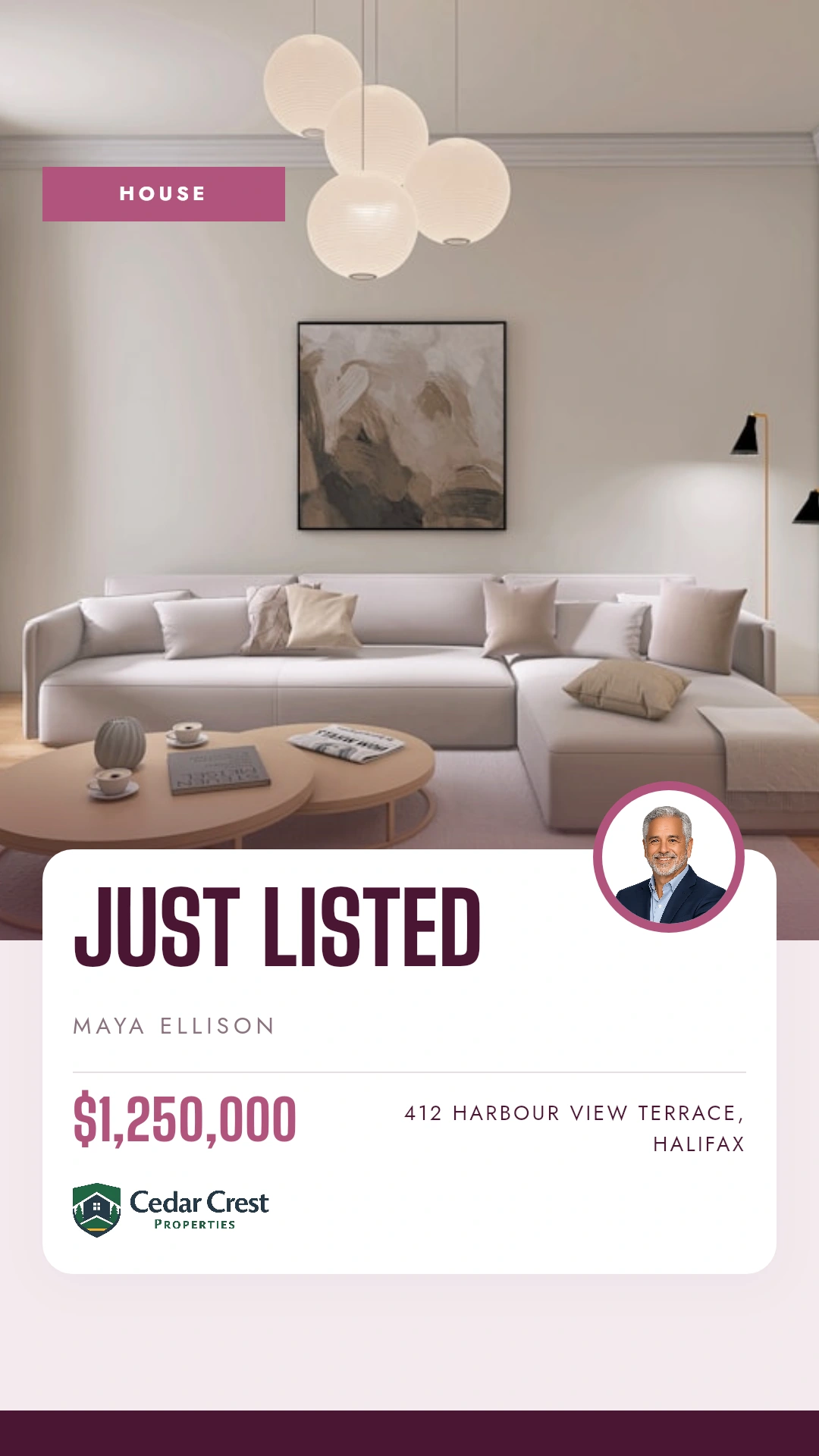
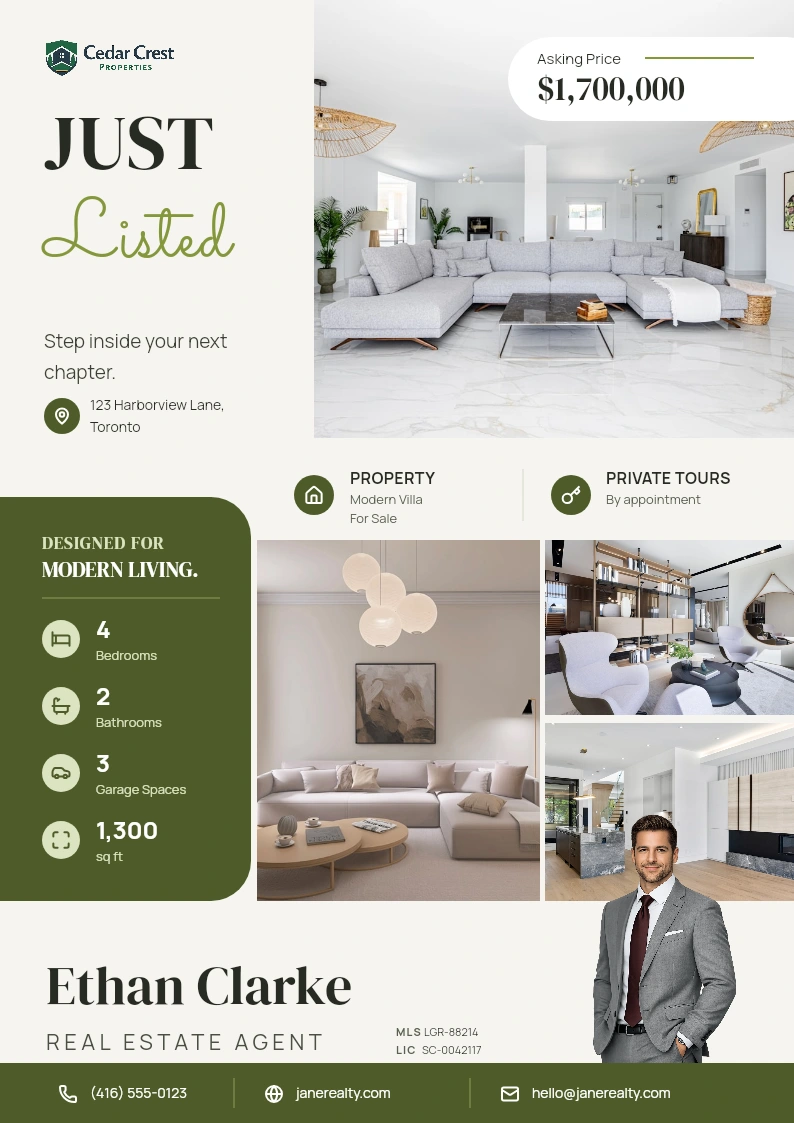
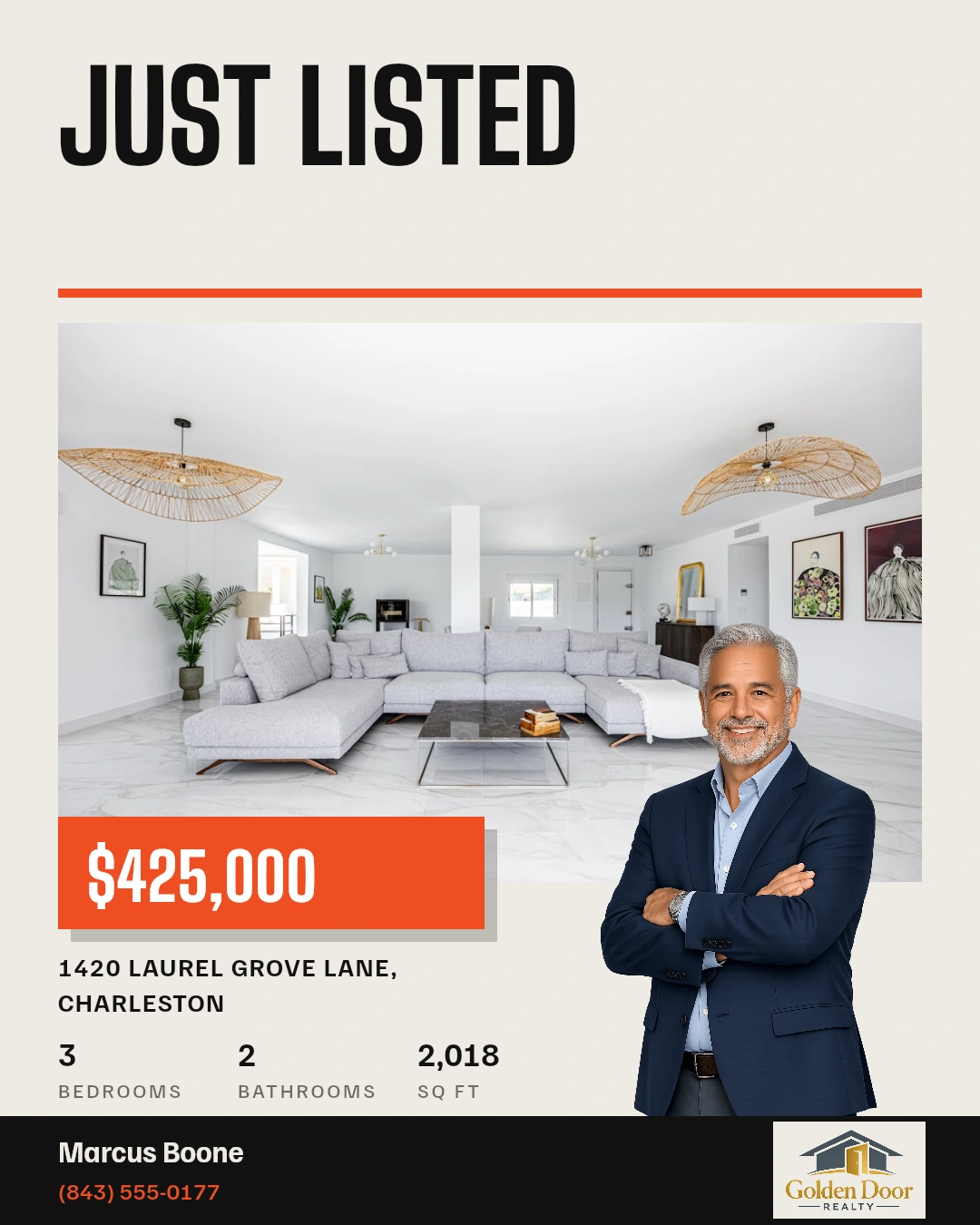
Bellamy Fig story template Laurel Olive property flyer template Beacon Ember social post template
200+ templates. Made for real estate.

TWO WAYS TO MAKE IT YOURS

Fill it in.
Fine-tune it.

Some days you need a finished design quickly. Other days, you want to move things around. Choose the level of control your idea needs.

CONTENT STUDIO01

The quick way
to make it yours.

Choose a template and fill its editable fields. Your text and photos fit into a layout that’s already put together.

  • Replace the headline, copy and photos.
  • Bring in your saved brand details.
  • Autofill from a listing when you need to.
A great starting point for everyday marketing.
DESIGN STUDIO02

A little more you.
In every detail.

Customize a template or start with a blank canvas. Take control of the layout and give your idea room to take shape.

  • Move, resize and arrange the elements.
  • Change fonts, colors, images and layers.
  • Save your own reusable templates.
For the finishing touches—and the fresh starts.

On an editable template, switch between Content and Design while working on the same piece.

FROM STARTING POINT TO FINISHED PIECE

Make it once.
Put it to work.

Keep the creative process in one place, from the first template to the file you’re ready to share.

  1. 01

    Choose your starting point.

    Pick a template for your post, story or flyer. Or open a blank canvas for an idea of your own.

  2. 02

    Add your finishing touches.

    Fill the content, check the details, and customize the layout when you want more control.

  3. 03

    Export for the job.

    Download supported designs as PNG, JPG or PDF. Print formats also offer print-ready export options.

YOUR QUESTIONS, ANSWERED

A closer look
at your creative workspace.

A few useful details before you start designing.

Visit the FAQ hub
Are Content Studio and Design Studio separate tools?
They are two modes in the same creative workspace. Content Studio fills the editable fields in a template. Design Studio gives you control of the canvas and its elements. On an editable template, you can switch between them as you work.
Are these templates available in Velisto?
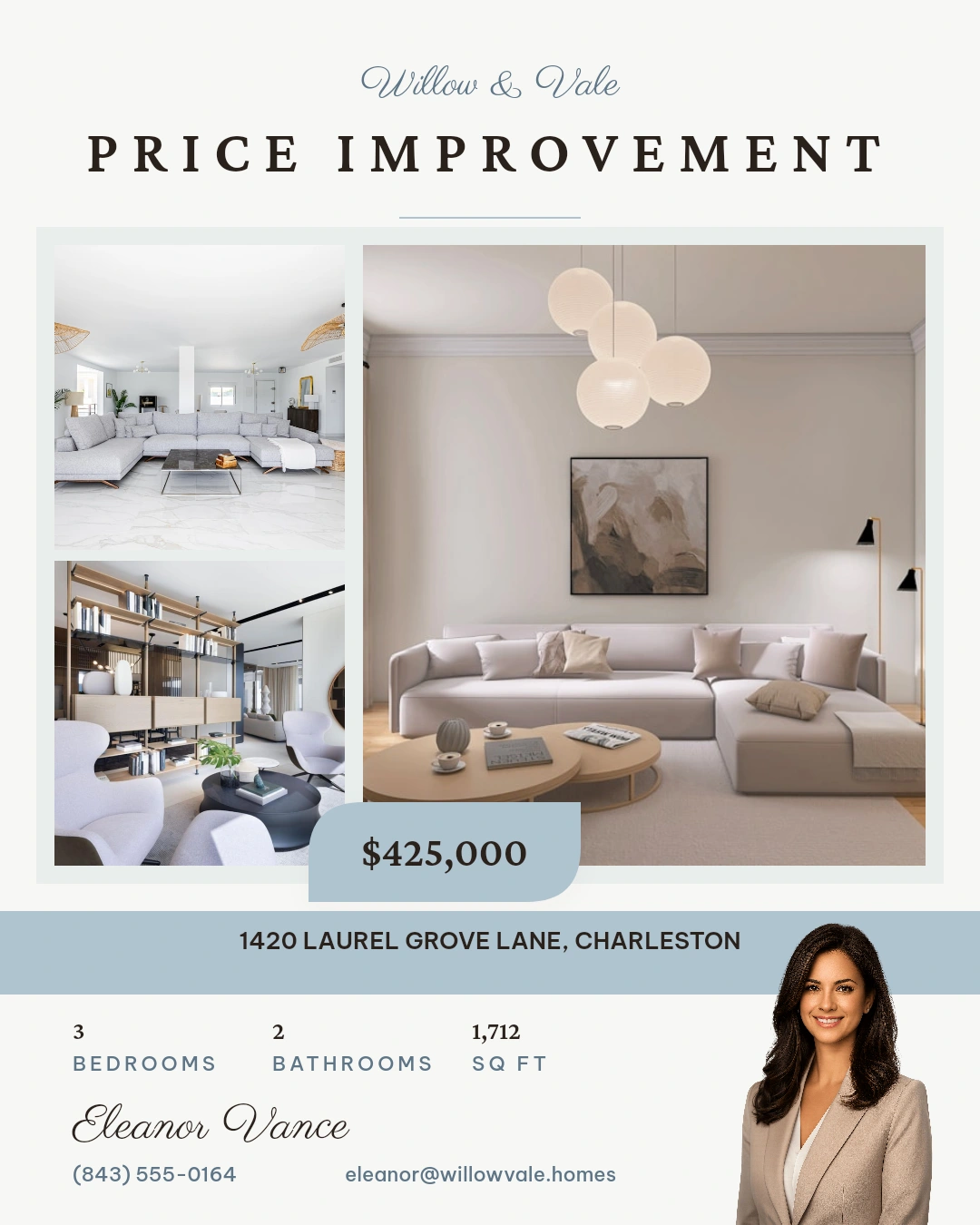
Yes. Beacon Ember, Willow Mist, Bellamy Fig and Laurel Olive are Velisto templates. The previews on this page show them with sample content. Replace the editable text, photos and branding with your own.
Do I need a listing to create a design?
No. Use your own words and images for general marketing, introductions or other content. Listing autofill is optional when you are creating property marketing.
Can I customize a template or start from scratch?
Yes. Customize a system template to create your own editable copy, or start with a blank canvas in Design Studio. You can also save reusable templates for future designs.
Which files can I download?
Supported designs can be exported as PNG, JPG or PDF. Available options depend on the format. Print formats include options for home printing and professional print output with bleed and crop marks.

YOUR NEXT DESIGN STARTS HERE

Something you’re proud
to put your name on.

Start with a template. Finish with something that feels like you.

Template preview

Velisto template · Sample content

See Velisto in action

Demo video coming soon

This space is ready for the Velisto product tour.

Explore how Velisto works