Page posts
Share advice, business news and property updates.
FOR REAL ESTATE AGENTS
Stay part of the conversation with buyer advice, neighborhood stories and listing updates. Create branded content for your Facebook Page and publish alongside your other channels.
CHOOSE YOUR FORMAT
Share advice, business news and property updates.
Bring several rooms or neighborhood details into one post.
Create vertical reels or landscape property videos.
Share a vertical update for an open house or new listing.
A FEED WITH MORE TO SAY
Share useful advice and local stories through the week. When a property is ready, turn its photos and details into the next piece of your marketing.
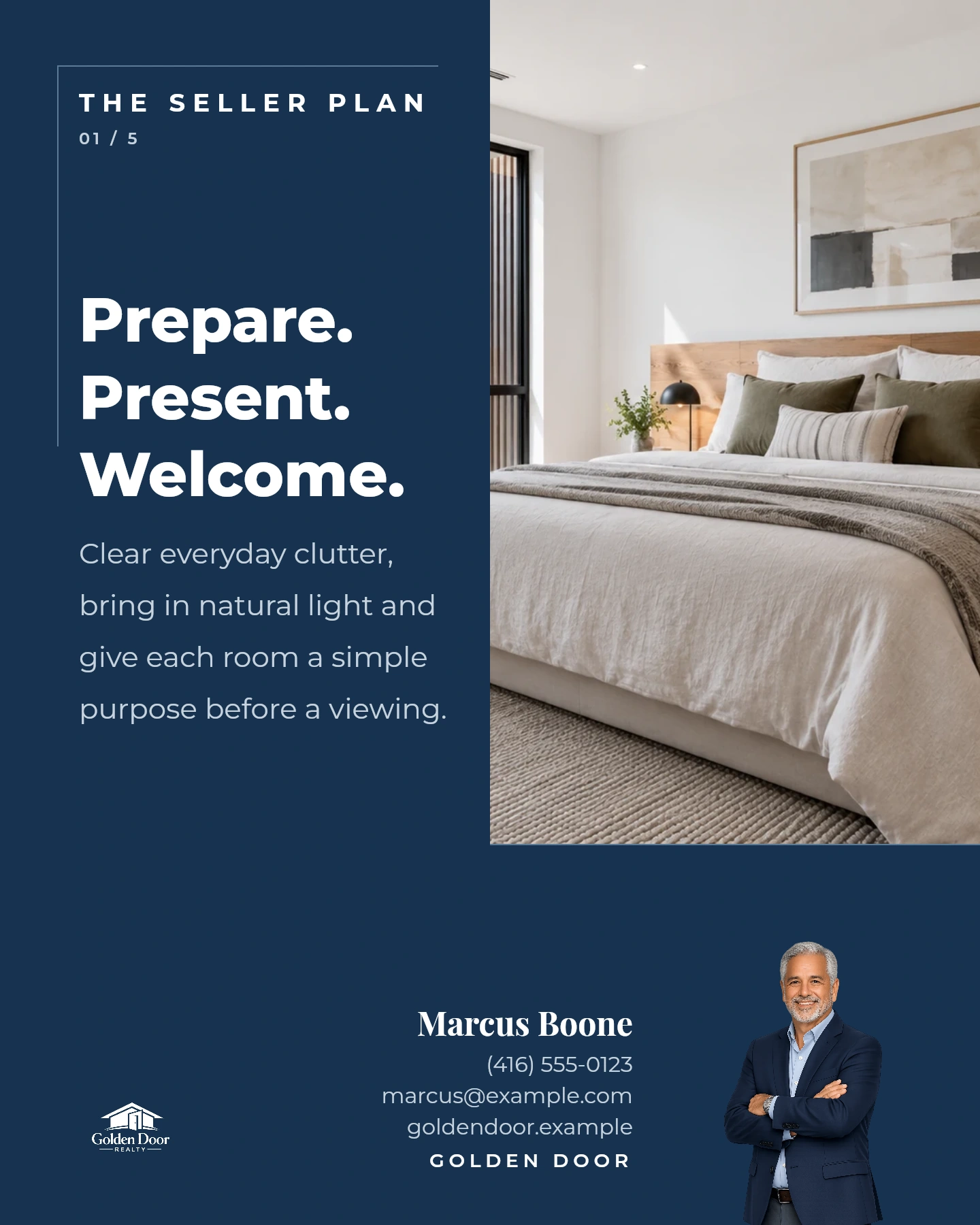
Real Velisto templates with sample content and agent details.
FROM IDEA TO PUBLISHED POST
Start with an idea, your own photos or a saved listing. Use templates and AI assistance to prepare your content.
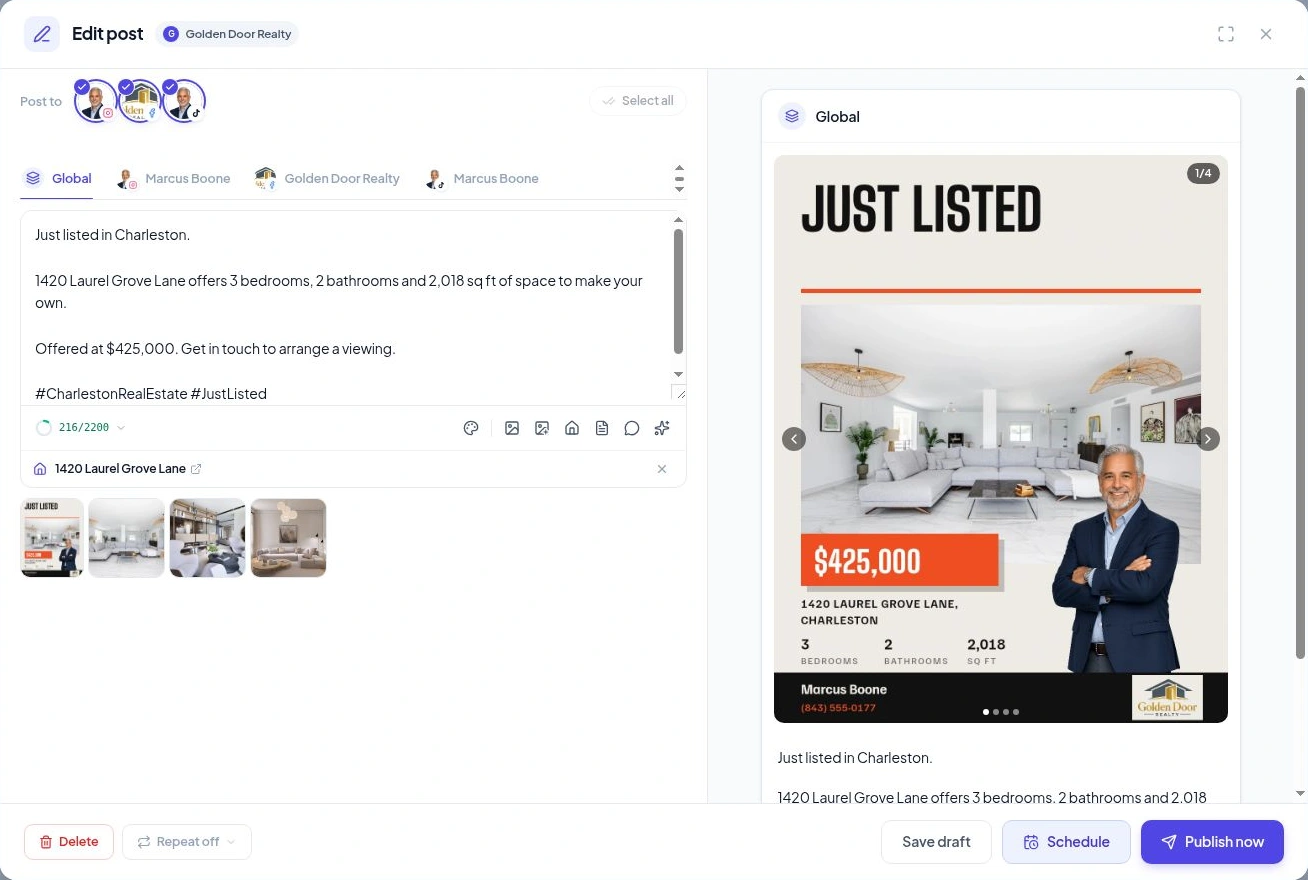
Review the wording and visuals. Add your branding and choose the connected profiles you want to use.
Publish now, keep a draft or schedule ahead. See what is coming up in your content calendar.
LEARN FROM WHAT YOU SHARE
Review the post and channel metrics available for your connected account. Use those observations to shape what you share next.
Explore analyticsCONNECT YOUR ACCOUNT
Use a Facebook account with admin or posting access. Approve the requested access, select your business Page and connect it to the right workspace.
Connection guideYOUR QUESTIONS, ANSWERED
Account requirements, supported content and the details that help you get started.
Visit the FAQ hubYou need admin or posting access to the Page. In Velisto, open Workspace settings → Social profiles, choose Facebook, and approve access to the Pages you want to connect. Follow the Facebook connection guide if a Page is missing.
Velisto publishes to Facebook Pages you manage. Publishing to personal Facebook profiles, Groups, and Marketplace is not supported. Connect your business Page to publish and schedule its content alongside your other channels.
Share buyer and seller advice, neighborhood highlights, local stories, market updates, and business news. Use your own text, photos, and experience to create posts, social graphics, flyers, or videos. Start with a template, make your own design, or get help with ideas and captions. You can build your presence and share your expertise throughout the week, whether or not you have a property to promote.
Yes. Use listing photos or upload your own images—filming is not required. Choose a video template or overlay, arrange the scenes, adjust timing and motion, and add music and branding in the Reels & Video Editor. Create a vertical reel or landscape video and render it as MP4. You can use the finished video on Instagram, Facebook, or TikTok where the format is supported.
Yes. Select connected Instagram, Facebook Page, TikTok, or Threads profiles, choose a format each supports, and tailor the captions and media. This also applies to videos you create for TikTok and want to share elsewhere. Review the content, then publish or schedule it from one workspace, with less repeat uploading and composing in separate apps.
Velisto handles organic content for your Page: creation, publishing, scheduling, and available analytics. Paid campaigns, budgets, and targeting are managed separately in Meta’s advertising tools.
Create your next post, promote a listing, or plan a week of content. Start with what your business needs today.