Social posts
Make the next listing hard to scroll past.
Branded property announcements and everyday posts, ready for your own photos, details and finishing touches.
Explore listing postsFor agents, teams & real estate marketers
Create branded posts, carousels, stories, reels and flyers with your photos, property details and voice. Turn what you know—and what you’re selling—into content worth sharing.
Why we built VelistoA real estate content creation tool produces the posts, graphics, videos and captions an agent shares, using templates and AI built for property marketing rather than for any business. It answers the question most agents face every week: what to post, and how to make it look professional without hiring a designer.
Velisto covers both kinds of real estate content. For listings, it uses the photos, price, bedrooms, bathrooms and description you already have to write captions and fill designs, builds listing campaigns from Coming Soon to Just Sold, and turns property photos into reels with music. For everything else, Plan my content suggests buyer, seller and local topics, Use my own idea turns a single thought into a caption and design, AI images fill the gap when you have no photo, and the Velisto Agent drafts posts from a chat.
200+ Design Studio templates cover posts, carousels, Stories and printable flyers, all filled from your brand kit. AI captions are written in your brand voice, in 14 languages. Edit anything in Content editor or Design editor, download a design as PNG, JPG or PDF, or schedule it to Instagram, Facebook Pages, TikTok and Threads from the same calendar.
MORE WAYS TO SHOW UP
Promote a property, answer a question or share a little local knowledge. Give each message a format that helps it land.
Social posts
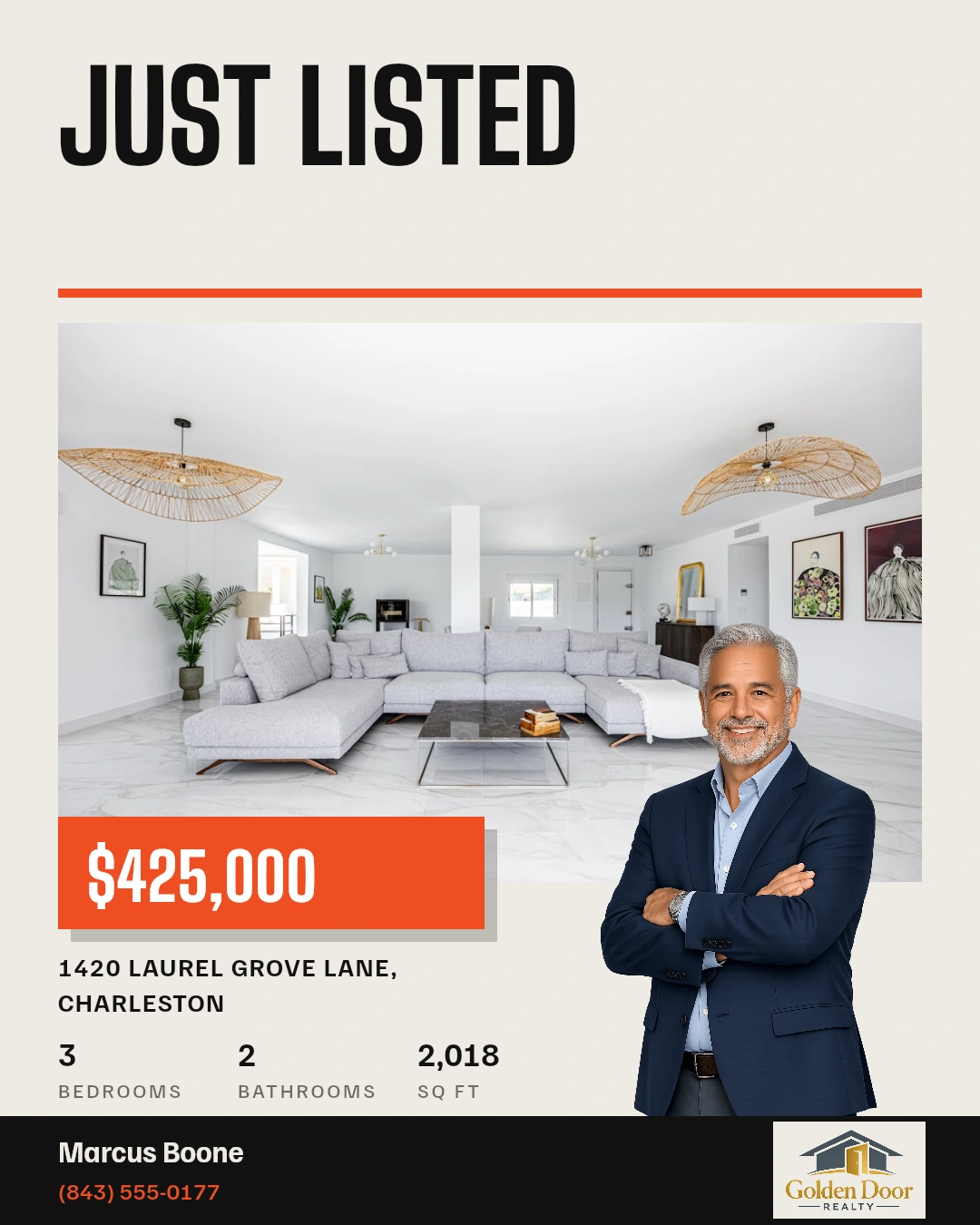
Branded property announcements and everyday posts, ready for your own photos, details and finishing touches.
Explore listing postsAdvice & expertise
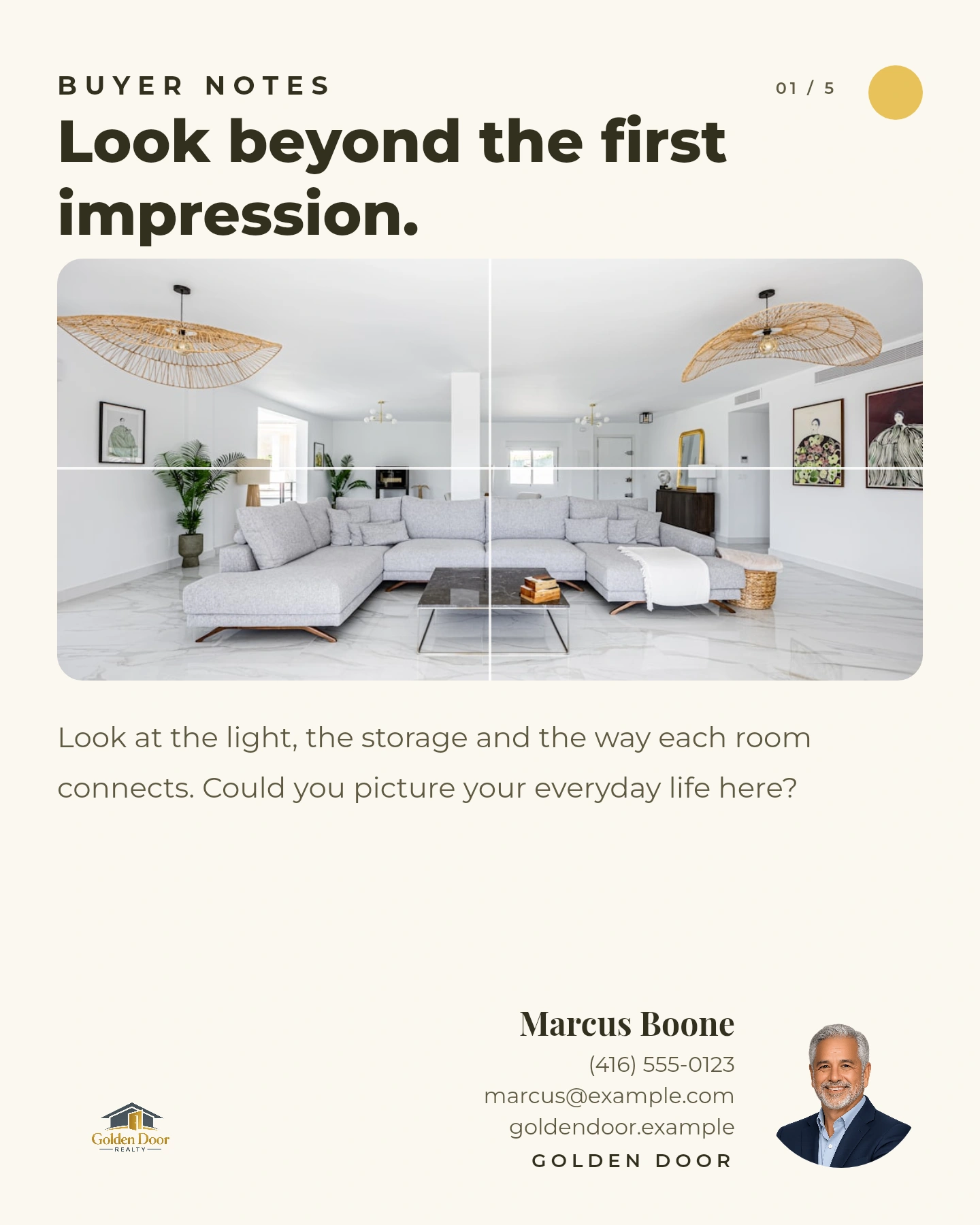
Buyer tips, seller questions and local knowledge. Useful content for the days between new listings.
Explore content planningFlyers & print
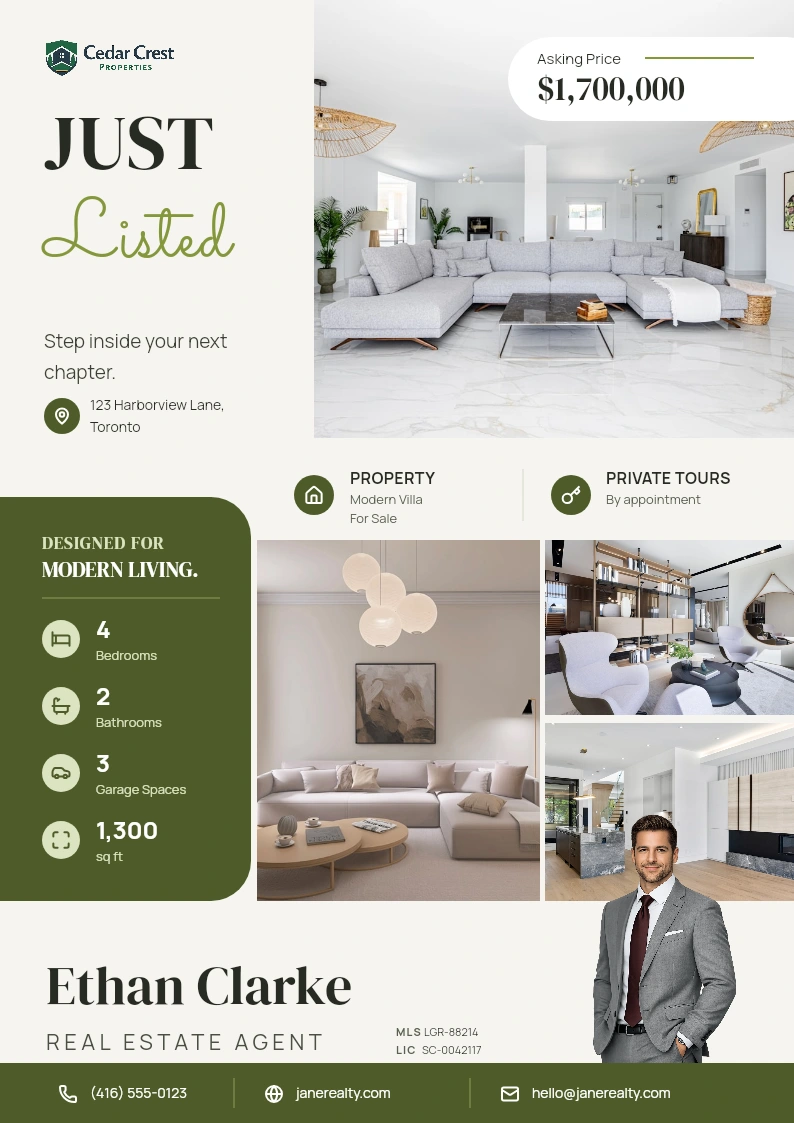
Create property flyers and other print designs. Download supported templates as PDF, PNG or JPG.
Explore graphics & flyersBuild a sequence of tips or property highlights. Choose carousel in Plan my content for supported channels.
Use story templates for new listings, open houses and announcements. Customize the words, photos and branding.
YOU DON’T HAVE TO START FROM ZERO
You might need inspiration, have something specific to say, or have a property to promote. There’s a starting point for each.
01 / YOUR STARTING POINT
Get topic suggestions shaped by your audience, expertise and content goals. Choose a varied mix or a series, add your own topics and pick up to seven dates.
Select the formats for your connected channels. Generated posts appear as Unapproved for your review.
Explore Plan your content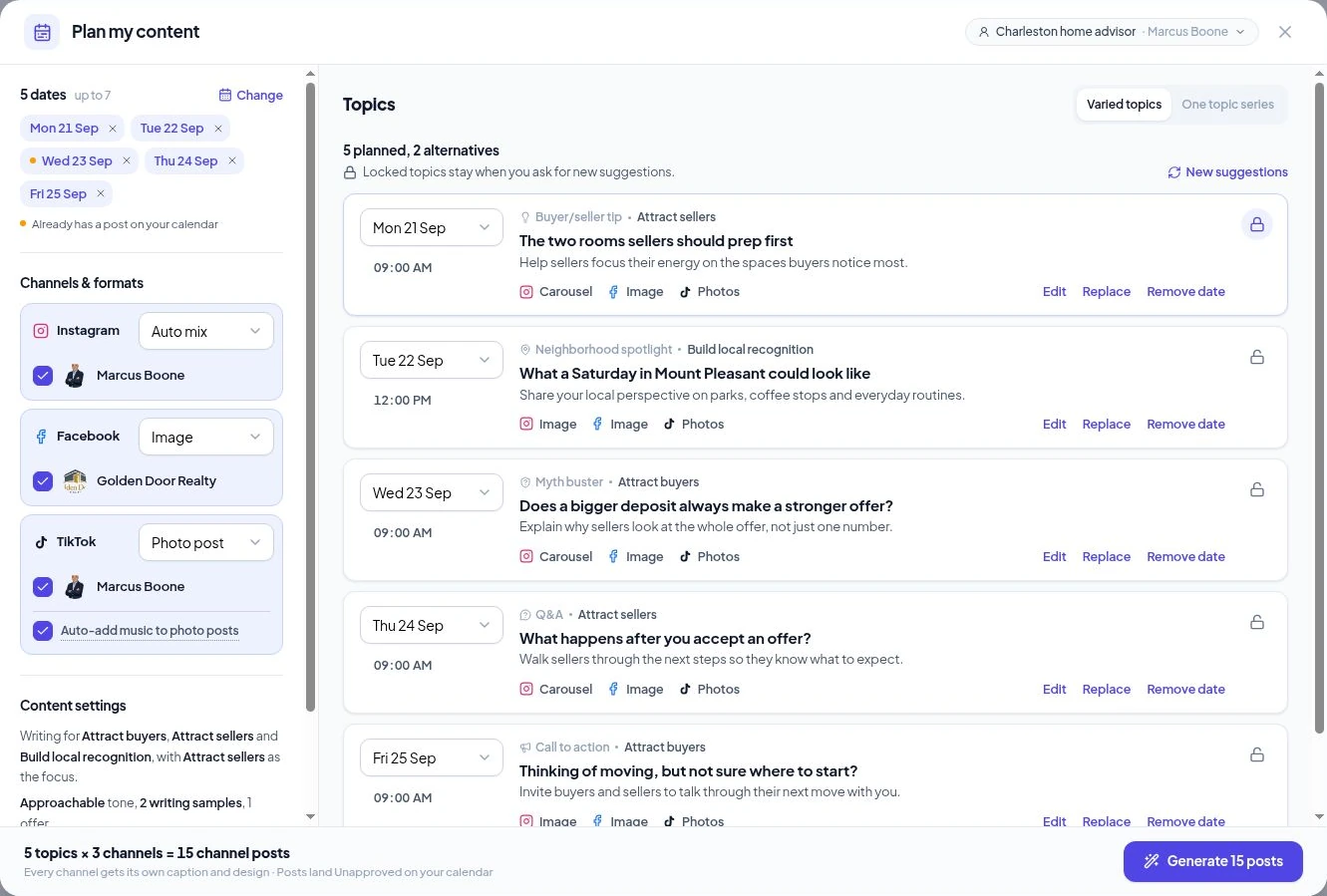
02 / YOUR STARTING POINT
A question from a client. Something you noticed in the neighborhood. A milestone worth sharing. Open Use my own idea and describe the message.
Choose your persona, language and writing style. Generate a caption, a branded image or an optional AI photo, then refine the result in the composer.
Explore creating from an idea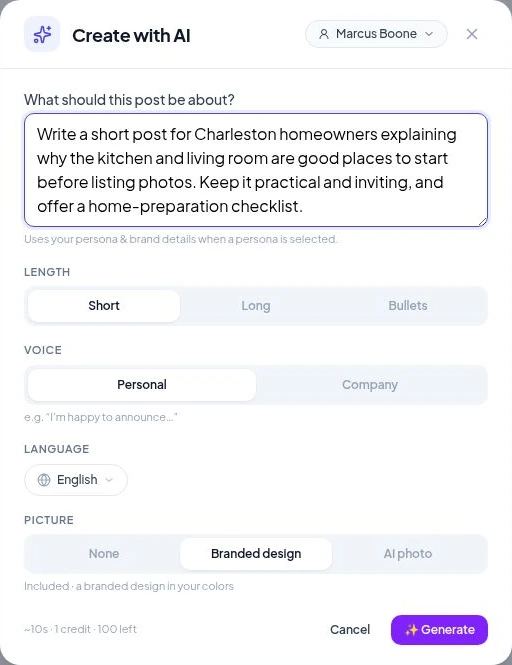
03 / YOUR STARTING POINT
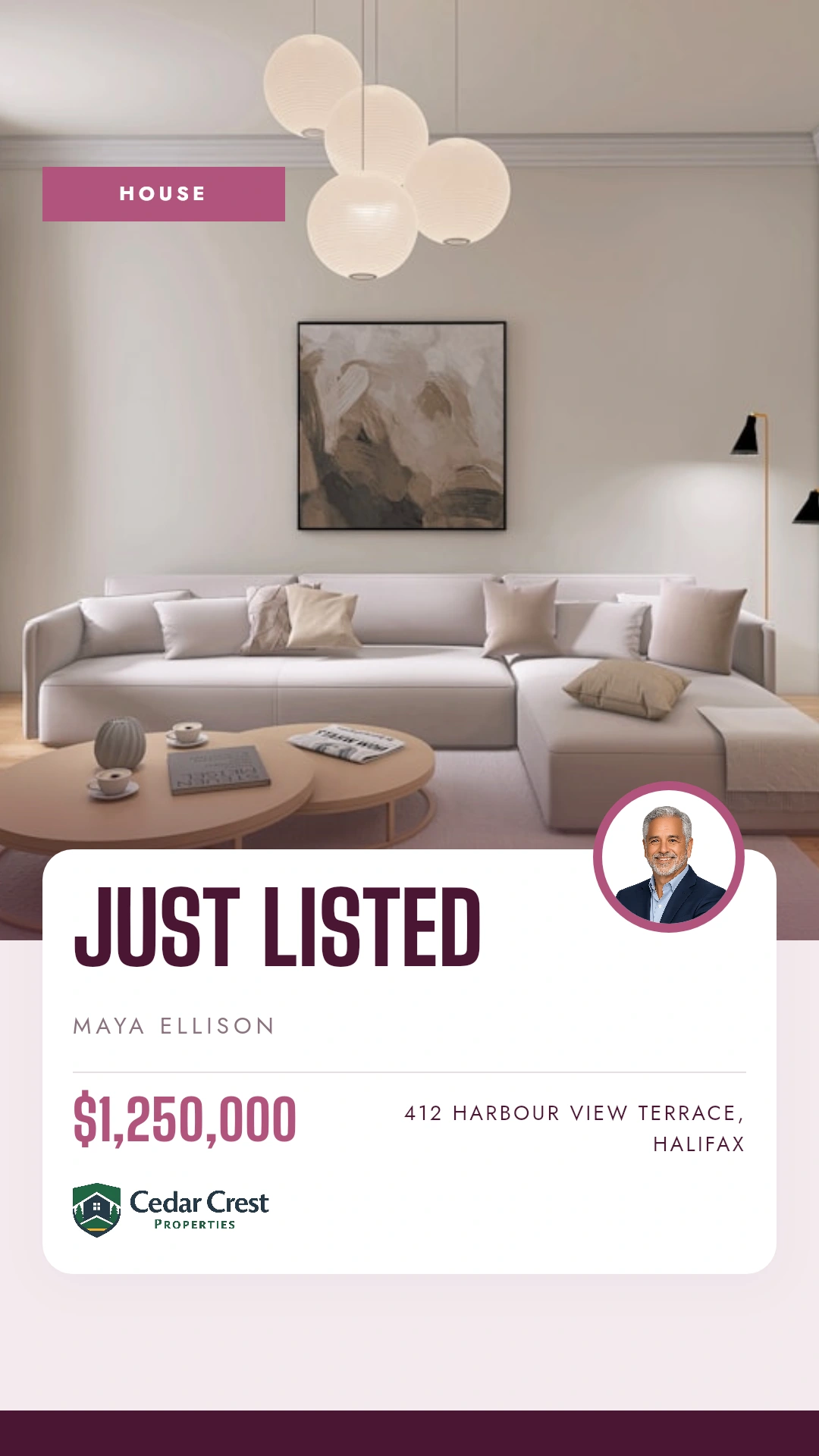
Open Promote a listing and choose Single post or Listing campaign. Create for the next moment: Coming Soon, Just Listed, Open House, Price Drop or Just Sold.
Use your saved property photos and details. Add listings manually, import a CSV or sync them from your Houzez website.
Explore the listing workflow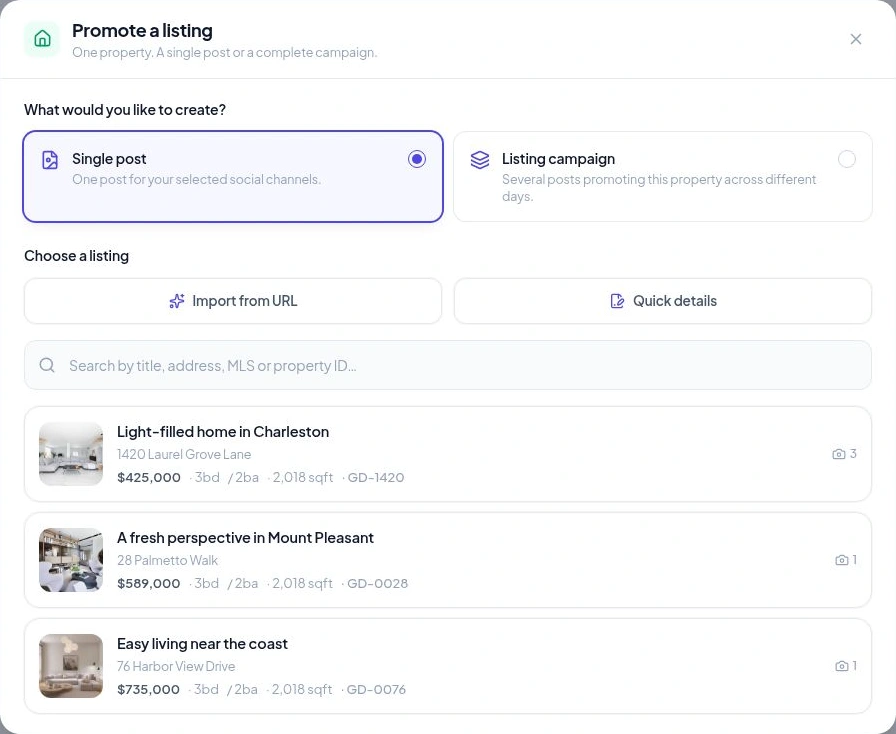
READY-MADE. STILL YOURS TO CHANGE.
A template gets you moving. Your words, photos and brand make the finished piece your own.
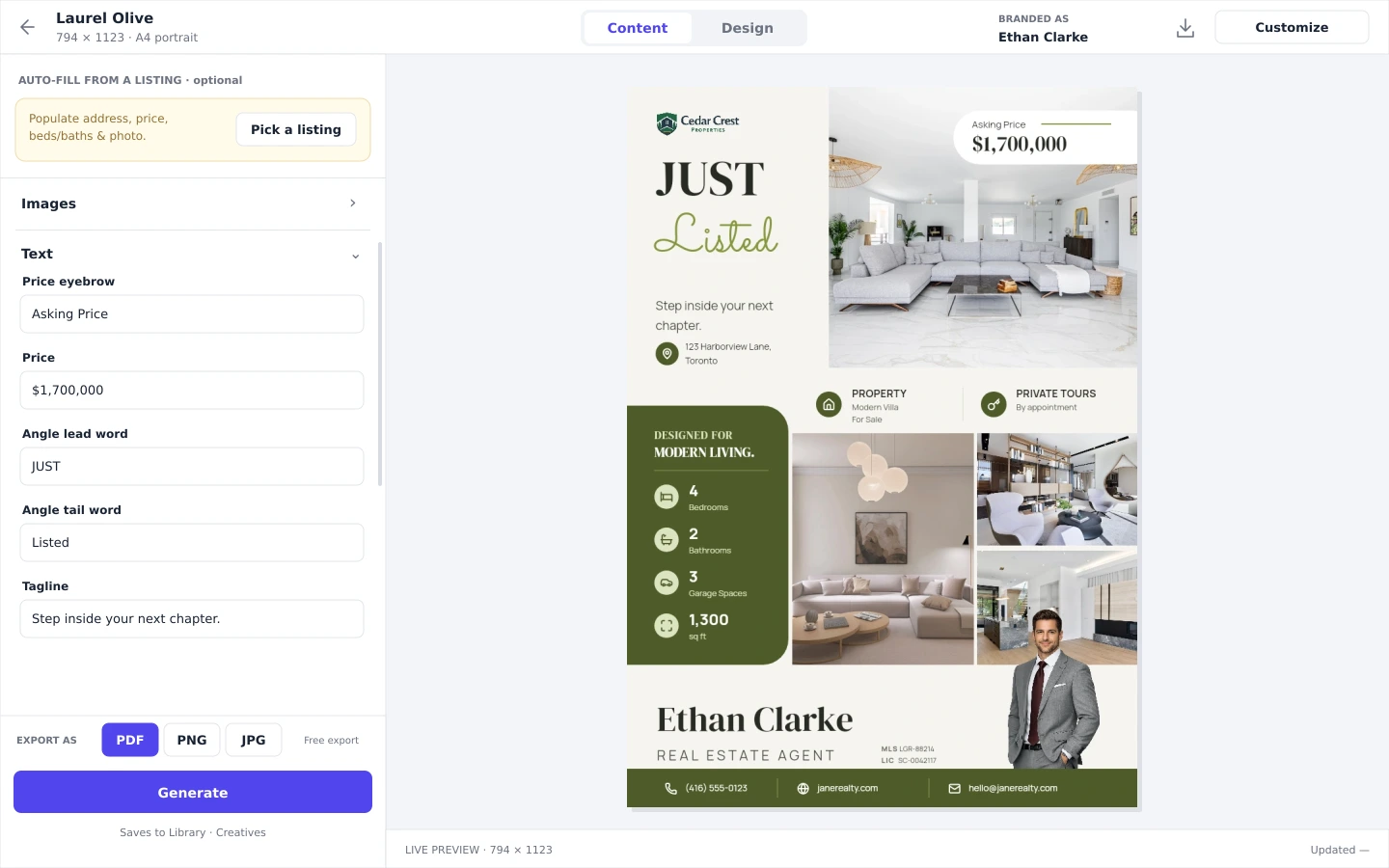
Choose a persona, autofill from a listing when useful, and change the text and images. Preview your design as you work.
Open Design editor when you want more control. Adjust the layout, fonts, colors and elements, or create a reusable template.
Your saved logo, brand colors and agent details give every new piece a familiar starting point.
The words matter as much as the design. Use your persona, writing preferences and language to guide AI captions. Add the facts and local insight only you know, then review before sharing.
YOUR PHOTOS HAVE ANOTHER STORY TO TELL
Create a vertical reel or a landscape video from listing photos or images in your media library. Choose an overlay, arrange the scenes and add motion and music.
Photo-based video creation · Video allowances vary by plan
CREATED. REVIEWED. READY.
Choose what happens next: a file for a showing, a post for today or content prepared ahead of a busy week.
Review captions, media and accounts in the composer. Publish now, schedule for later or keep a draft.
Explore social schedulingWork with your own agent identity, shared team branding or a separate workspace for each agency client.
Compare plans for your businessPublish to Instagram professional accounts, Facebook Pages, TikTok and Threads. Formats vary by channel. See supported formats
Hootsuite, Buffer and Later publish content made somewhere else. Velisto makes it: captions, designs, video and listing campaigns.
| Velisto | Hootsuite | Buffer | Later | |
|---|---|---|---|---|
| Starts from | A listing, a suggested topic or your own idea | Finished content | Finished content | Finished content |
| AI captions | In your brand voice, 14 languages | AI assistance | AI Assistant | AI credits |
| Designs | 200+ real estate templates, two editors, print flyers | Brought in from elsewhere | Brought in from elsewhere | Brought in from elsewhere |
| Video | Reels and landscape videos from photos, with music | Publishing only | Publishing only | Publishing only |
| Knows your listings | Yes: photos, price, beds, baths, campaigns | No | No | No |
| Starting price | $59/mo | $99/user/mo, billed yearly | Free; $6/mo per channel | $18.75/mo, billed yearly |
Prices checked September 24, 2026, on each vendor’s pricing page; confirm before you buy. Buffer suits cheap publishing to more networks; Hootsuite suits teams where a second person must approve posts. Read the full scheduler comparison and tools comparison.
YOUR QUESTIONS, ANSWERED
The practical details about creating with Velisto.
Visit the FAQ hubSTART WITH ONE PIECE OF CONTENT
Try Velisto with your own photos, branding and expertise.